
Unfollowers
How to Find Someone's Instagram: Username, Name, and Phone
Learn how to find someone's instagram by username, name or contact sync, confirm the right public profile, and respect privacy limits.
Nov 16, 2026

Learn how to recover deleted Instagram posts from Recently Deleted, including the 30-day window and when restoring is no longer possible.
Deleted posts, photos, videos, and Reels can be restored for 30 days, and Stories that were never saved to the Stories Archive may be recoverable for only up to 24 hours. Both land in Recently Deleted inside the Instagram app, and you restore them there before that clock ends.
Why do so many recovery attempts fail when the post is still on a timer? People treat every missing post as one kind of loss. It isn't. You may have deleted it, Instagram may have removed it, or someone else with access to the account may have taken it down. Each case needs its own route, and none of them starts with a public profile lookup.
Did you delete the post yourself, find it missing after Instagram removed it, or discover that someone with access to your account deleted it? For a post you deleted, start with Instagram's phone app. Instagram's recovery instructions describes the Recently Deleted recovery path for Android and iPhone. An outside tool cannot restore a post from your account.
If you keep original files on a phone or computer, check for a saved copy while following Instagram’s recovery steps.
Use the phone app for this process. Instagram documents Recently Deleted for its mobile apps, so a desktop session may not show the same recovery option.
If someone else with account access deleted the post, check whether it appears in Recently Deleted and follow the available prompts. For content Instagram removed, use the removal notice and available review options instead. If it is not there, this restore path cannot bring it back. An archived post was hidden rather than deleted, so return it to your profile through the Archive controls.
Instagram's recovery clock starts when content is deleted, not when you notice it is missing. That distinction matters most when different items have different deadlines: decide what to recover by the earliest deadline, then act on that item first.
| Content | Recoverable window | Where it goes | What to do |
|---|---|---|---|
| Deleted posts, videos and Reels | 30 days after deletion | Recently Deleted | Restore before the window ends |
| Deleted Stories not in Stories Archive | Up to 24 hours | Recently Deleted | Check immediately |
| Stories deleted from Stories Archive | 30 days after deletion | Recently Deleted | Restore before the window ends |
| Archived content you have not deleted | Not a Recently Deleted recovery window | Archive | Check Archive rather than the deletion folder |
| A copy on your own device | Depends on whether you saved one | Phone or computer | Check your own files if Instagram's recovery window has passed |
A Story deleted without being saved to Stories Archive has a shorter recovery window than a post or Reel. If you have several missing items, sort them by deadline rather than by the order you noticed them. The earliest deadline decides the action. A Story deleted recently takes priority over a post with more time remaining.
If the recovery window has passed, look for another copy rather than repeatedly checking Recently Deleted. Check your device, and consider downloading your Instagram data for a separate record you control. The guide to downloading Instagram data explains how to request that export. An export is a copy of account data, not a way to make Instagram restore a deleted post.
The next step depends on what happened. If you deleted the post yourself, use Instagram's recovery route while the item is still eligible. If Instagram removed it, review the notice and any available appeal option in the app. If someone else had access to your account and deleted it, treat the missing post as a possible account-security issue as well as a recovery request.
A simple way to keep the timing clear is to note when each item disappeared and what kind of content it was. That gives you a starting point for deciding whether to recover it through Instagram, look for an archived copy, or search your own files. Menu wording can vary, so follow the content type and the options shown in your app.
Should you hide a post for now, or start the deletion process? Archive it to remove it from your profile grid while keeping the option to show it there again. Delete it only when you want to remove it and begin the Recently Deleted recovery period. That choice matters in each of the three situations: you deleted the post yourself, Instagram removed it, or someone with access to your account deleted it. The right route depends on what happened, but an archive is not a substitute for recovering a deleted post.
If you want to keep the image or video outside Instagram, save a copy while the content is still publicly available. A downloader can save currently accessible media, but it cannot restore a post that Instagram has deleted or recover private account information. See which Instagram downloader supports Stories, Reels, and posts for details on what a public-media download can retain.
For a post that has disappeared, check your Instagram Archive by year before assuming you deleted it. If you deliberately removed it, look for it in Recently Deleted instead. An Instagram removal calls for checking in-app notifications and following any appeal instructions. If someone else had account access, securing that access is a separate step from choosing to archive a post.
When a post is still on your profile and you are deciding what to do, use this rule: archive to hide it; delete to start the recovery clock. This keeps a temporary profile change from becoming a deletion you may need to undo.
What happened to the post determines the next step. If you deleted it, check whether Instagram still holds it in Recently Deleted. If Instagram removed it, look for a notice and follow the appeal route. If someone else with account access deleted it, treat that as an account-security issue as well as a recovery attempt. If you have lost access or suspect a takeover, use Instagram’s official account-recovery options.
| Situation | What to check | Next step |
|---|---|---|
| You deleted the post | Recently Deleted | If the post is still there, select it and follow Instagram's restore prompts |
| Instagram removed the post | In-app notifications and Help Center | Read the notice and follow the appeal path on help.instagram.com |
| Someone else with access deleted it | Account security and logins | Recover access if needed, secure the account, then check Recently Deleted |
For a post you deleted yourself, Recently Deleted is the place to see whether Instagram still offers a restore option. Follow the in-app prompts to confirm the action. A missing post may also be in Archive, where it is hidden from your profile rather than deleted. If it is there, use the archive controls to show it on your profile again.
If Instagram removed the content, open your notifications and read the removal notice. Follow the appeal instructions provided there or in the Help Center. Menu names can vary by app version, so use the notice itself to identify the relevant option.
If another person with account access deleted the post, first consider whether you can still sign in and whether you recognize the account's login activity. Use Instagram's hacked-account recovery if you have lost access or suspect a takeover. Once access is secure, check Recently Deleted for the post and follow Instagram's restore prompts if it remains available.
If you did not delete the post, locking the account comes before the folder. When you cannot sign in, or you suspect someone else changed the account, use Instagram's official hacked-account recovery on its Help Center. Signing in through a random "recovery" site does not replace that path.
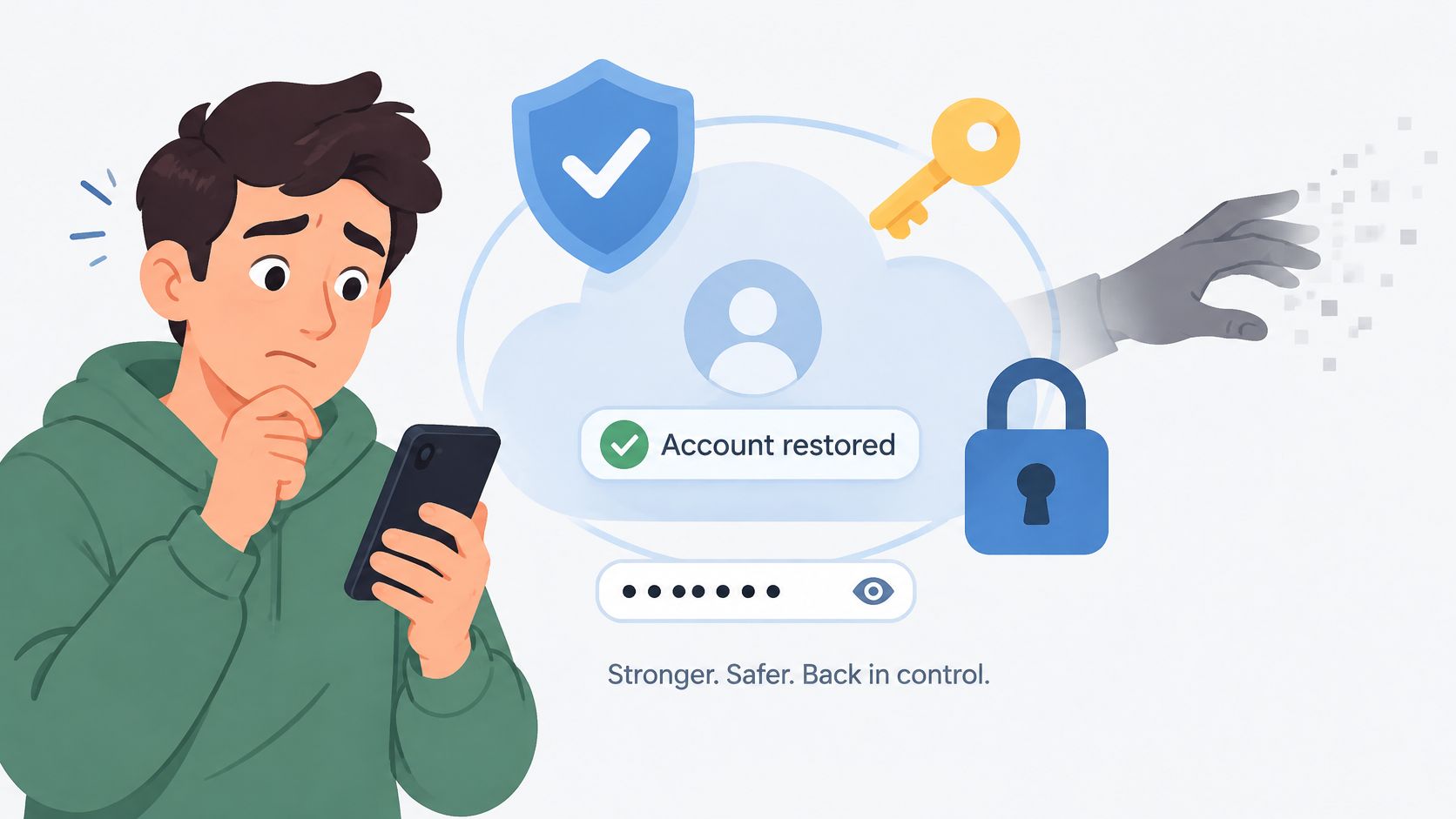
Once you can sign in, change the password. Open the security or login-activity area, which varies by app version, and remove any device or app you do not recognize. Then check Recently Deleted and restore the post if it is still available.
Instagram's announcement of the folder explains why restore and permanent delete both require account-holder verification. The folder can bring content back or erase it for good, so Instagram asks you to confirm you are the rightful holder before either action. A third-party service cannot bypass that check. Do not type your Instagram password into apps or sites that promise deleted posts, and do not keep retrying them.
Unfollowers Track only analyzes public profile data and never asks for an Instagram password. Private account information and direct messages are not accessed. Those lookups cannot show deleted or account-owner-only content, so they are not a substitute for the in-app folder.
What happens to likes and comments when a post is restored? Instagram returns the post to your account, but check the restored post itself to confirm what is visible. If details are missing, use Instagram's help options rather than a third-party recovery service.
What if Instagram removed the post? Check the account's notifications or Account Status for information about the removal and any option to request a review. That route is different from recovering a post you deleted yourself: the Recently Deleted folder cannot reverse Instagram's decision.
Can I restore a post after 30 days? Recently Deleted automatically removes eligible posts after 30 days. A copy saved on your device may let you upload it again, but that is not restoration of the original post.
Can Recently Deleted restore my chats? No. Instagram’s recovery instructions explicitly say deleted messages cannot be restored.
Deleted chats have different limitations. For guidance, see how to see deleted messages on Instagram. Unfollowers Track analyzes public Instagram data, so it cannot access private account information or restore posts. If you also need to check public follower changes since a previous scan, it compares public follower lists between scans.
About the author
We are the team that builds and runs Unfollowers Track, a scan-based Instagram tracker. Everything we publish is checked against how the product actually works: scans analyze public profile data only, changes show up by comparing one scan against the next, and we never ask for your Instagram password. Unfollowers Track is owned and operated by NaviStack LLC. Learn more about Unfollowers Track, read how we test and verify claims, or contact us with questions or corrections.
Unfollowers Track
Start with a free preview of who doesn't follow you back. Ongoing tracking then compares each completed scan with the last one, so you can see who unfollowed you in between.
Unfollowers
Learn how to find someone's instagram by username, name or contact sync, confirm the right public profile, and respect privacy limits.
Nov 16, 2026
Unfollowers
How to clear Instagram search history on iPhone or Android, plus how to view it and what clearing does not remove.
Nov 9, 2026

Unfollowers
Instagram won't tell you who unfollowed you. These four checks will, without giving any app your password, and each one has a limit you should know first.
Jul 3, 2026
Unfollowers
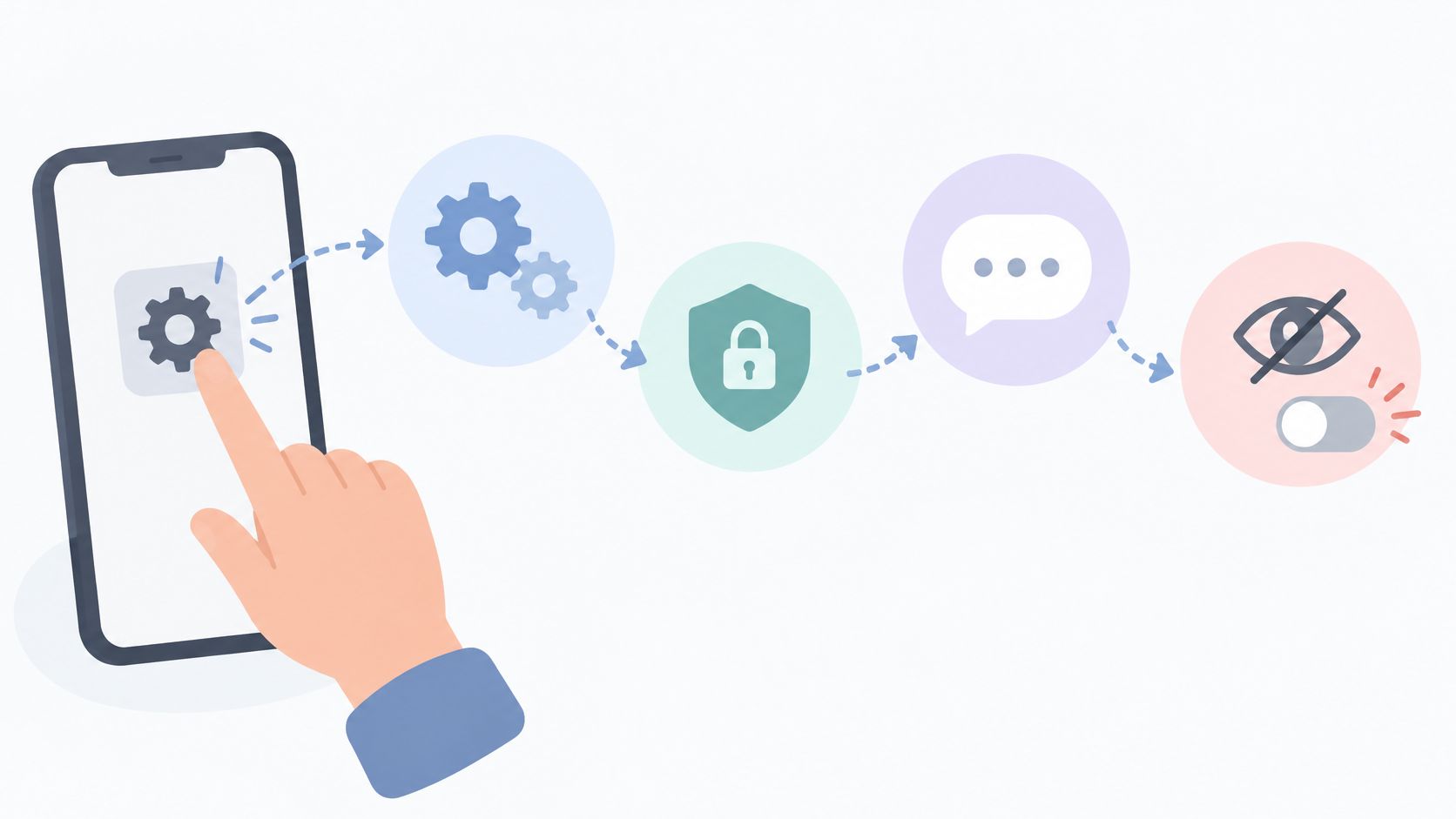
How to turn off read receipts on Instagram for all chats or one chat. Mobile steps, what the sender still sees, and why menus can differ.
Nov 2, 2026