
Unfollowers
How to Find Someone's Instagram: Username, Name, and Phone
Learn how to find someone's instagram by username, name or contact sync, confirm the right public profile, and respect privacy limits.
Nov 16, 2026
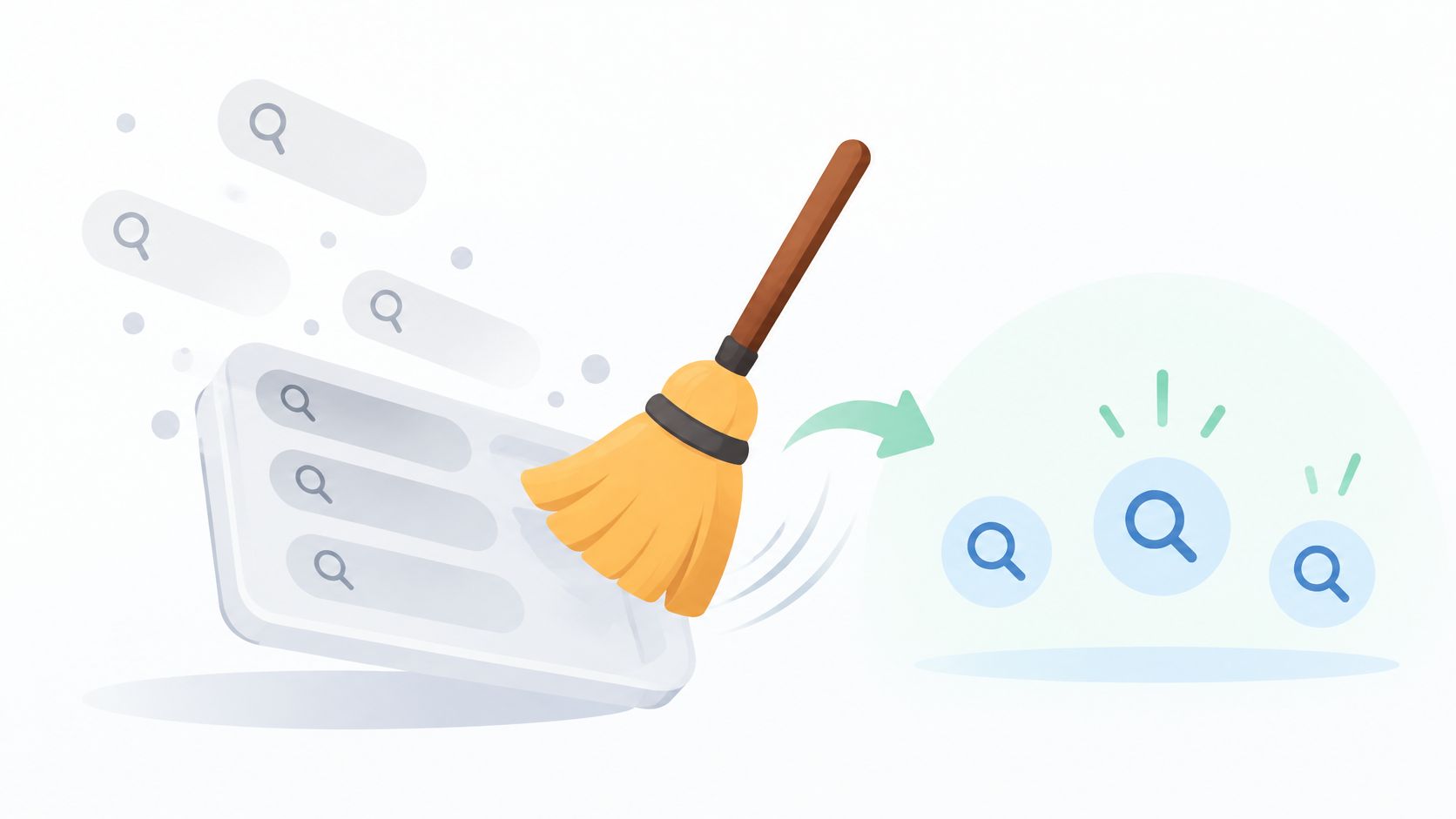
How to clear Instagram search history on iPhone or Android, plus how to view it and what clearing does not remove.
To clear Instagram search history, open the Search tab, tap the search bar so Recent appears, and use Clear all or remove individual entries. Clearing changes the visible list, and a repeated search can show up again.
Why might an account still appear after the list has been cleared? The important distinction is between recent searches and suggestions, which aren't the same thing.
Start with the Recent list when the goal is to delete searches displayed on the phone. Use an individual entry's removal control for a selective cleanup, or Clear all when nothing in the displayed list needs to stay.
Menus vary by app version and rollout, so these controls may not appear in the same position on every phone. If the Search list doesn't offer a clearing control, Instagram's official search-history instructions also describe the account-level route: profile menu, Accounts Center or Meta Account, Your information and permissions, then Search history, with the relevant Instagram account selected.
Removing everything isn't necessary when only a particular item needs attention. Review the list before tapping the broader control, especially if the saved entries help locate accounts or topics regularly.
Practical rule: Choose the smallest cleanup that matches the goal. A single unwanted entry doesn't require deleting the whole list.
Where each Instagram search-clearing option lives
| Option | Where to find it | What it removes |
|---|---|---|
| Remove one search | Search tab, Recent list, Remove control beside the entry | That single entry only |
| Clear all | Search tab, Recent list, Clear all control | Every entry in the displayed Recent list |
| Accounts Center search history | Profile menu, Accounts Center or Meta Account, Your information and permissions, Search history | Search entries for the selected account, where the setting is available |
| Your Activity | Instagram's Your Activity area, while logged in | Recently searched items shown in that area |
The Recent list is the direct place to see the searches displayed in Search. The Accounts Center route provides an account-selected view, which is useful when more than one Instagram profile is available.
Instagram also identifies Your Activity as a place to review and clear recently searched items, alongside account history and recently visited links. Access requires being logged into the account, according to Instagram's Your Activity guidance.
The decision is straightforward: use individual removal for a particular item, Clear all for the displayed list, Accounts Center when Search lacks a clearing control, and Your Activity when reviewing searches alongside other activity.
A broader information export serves a different purpose from checking Recent. Instagram allows an account-information export through Accounts Center, with a selected profile, information categories, and date range, but an export shouldn't be treated as the quickest route to a tidy search list.
Seeing the account's records and removing visible recent searches are different tasks. Choose the control that matches the task rather than requesting an export just to clear Search.
Clearing isn't a block on future searches. Instagram's official guidance on clearing search history says a deleted search can reappear after the same item is searched again.
The list can include hashtags, accounts, audio, tags, and places, not just profile names. Clearing changes what the recent-search list displays, not every internal signal Instagram uses for recommendations, ranking, or personalization, so suggestions may still appear afterward.
Hypothetical example: Someone searches a hashtag on Monday, clears Recent on Tuesday, and searches that hashtag again on Wednesday. The hashtag can appear in Recent on Wednesday because the person searched it again, not because the earlier cleanup necessarily failed.
That distinction helps when checking the result. Reopening the search bar allows inspection of the list; typing the deleted term again creates a different situation.
For a broader review of account records, the guide to downloading Instagram data explains the separate export process. It's a records-management step, rather than another search-clearing button.
The useful boundary is the displayed list: remove selected entries for a focused cleanup, or clear the list for a fresh starting point.
A missing Clear all button calls for an alternative route, not an assumption that the account's history can't be managed. First identify which control is missing, then choose an available option.
Search history symptoms, causes and fixes
| Symptom | Likely cause | Fix |
|---|---|---|
| No Clear all button in Recent | The control isn't shown in the current app version or rollout | Check for an Instagram update, then use individual removal where available |
| Accounts Center search history missing | The setting isn't available to every account yet | Use the Recent list controls instead |
| Your Activity isn't accessible | The account may not be logged in | Confirm the account login, then look for Your Activity again |
Not finding Your Activity doesn't, by itself, prove a login problem. Confirming the active account is a useful check, but menu placement can also differ.
If the menu still differs, follow the labels shown in the app and consult Instagram's current help guidance before treating the mismatch as a bug. Don't keep switching accounts or deleting unrelated activity in search of the same button.
When checking an entry that has returned, establish whether it was searched again before repeating the cleanup.
Can Instagram search history be cleared on a computer?
Yes. Instagram's web interface supports opening Search, removing individual entries, or selecting Clear all beside Recent. The displayed list can then be checked for the intended result.
Does clearing search history require a password or another app?
Clearing happens inside the logged-in Instagram account; no third-party app is needed. If the account isn't already logged in, access should be restored through Instagram itself rather than sharing credentials with another service.
Can someone else's Instagram search history be viewed?
Instagram's account activity controls require access to the logged-in account. Public-profile tools don't expose another person's Recent searches.
For readers concerned about public visibility rather than search entries, making an Instagram account private addresses a separate privacy decision.
Reopen Search and confirm that Recent contains only the entries intended to remain. If a different account's history needs attention, select that account before making further changes.
Someone whose only goal was tidying their own search list is finished. Comparing a public profile's follower relationships is a separate task from managing private account activity.
For public lookups, Unfollowers Track accepts a public username, has no Instagram password field, and doesn't log in to or connect to the Instagram account. Full results or monitoring may require a product account or paid plan.
For a separate follower-checking task, Unfollowers Track compares public follower-list snapshots between scans to identify who left and can show one-way follows. Visit it to review those public relationships, not search history; anyone who only needed their own Recent list cleared can stop here.
About the author
We are the team that builds and runs Unfollowers Track, a scan-based Instagram tracker. Everything we publish is checked against how the product actually works: scans analyze public profile data only, changes show up by comparing one scan against the next, and we never ask for your Instagram password. Unfollowers Track is owned and operated by NaviStack LLC. Learn more about Unfollowers Track, read how we test and verify claims, or contact us with questions or corrections.
Unfollowers Track
Start with a free preview of who doesn't follow you back. Ongoing tracking then compares each completed scan with the last one, so you can see who unfollowed you in between.
Unfollowers
Learn how to find someone's instagram by username, name or contact sync, confirm the right public profile, and respect privacy limits.
Nov 16, 2026

Unfollowers
How to turn off read receipts on Instagram for all chats or one chat. Mobile steps, what the sender still sees, and why menus can differ.
Nov 2, 2026

Unfollowers
Instagram won't tell you who unfollowed you. These four checks will, without giving any app your password, and each one has a limit you should know first.
Jul 3, 2026
Unfollowers
What does follow back mean on Instagram? Learn the definition, the Follow Back button, etiquette tips, and how to check who doesn't follow you back.
Oct 23, 2026