Exports & data
How to Download Instagram Data the Official Way
Learn how to download Instagram data using Meta's official export tool. Step-by-step guide covering formats, timing, and verifying your downloaded archive.
Oct 24, 2026
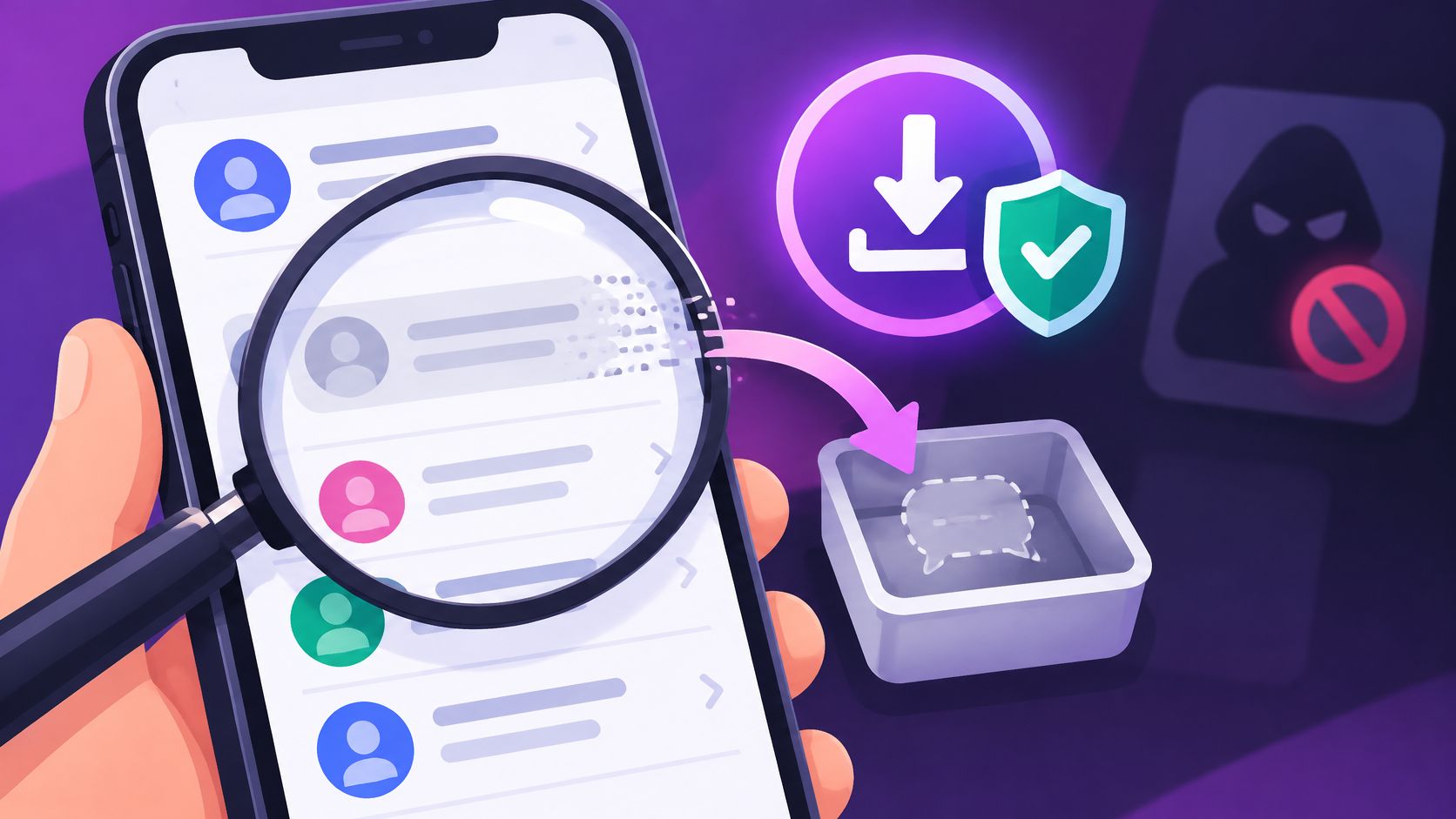
How to see deleted messages on Instagram. Unsent or deleted DMs usually stay gone, and a data download only includes messages Instagram still has.
Instagram's Help Center says deleted messages can't be restored, and its data download leaves out messages you've deleted or unsent. Download Your Information includes only messages that still exist on the account, not a complete history of everything ever sent.
The useful starting point for understanding how to see deleted messages on Instagram is identifying what happened: someone unsent a message, removed a message for themselves, or deleted an entire conversation. An account owner can also learn how to request an Instagram data download, but the action used determines whether a copy remains available.
Deleting a chat and unsending a message have different effects. One changes an account owner's inbox; the other removes the message from the conversation for everyone.
Instagram's message-deletion guidance explains that unsent messages become invisible to everyone in the chat, although recipients may already have read them. It also notes that your data download doesn't include messages you've unsent, and Instagram's guide to removing a message says the same for messages you've deleted.
| Action | Who can still see it | In your data download | In-app recovery |
|---|---|---|---|
| Unsend the message | Hidden from everyone in the chat afterward; a recipient may already have read it | No | No; Instagram says deleted messages can't be restored |
| Delete one message for you | Other participants keep their copy | No, once deleted from the account | No; Instagram says deleted messages can't be restored |
| Delete the whole chat | The chat stays in other participants' inboxes | Messages deleted from the account aren't included | No documented chat-restore option |
| Recently Deleted | Holds deleted posts, reels, videos and stories, visible only to you | Not applicable | Posts, reels, videos and stories for 30 days (stories not in your archive: up to 24 hours); not messages |
A hypothetical example makes the distinction clearer. If an account owner deletes a conversation about a delivery address, another participant may still be able to read that address in their own inbox. If the sender unsends the address instead, the message is no longer visible in that conversation.
Neither action should be confused with changing contact boundaries. The comparison of restricting versus blocking on Instagram addresses a separate decision, not a method for recovering text.
Practical rule: Identify the deletion action to understand whether another participant may still have a copy.
Menu names vary by app version, so a familiar-looking label shouldn't be treated as proof that a recovery option exists. The result depends on who acted, which action they used, and whether Instagram still retains an accessible copy for the account.
Instagram's current recovery instructions explicitly say deleted messages cannot be restored. Recently Deleted is a recovery area for eligible photos, videos, reels and stories—not a deleted-chat inbox.
The 30-day retention period for eligible content and the shorter window for unarchived Stories therefore do not give you a DM recovery window. Checking that list will not bring a deleted conversation back.
Only the account owner can request the export, and the resulting files should stay on a device that person controls. Use the download to save messages that still exist; it cannot restore messages Instagram excludes.
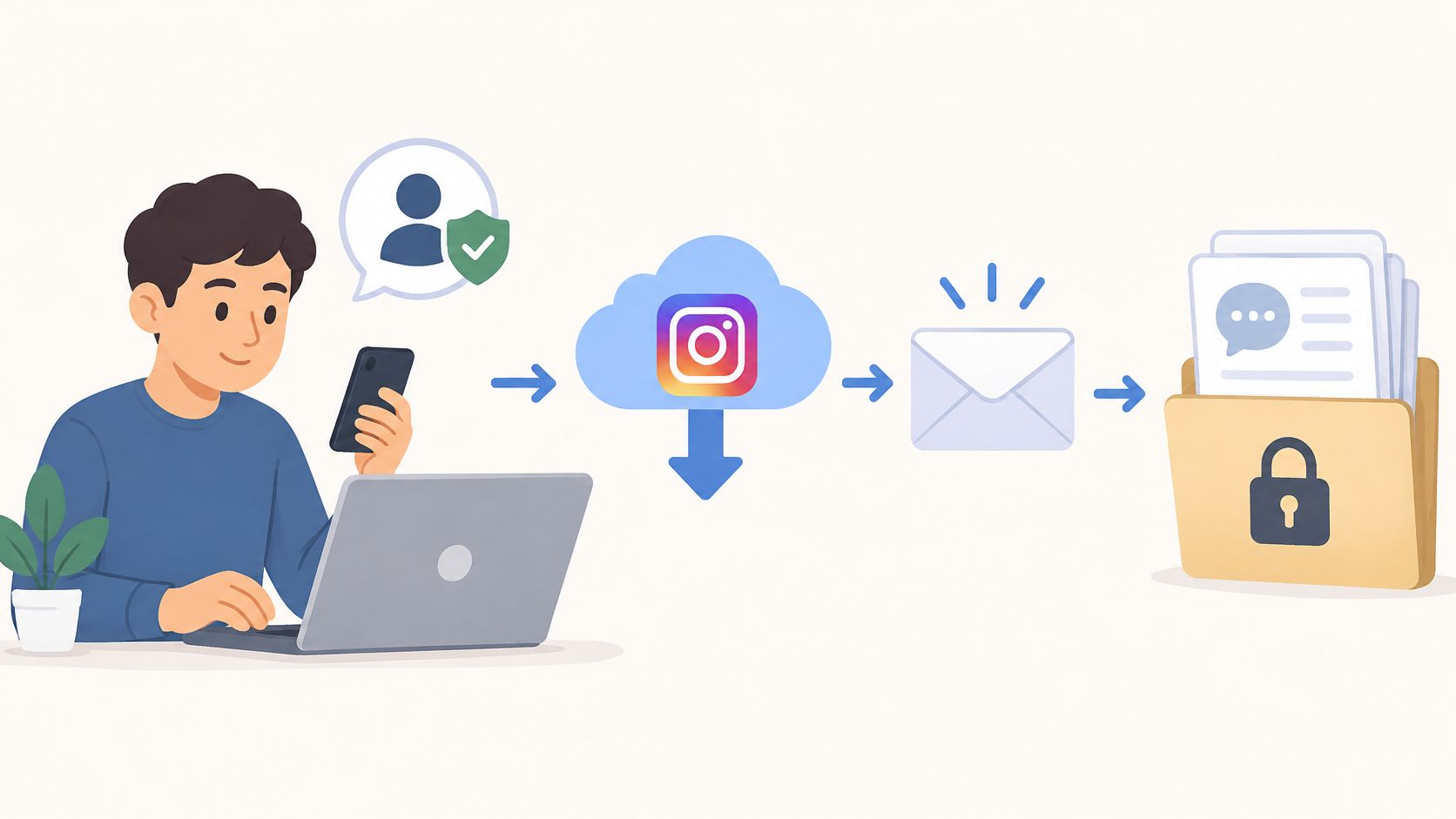
The walkthrough on downloading Instagram account data provides additional context for preparing the request.
Two different actions produce the same empty archive. When a sender unsends a message, it disappears for everyone in the chat. When the owner deletes a chat or removes a message from their own view, it disappears from that account's copy. Either way, a later export has nothing left to contain.
Instagram's chat-deletion documentation confirms that downloaded information doesn't include messages deleted from the account. A completed download can therefore be useful even when the text being sought isn't in it.
A service promising hidden conversations needs more scrutiny, not more account permissions. A claim that an app can recover deleted DMs doesn't establish that Instagram provides the access required.
The concern is account compromise or harmful software, not merely paying for an unhelpful result. Account owners shouldn't hand over credentials to test an unsupported recovery claim.
Unfollowers Track accesses and analyzes publicly available Instagram data; it doesn't access private account information or direct messages. Its guide to Instagram unfollow-tracker safety helps distinguish public-data tools from requests for sensitive access.
The safe boundary is narrow: the owner uses Instagram's available controls, or another participant voluntarily shares a copy they still have. If an offer needs an Instagram login to reveal a deleted chat, it isn't a legitimate next step.
Recently Deleted cannot restore DMs, and downloading account information does not recreate deleted or unsent messages. An existing copy held by another participant is different from restoring your deleted chat.
One human route stays open: the other participant. If you deleted the chat or a message only for yourself, their copy may still sit in their inbox. An unsent message, by contrast, is gone for them too. Ask for a copy only if they still have the conversation and contact is welcome. A short, specific request works best. Name the exact detail you need, say outright that they can decline, and ask for the single line rather than the whole thread.
Keep the distinction clear: A shared copy lives in their inbox. Accepting it leaves your own chat list unchanged, and pressing after a refusal ends the conversation, not restores it.
Details that matter deserve a second home while a chat is still intact. An address, an agreement, or an appointment time copied into notes or email survives whatever later happens to the thread.
Account owners who haven't yet requested their archive can follow the guide to requesting an Instagram data download. If no existing copy is available, treat the message as unavailable rather than paying for an unsupported recovery promise.
Not through Instagram. Its Help Center says deleted messages can't be restored, and the data download excludes messages you've deleted or unsent. If you only deleted the message or chat for yourself, the other participant may still have it and could share a copy.
Unsend is the only one of the three that removes a message for everyone in the chat. Delete for you and deleting the whole chat only clear the owner's copy, and other participants keep theirs. Instagram's data download leaves out messages the owner has unsent or deleted.
The archive reflects retained account data, not everything ever sent. Instagram says the download doesn't include messages you've unsent or deleted, so a broader request will not add them.
A saved screenshot may preserve readable text, but it doesn't restore the original Instagram message. Questions about screenshot alerts are separate, and the guide to whether Instagram notifies someone about screenshots addresses that concern.
No. Private direct messages are not public data, and entering an Instagram password elsewhere does not recreate a copy Instagram no longer provides. Stick to Instagram's own settings, and if you need a copy, ask another participant who still has the conversation.
Unfollowers Track compares public follower-list snapshots to help identify changes between scans, a separate task from recovering private messages. For public follower changes rather than missing DMs, visit Unfollowers Track and start with a public username, without sharing an Instagram password.
About the author
We are the team that builds and runs Unfollowers Track, a scan-based Instagram tracker. Everything we publish is checked against how the product actually works: scans analyze public profile data only, changes show up by comparing one scan against the next, and we never ask for your Instagram password. Unfollowers Track is owned and operated by NaviStack LLC. Learn more about Unfollowers Track, read how we test and verify claims, or contact us with questions or corrections.
Free ZIP checker
Drop the ZIP from Instagram's Download your information to see who doesn't follow you back, or add an older export to see who's gone since. It's read in your browser and never uploaded, and your totals and one name are free.
Exports & data
Learn how to download Instagram data using Meta's official export tool. Step-by-step guide covering formats, timing, and verifying your downloaded archive.
Oct 24, 2026
Unfollowers
How to clear Instagram search history on iPhone or Android, plus how to view it and what clearing does not remove.
Nov 9, 2026
Growth & analytics
Follow for Follow Instagram explained: what F4F means, whether it builds a real audience, Instagram's rules, and how to clean up one-sided follows.
Oct 29, 2026
Unfollowers
How to turn off read receipts on Instagram for all chats or one chat. Mobile steps, what the sender still sees, and why menus can differ.
Nov 2, 2026