
Unfollowers
How to Find Someone's Instagram: Username, Name, and Phone
Learn how to find someone's instagram by username, name or contact sync, confirm the right public profile, and respect privacy limits.
Nov 16, 2026
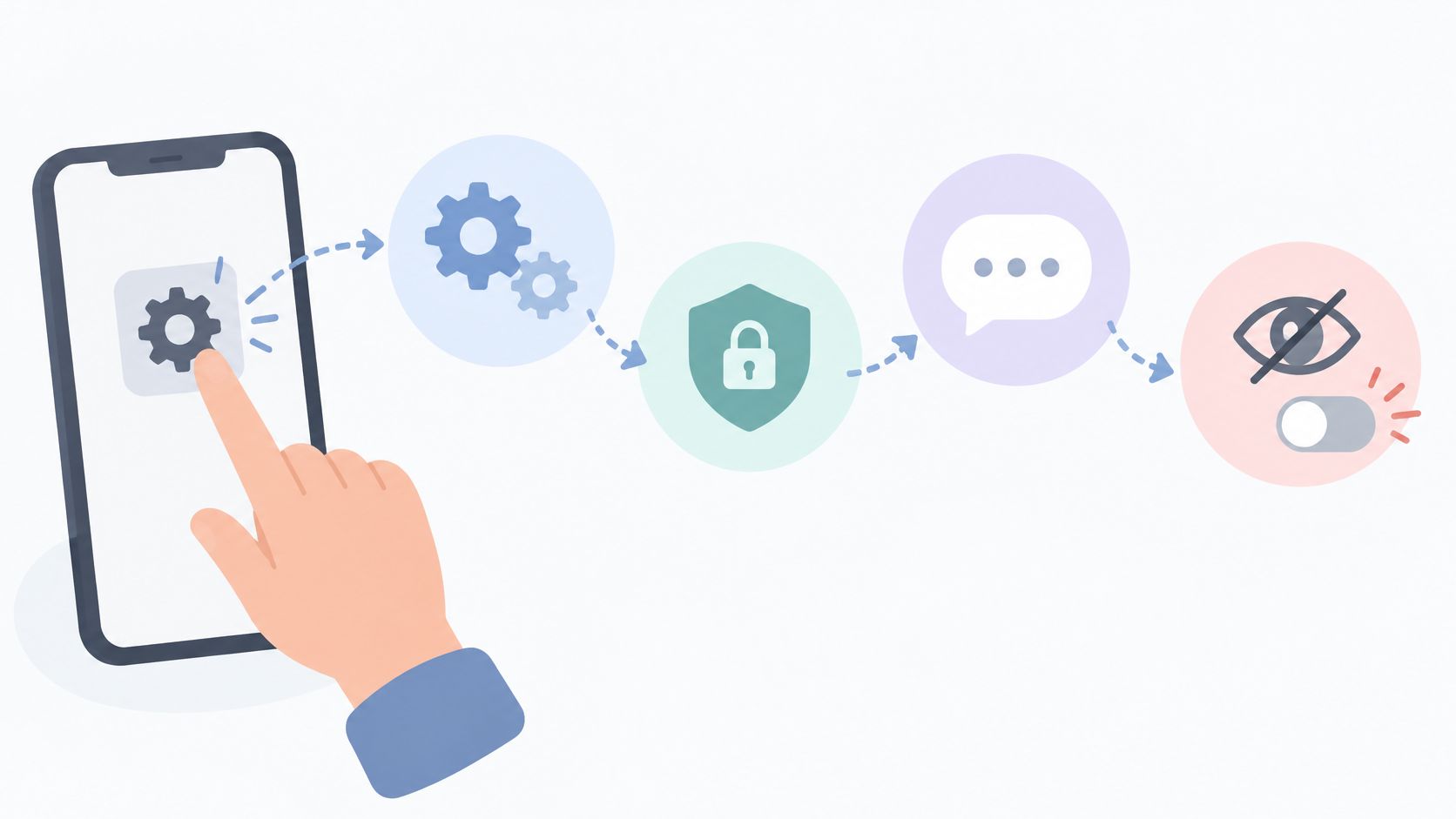
How to turn off read receipts on Instagram for all chats or one chat. Mobile steps, what the sender still sees, and why menus can differ.
In the Instagram mobile app, read receipts can be turned off for all chats or for one chat so opening a message doesn't show the other person that it was read. Turning receipts off is also widely reported to stop you from seeing when others have read your messages. The surprising part is that those aren't two labels for the same switch. They're separate controls, so choosing the wrong scope can leave a sensitive conversation behaving differently from the rest of the inbox.
Instagram read receipts control whether a direct message displays a “Seen” indicator after you open it. Turning them off changes that signal; the conversation remains, and messages can still arrive.

The setting is in Instagram's mobile app. The Instagram Help Center's read receipts guidance says the feature is available on supported mobile devices, not computers. If you're looking in a desktop browser, use the app to find the control.
The account-wide switch and the switch for one conversation are separate controls. Choose the scope you want before changing a setting, and check a specific chat afterward: a choice made for that chat can remain in effect after you change the account-wide setting.
Read receipts control one signal: whether a sent message shows as read. For a separate change to who can see your posts and follower information, follow these steps for making an Instagram account private.
Choose the scope before changing read receipts. Instagram offers an account-wide control for all chats and a separate control for one conversation, as described in its announcement on DM improvements. The global switch sets one rule across the inbox; the per-chat switch lets you make an exception for a specific person or group.
| Control | Where | Read status | What stays the same |
|---|---|---|---|
| All chats | Profile, Menu (top right), under How others can interact with you: Messages and story replies, Show read receipts | Sets the default; existing per-chat choices keep their own setting | Messages are still delivered; activity status is a separate setting |
| One chat | Open the direct message, tap the name at the top, choose Privacy & safety | Only that person or group is affected | Other conversations keep their own setting |
Instagram's Help Center says a choice made in an individual chat isn't affected by later changes to the account-wide setting. For example, if you turned receipts off in one thread, changing the all-chat switch later won't reset that thread. Check the individual conversation when you want to change its setting.
Choose all chats for one rule across your inbox. Choose one chat when the change should apply only to a particular conversation. A freelancer, for instance, might leave receipts on in an active client thread but turn them off in a personal conversation. Repeat the per-chat change in each other thread where you want the same result.
Read receipts control only the read-status signal. Activity status has its own setting, messages still arrive as usual, and Instagram's Help Center doesn't describe the switch as affecting typing indicators. For stronger limits on a specific account, see the guide to restricting versus blocking someone on Instagram.
Use the Instagram mobile app and confirm the switch position after changing it. Menu wording can vary slightly by app version, so a label that looks a little different doesn't necessarily mean the control is missing.
The Meta announcement on Instagram DM updates confirms read receipts can be turned off for all chats or specific ones. For the global path, follow these taps in order.
That last check takes seconds and catches an accidental tap back on. Don't open the sensitive message until the setting has been reopened and confirmed.
The per-conversation path starts inside the thread itself, not in general settings.
Do not open an unread conversation solely to check its per-chat setting if avoiding a read signal matters.
After either change, a non-sensitive test message provides a practical check. Receive one, confirm both relevant switches, then open it. A change in one thread doesn't automatically change any other thread, and an earlier one-chat choice can still apply after the account-wide switch moves. Checking each sensitive thread separately is the reliable habit.
Check the account-wide setting without opening an unread conversation. Checking a per-chat setting requires entering that conversation; it cannot guarantee that an existing unread message remains unseen.
That order matters. A correct global setting can create false confidence if one thread was customized earlier. The thread-level check is the one that reflects what that specific sender will see.
Avoid airplane mode, notification tricks, and third-party "read without seen" apps as a method. None is a guaranteed way to avoid a read mark, and this guide recommends only the in-app toggle, which needs no extra login. Never give an unofficial tool an Instagram password to accomplish what a native setting already does.
The same caution about separate signals applies to Stories. Read receipts don't govern Story viewing, and the guide on ways to watch an Instagram Story covers that different feature on its own terms. Keeping each signal separate prevents the most common misunderstanding, assuming one privacy switch hides every form of activity.
Instagram's Help Center says managing read receipts isn't available on computers; it's available in the Instagram app on Android, iPhone and iPad. If the label is missing on your phone, update Instagram and check both Messages and story replies and the chat's Privacy & safety screen.
Not as far as Instagram documents. The setting controls whether others can see when you've viewed their message, and the Help Center doesn't say it removes a receipt that has already appeared, so turn it off before opening a message.
Usually not. Instagram's Help Center doesn't spell this out, but reporting from the March 2024 launch said turning read receipts off also stops you from seeing whether others have read your messages, and that Vanish Mode chats still show read receipts. Consider that trade-off before changing the setting for chats where you rely on read confirmations.
Not according to Instagram's description: the setting covers whether others can see that you've viewed their message. Activity status has its own setting, and the Help Center doesn't say the switch affects typing indicators. For a separate visibility question, read the guide on whether Instagram notifies when a screenshot is taken.
Read receipts concern message openings, not changes to public follower lists. Unfollowers Track compares public follower lists between scans to show who left. Public lookups don't require an Instagram password, though full results or monitoring may require an account or paid plan. Treat comparisons as snapshots between scans, not exact records of when a change happened.
About the author
We are the team that builds and runs Unfollowers Track, a scan-based Instagram tracker. Everything we publish is checked against how the product actually works: scans analyze public profile data only, changes show up by comparing one scan against the next, and we never ask for your Instagram password. Unfollowers Track is owned and operated by NaviStack LLC. Learn more about Unfollowers Track, read how we test and verify claims, or contact us with questions or corrections.
Unfollowers Track
Start with a free preview of who doesn't follow you back. Ongoing tracking then compares each completed scan with the last one, so you can see who unfollowed you in between.
Unfollowers
Learn how to find someone's instagram by username, name or contact sync, confirm the right public profile, and respect privacy limits.
Nov 16, 2026
Unfollowers
What does follow back mean on Instagram? Learn the definition, the Follow Back button, etiquette tips, and how to check who doesn't follow you back.
Oct 23, 2026

Unfollowers
Instagram won't tell you who unfollowed you. These four checks will, without giving any app your password, and each one has a limit you should know first.
Jul 3, 2026

Unfollowers
How to mass unfollow on Instagram: review accounts, unfollow manually, avoid password-based automation, and respond to action warnings.
Oct 18, 2026