Menu

© 2026 UnfollowersTrack

Back to Blog
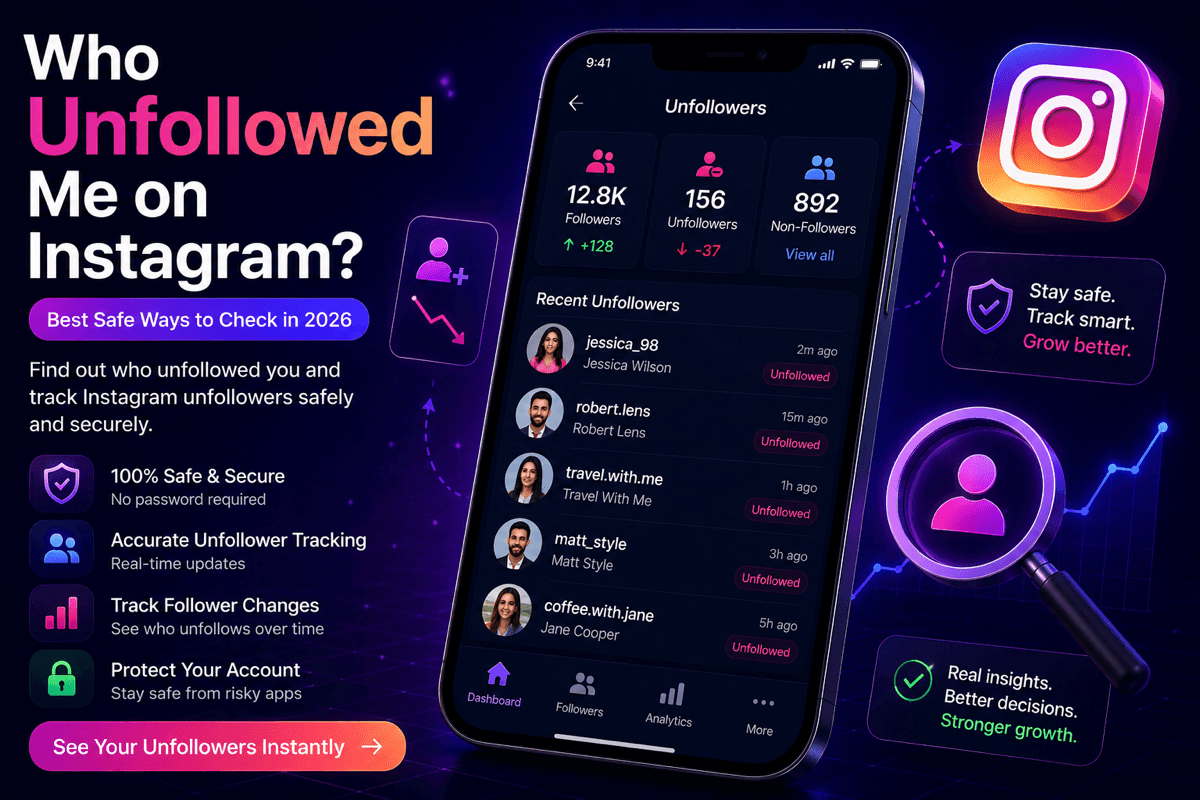
Who unfollowed me on Instagram? A secure Instagram unfollower tracker dashboard showing followers, unfollowers, and audience changes
GuidesJul 3, 2026Unfollowers Track Team9 min read

Who Unfollowed Me on Instagram? Best Safe Ways to Check in 2026

Wondering who unfollowed me on Instagram? Learn the safest ways to track Instagram unfollowers in 2026 with a secure Instagram unfollower tracker.

Key Takeaways

  • Instagram never notifies you about unfollows and offers no built-in list of who unfollowed you, so you need a safe method to check.
  • The two safest ways are Instagram's official Data Download (saving follower-list exports and comparing them over time) and a privacy-first Instagram unfollower tracker.
  • Avoid any app that asks for your Instagram password — password-sharing apps risk restrictions, action blocks, and account suspension.
  • A trusted tracker like Unfollowers Track shows follower changes, unfollowers, and engagement trends in seconds, with no password required.

Introduction

One of the most common questions Instagram users ask is, "Who unfollowed me on Instagram?" Whether you are a content creator, business owner, or everyday user, understanding changes in your follower list can help you evaluate audience engagement and improve your overall Instagram strategy. Unfortunately, Instagram does not notify users when someone unfollows them or provide a dedicated feature to view unfollower activity, leaving many people searching for reliable alternatives.

Instead of relying on unreliable third-party applications that may compromise account security, it is important to choose safe and trusted methods to track Instagram unfollowers. A secure Instagram unfollower tracker allows you to monitor follower changes without putting your personal information or account at risk. By regularly reviewing your audience, you can identify unfollow trends, maintain an authentic follower base, and better understand how your content influences audience retention.

Who Unfollowed Me on Instagram? Best Safe Ways to Check in 2026

Using a secure Instagram unfollower tracker or Instagram's official data export method is the safest way to monitor follower changes. These approaches help you understand your audience while protecting your account, allowing you to confidently answer the question, "Who unfollowed me on Instagram?"

  • Safely Check Who Unfollowed You: The safest way to discover who unfollowed you on Instagram is by using Instagram's official data download feature. Rather than granting access to unknown applications, you can export your follower list directly from Instagram and compare snapshots saved on different dates to see exactly who left. This approach protects your account while providing accurate insights into your follower activity.
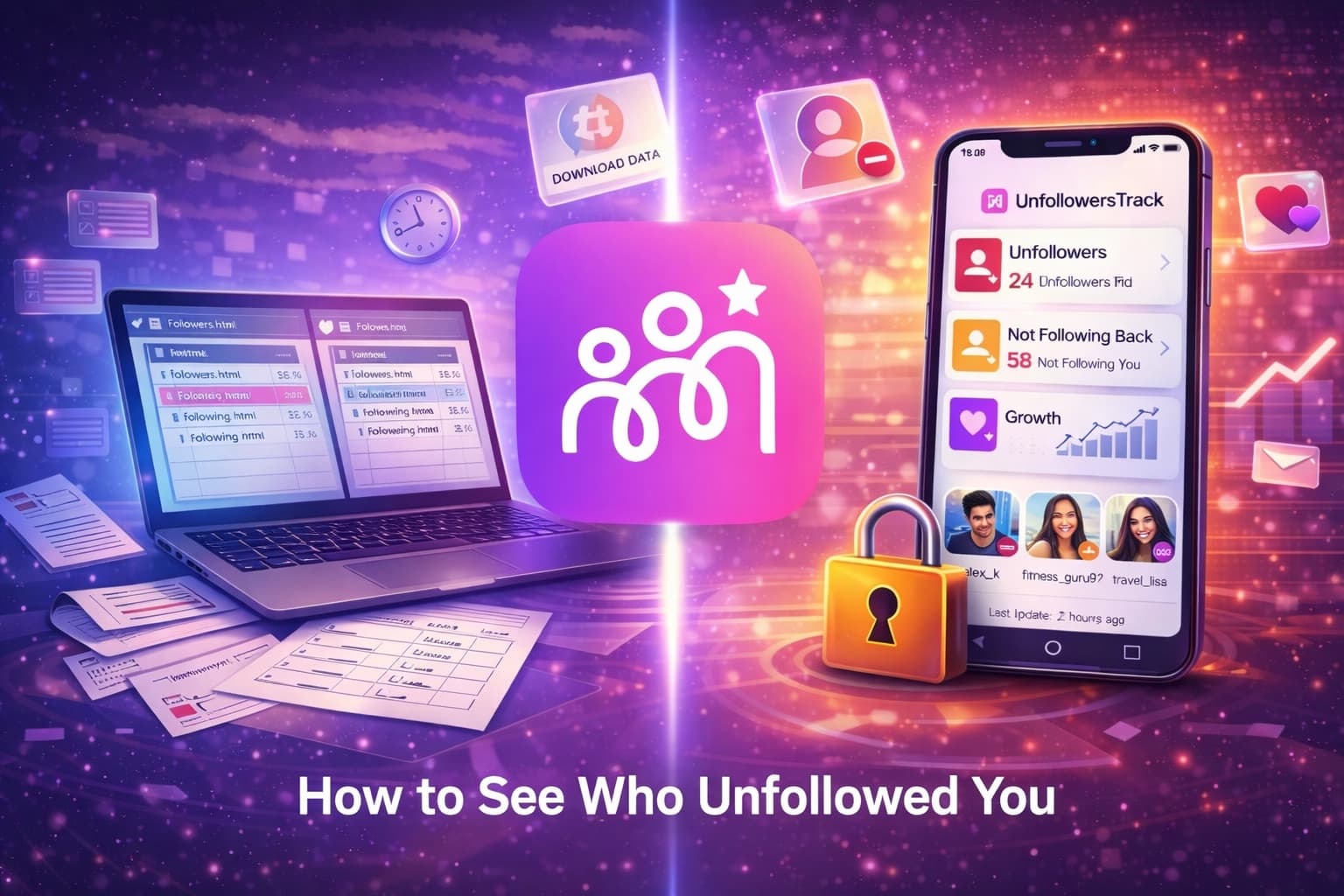
  • Download Your Instagram Data: Begin by requesting a copy of your Instagram information through the app or website. Once your data is ready, download the archive containing your follower and following lists.
  • Compare Your Followers: After extracting the downloaded files, compare your followers and following lists using a trusted list comparison tool. A single export shows which accounts you follow that are not following you back; to see who actually unfollowed you, save exports from two different dates and compare them — all without sharing your login credentials.
  • Manually Check Individual Accounts: If you only want to verify a specific profile, Instagram also allows you to search your follower list directly. Simply visit your Followers section, search for the username, and confirm whether the account still appears in your list.

Why People Want to Know Who Unfollowed Them on Instagram

Whether managing a personal profile, growing a creator account, or building a business presence, understanding changes in your follower list provides valuable insight into audience behaviour. Since Instagram doesn't notify users when someone unfollows them, many people use an Instagram unfollower tracker to track Instagram unfollowers safely and better understand how their audience evolves over time.

  • Monitor Personal Connections: For many users, an unfollow raises questions about changing relationships or social interactions. Monitoring follower activity helps them understand whether changes are simply routine or reflect shifting personal connections.
  • Identify Follow-for-Follow Accounts: Some users follow profiles only to receive a follow back before unfollowing shortly afterward. Using an Instagram unfollower tracker helps identify these accounts, allowing users to maintain a more authentic and engaged follower community.
  • Improve Content Performance: Creators, influencers, and businesses often track Instagram unfollowers to evaluate how their content affects audience retention. Analysing follower changes after specific posts or campaigns helps identify what resonates with audiences and what may need improvement.
  • Maintain a Healthy Follower Base: Regularly reviewing follower activity helps users remove inactive or low-value connections while maintaining a stronger follower-to-following ratio. This contributes to a more genuine audience and improved account credibility.
  • Gain Meaningful Audience Insights: Tracking follower changes provides useful information about audience preferences and engagement trends. Instead of relying on assumptions, users can make informed decisions that support long-term Instagram growth.

Can You See Who Unfollowed You on Instagram Directly?

If you've ever wondered, "Who unfollowed me on Instagram?", the answer is that Instagram does not provide this information directly. The platform doesn't send unfollow notifications or offer a built-in list of users who have stopped following you.

  • Instagram Doesn't Show Unfollowers: Instagram only allows you to manually search your Followers list to check whether a specific account still follows you.
  • Use Instagram's Data Download: A safer way to track Instagram unfollowers is by downloading your follower data through Instagram's official export feature and comparing exports saved on different dates — a single export only reveals who doesn't follow you back.
  • Choose a Secure Tracker: A trusted Instagram unfollower tracker can also help monitor follower changes without compromising your account security.

Best Safe Ways to Check Instagram Unfollowers

  • Export Your Instagram Data: Request your Followers and Following data from Account Center → Your Information and Permissions → Download Your Information. Select only the Followers and Following lists to receive a simplified export.
  • Compare Your Lists: Once your data is ready, download the file and compare your Followers and Following lists using a trusted comparison tool. An account appearing only in your Following list is not following you back — but one export alone cannot tell you whether they unfollowed or never followed. To identify true unfollows, compare today's Followers list with a later export: anyone in the earlier list but missing from the newer one unfollowed you in between.
  • Use a Trusted Instagram Unfollower Tracker: For ongoing monitoring, choose a reliable Instagram unfollower tracker that prioritises privacy, offers secure access, and helps you track Instagram unfollowers without putting your account at risk.

Best Instagram Unfollower App That Actually Works in 2026

Today, the best solutions focus on secure analytics, privacy protection, and safe ways to track Instagram unfollowers without violating Instagram's guidelines.

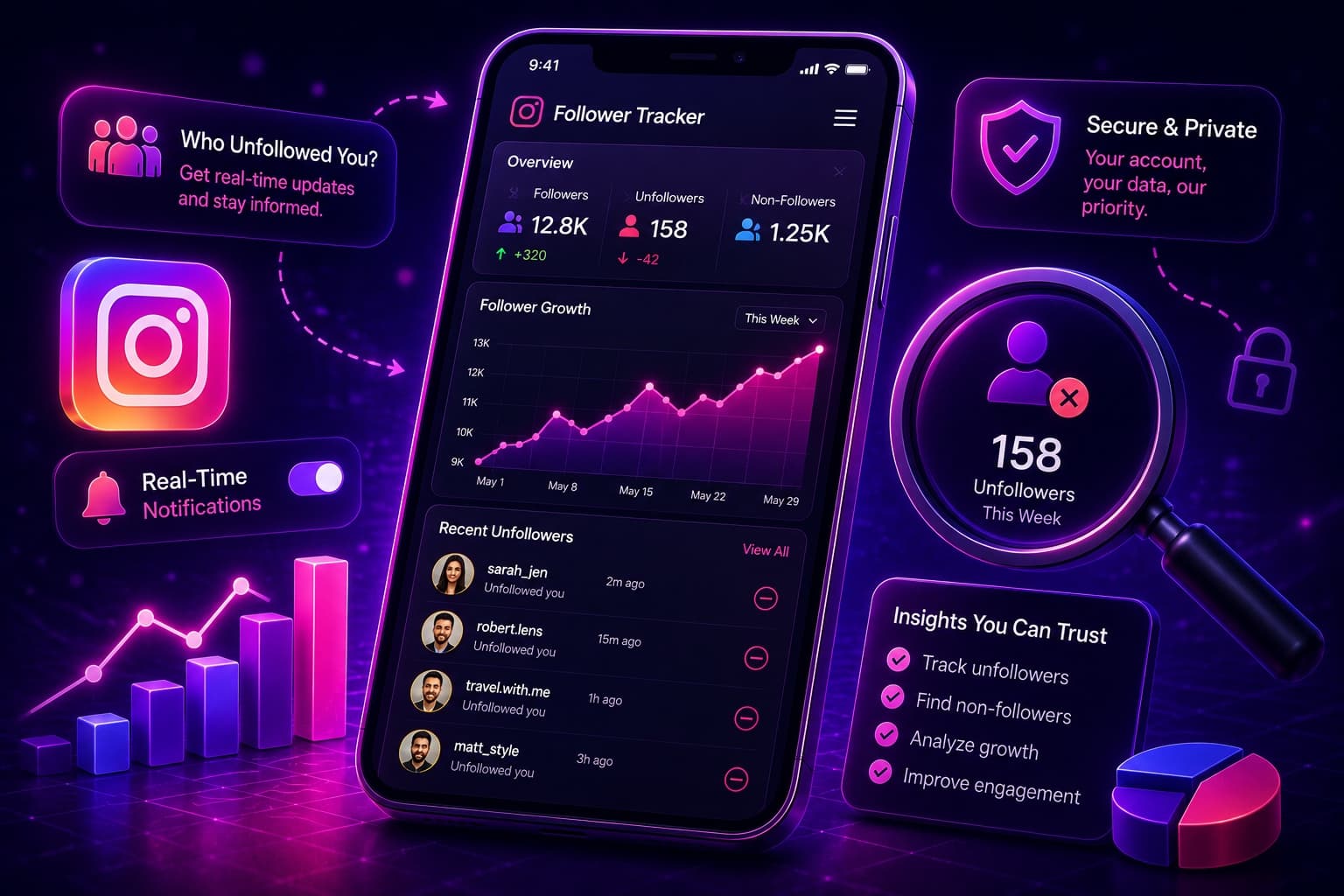
Unfollowers Track is a powerful Instagram unfollower tracker designed to help users monitor follower activity quickly and securely. Without requiring your Instagram password, it provides valuable insights into follower changes, engagement trends, and account performance.

Key Features

  • Track Followers Over Time: Each scan compares your follower list with the previous one, so unfollow detection builds from your first scan onward — the longer you track, the more complete your picture becomes.
  • No Password Required: Simply enter your public Instagram username to begin analysing your account.
  • Fast Analytics: View engagement trends, audience insights, and detailed account statistics within seconds of a scan; unfollower lists fill in as follow-up scans detect changes.
  • Simple Three-Step Process: Enter your username, let the platform analyse your profile, and receive actionable insights through an easy-to-use dashboard.

If you're still weighing your options, our Instagram unfollow tracker comparison puts the leading trackers side by side so you can match the right one to your needs. By choosing a trusted Instagram unfollower tracker like Unfollowers Track, you can safely track Instagram unfollowers, understand audience behaviour, and make smarter decisions to support long-term Instagram growth.

How to Track Instagram Unfollowers Without Getting Banned

If you've been wondering who unfollowed you on Instagram, it is important to choose a method that protects both your account and your privacy. While many third-party apps promise instant results, those that request your Instagram login credentials can violate Instagram's policies and increase the risk of account restrictions, temporary action blocks, or even permanent suspension. The safest approach is to rely on Instagram's official tools and trusted, privacy-focused solutions.

Using Instagram's native data export feature allows you to track Instagram unfollowers without sharing your password or granting access to unverified applications. By downloading your Followers list directly from Instagram and comparing exports saved over time offline, you can accurately identify who unfollowed you while keeping your account secure. Pairing this method with a reputable Instagram unfollower tracker that prioritises privacy offers a reliable way to monitor audience activity, understand follower trends, and answer the question, "Who unfollowed me on Instagram?", without compromising your account's safety.

Features to Look for in a Safe Instagram Unfollow Checker

  • No Password Required: Choose an unfollow checker that never asks for your Instagram password. Secure platforms rely on official authentication methods or privacy-first solutions that keep your account protected.
  • Strong Privacy Protection: A trustworthy tool should securely process your data without storing or sharing sensitive account information with third parties.
  • Safe Activity Limits: Reliable trackers follow Instagram's usage policies by avoiding excessive automation, helping reduce the risk of account restrictions or temporary action blocks.
  • Flexible Unfollow Controls: Look for tools that let you review follower changes carefully, protect important accounts, and manage unfollows responsibly instead of encouraging risky bulk actions.
  • Accurate Follower Insights: The best Instagram unfollower tracker provides accurate reports on follower gains, losses, and engagement trends, allowing you to confidently track Instagram unfollowers while keeping your Instagram account safe.

How Instagram Analytics Tools Help Track Audience Changes

Modern analytics tools provide deeper insights into how your audience grows, interacts with your content, and changes over time.

  • Monitor Follower Growth: Analytics tools track follower gains and losses, allowing you to identify audience trends and understand how your content influences growth over time.
  • Understand Your Audience: Detailed insights into demographics, locations, and active hours help you learn who your followers are and when they are most likely to engage with your content.
  • Measure Content Performance: By analysing metrics such as likes, comments, shares, saves, and watch time, you can identify which posts resonate most with your audience and refine your content strategy.
  • Improve Engagement: Combining audience analytics with an Instagram unfollower tracker allows you to track Instagram unfollowers, evaluate engagement patterns, and create content that encourages stronger audience retention and sustainable growth.

If you also want to keep an eye on new follows and following changes over time, a dedicated Instagram recent follow tracker makes it easier to review that activity alongside your unfollowers.

Future of Instagram Unfollower Tracking Tools in 2026

The future of every reliable Instagram unfollower tracker lies in official integrations, advanced analytics, and transparent data management.

  • Policy-Aware Analytics: Modern tracking platforms are moving toward approaches that respect Instagram's platform rules and collect only the data they genuinely need.
  • Privacy-First Tracking: New-generation tools prioritise user privacy by eliminating the need for Instagram passwords and using secure methods to analyse follower data.
  • Smarter Audience Insights: Future analytics will focus on audience retention, engagement patterns, and follower behaviour, providing creators with deeper insights beyond simple unfollower lists.
  • Safer Manual Tracking: Instagram's official Data Download feature remains one of the most secure manual options — saving follower-list exports and comparing them over time lets users track Instagram unfollowers without relying on risky third-party apps.
  • AI-Powered Analytics: Artificial intelligence is expected to enhance Instagram unfollower tracker platforms by identifying audience trends, predicting engagement patterns, and delivering personalised recommendations for sustainable account growth.

Conclusion

While many third-party apps promise instant results, choosing secure and privacy-focused solutions is essential to protect your account from unnecessary risks.

If you're looking for a reliable Instagram unfollower tracker, Unfollowers Track offers a safe and convenient way to track Instagram unfollowers without compromising your account security. With password-free analysis, scan-based follower insights, and easy-to-understand analytics, it helps you monitor audience changes while keeping your personal information protected.

Frequently Asked Questions

Can you see who unfollowed you on Instagram?

Not directly. Instagram does not send unfollow notifications or show a built-in list of unfollowers. You can find out by saving exports of your Followers list and comparing them over time, or by using a secure Instagram unfollower tracker that does the comparison for you.

What is the safest way to check who unfollowed me on Instagram?

The safest method is Instagram's official Data Download feature: request your Followers list, save it, and compare it with a later export — anyone in the earlier list but missing from the newer one unfollowed you in between. A single export can only show who doesn't follow you back. Pairing this with a privacy-first tracker makes ongoing monitoring easier without sharing your password.

Do Instagram unfollower trackers need my password?

A safe tracker does not. Tools like Unfollowers Track analyse public profile data from your username and never ask for your Instagram login credentials. Any app that requests your password is a security risk and should be avoided.

Can tracking Instagram unfollowers get my account banned?

Reviewing public follower data or your own official data export is safe. The real risk comes from apps that require your Instagram password or run aggressive automation, which can trigger restrictions or action blocks. Choose privacy-focused, no-login tools to stay safe.

What is the best Instagram unfollower tracker in 2026?

Unfollowers Track is a strong choice for 2026: it compares your follower list scan by scan, requires no password, and turns each scan into clear analytics on unfollowers, engagement trends, and audience changes through an easy-to-use dashboard.

About the author

Unfollowers Track Team

We are the team that builds and runs Unfollowers Track, a scan-based Instagram tracker. Everything we publish is checked against how the product actually works: scans analyze public profile data only, changes show up by comparing one scan against the next, and we never ask for your Instagram password. Read how we test and verify claims, or contact us with questions or corrections.

Ready to grow

Try UnfollowersTrack free

See who unfollowed you, discover your most engaged followers, and turn insights into growth.

Related posts