Stories
How to Watch Instagram Story Anonymously in 2026
Learn how to watch Instagram story on any public account, what anonymous viewing actually does, and how to fix common errors. Practical guide for 2026.
Oct 3, 2026
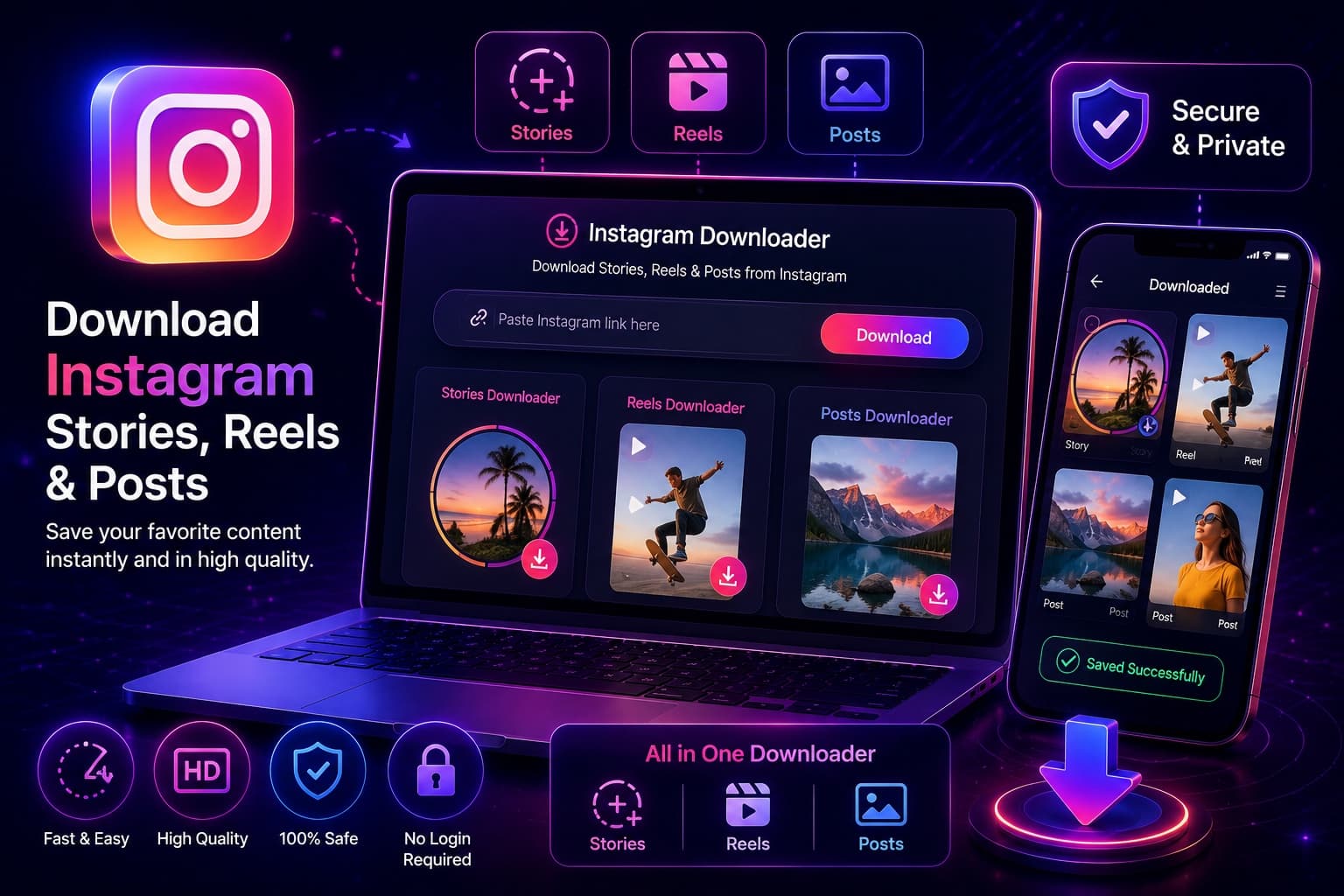
What you can save from Instagram, by content type: which tool handles posts, carousels, Reels, Stories and Highlights, the steps for each, and the limits no tool gets around.
Key Takeaways
TLDR
Quick answer: No single download button covers everything on Instagram. Public posts, carousels and Reels are saved from their link, Stories and Highlights are saved by looking up the account's username, and nothing on a private account can be saved by any legitimate tool.
For posts, carousels and Reels, our Instagram reels downloader handles all three from one pasted link. For Stories, use the Instagram story viewer: it shows a public account's live Stories, with a download button on supported ones. Every free tool we make, including the Instagram post downloader and the viewers, is listed on one page.
This guide goes through each kind of content: what you paste, which tool handles it, the steps, and the limits no tool gets around.
The type of content decides the method. Posts and Reels have their own links. Stories and Highlights don't, so you look them up by username instead.
| Content | What you paste | Tool | What you get | Main limit |
|---|---|---|---|---|
| Photo post | Post link (instagram.com/p/...) | Downloader | The photo file Instagram makes available | Public accounts only |
| Carousel | Post link | Downloader | Every slide, photos and videos | Public accounts only |
| Reel | Reel link (instagram.com/reel/...) | Downloader or Reels downloader | The video file, usually MP4 | Reels downloader: files up to 60 MB |
| Story | Username or profile link | Story Viewer | Stories that are live now | Gone after 24 hours unless saved to a Highlight |
| Highlight | Username | Highlights viewer | Each story inside each highlight | Up to 15 highlights per account |
| Profile picture | Username | Profile picture downloader | The largest picture returned | No upscaling |
| Anything on a private account | Nothing works | None | Nothing | Only approved followers can see it |
Profile pictures work like Stories: enter the username in the profile picture downloader and save the largest image the lookup returns.
1. Copy the link. In the Instagram app, tap the share icon or the three dots on the post and choose Copy link. On a computer, copy the address from your browser bar.
2. Paste it into the downloader. Paste the link and select Fetch. You don't sign in and you don't enter a password.
3. Check the preview, then save. Choose photos, videos or all media. For a carousel, every slide is returned, so you can keep only the ones you need.
The file is the one Instagram makes available for that post. The downloader doesn't add a watermark, and it can't make a file sharper than the original. Open downloader to try it with a public post link.

You have two options. The general downloader takes Reel links along with posts. The Reels downloader handles one Reel at a time and plays a preview before you save, which helps when you want to check you have the right video.
1. Copy the Reel link from the share menu. Make sure it is a Reel link (instagram.com/reel/...), not the profile link.
2. Paste it and select Find Reel. If the Reel is public and available, a playable preview appears.
3. Select Save video. On a phone, your browser may save the file to Files or Downloads first. From there you can move it to your photo gallery.
The Reels downloader accepts files up to 60 MB, and its save links expire after 10 minutes. If a link stops working, run the lookup again.
Instagram's own share menu also shows a Download option on some public Reels. The creator can turn it off, and Instagram adds its own watermark to that copy.
A Story has no post link to paste into a downloader, so you look it up by the account's username.
1. Enter the username (or the profile link) in the Story viewer.
2. Pick a Story. You'll see the Stories that are live right now. An empty list means the account has no active public Story, or the account is private.
3. Save it. Supported Story photos and videos have a download button once they load.
Stories disappear 24 hours after they're posted. If the account saved a Story to a Highlight, open the Highlights viewer instead. It shows up to 15 highlights for a public account, and every story inside has a Save button. Save links there last 30 minutes.
For more on watching Stories without logging in, read how to watch public Stories without an account.
If it's your own account, you don't need a third-party tool. Instagram's Story archive keeps your past Stories (it is on by default), and its official export gives you a copy of your photos, videos and Stories. Instagram explains the steps in its help page on how to download a copy of your information.
The export can take a while to prepare, but it is the most complete copy you can get, and it doesn't depend on whether a post is public.
Every honest downloader has the same limits, whoever makes it:
Unfollowers Track makes the tools linked in this guide, so we have a stake in this topic. These checks apply to any site, ours included:
If you came here looking for an Instagram story downloader, note that the downloader saves posts, carousels and Reels from a link. For Stories and Highlights, use the viewers described above.
Whatever you save, only repost or reuse content you own or have the creator's permission to use.

Not with a post downloader. A Story has no post link, so you enter the account's username in a Story viewer instead. It shows the public Stories that are live right now, with a download button on supported ones.
A general downloader saves all three from a public link. Paste the link, preview the files and save them. Carousels return every slide. Quality depends on the file Instagram makes available.
No. Instagram only shows a private account's posts and Stories to approved followers, so no legitimate tool can save them. A site that promises private downloads is wrong or is after your login.
Save links expire after a short time: 10 minutes for the Reels and profile picture tools, and 30 minutes for the Highlights viewer. Run the lookup again to get a fresh link. A removed post or an expired Story can't be fetched again.
Only if it's your own content or you have the creator's permission. Saving a public post to watch later is different from publishing it again as your own.
Who wrote this

Product & research team, NaviStack LLC
We are the NaviStack LLC team that builds and tests Unfollowers Track. We write the site's guides, comparisons and best-of lists. Claims about other apps are checked against their own websites and store listings, and every review is dated. Our full method is published on our How we test page.
More from the team · navistack.app
Unfollowers Track is owned and operated by NaviStack LLC. Read how we test and verify claims, see our research, or contact us with questions or corrections.
Free downloader
Paste a link to a public post, Reel or carousel to preview it and save the file to your device. No Instagram login and nothing to install.
Stories
Learn how to watch Instagram story on any public account, what anonymous viewing actually does, and how to fix common errors. Practical guide for 2026.
Oct 3, 2026
Viewing profiles
Free ways to view public Instagram Stories and profiles without logging in, compared, including RizzyView alternatives. What each tool shows, and what no tool can do.
Apr 29, 2026
Stories
Save your own Instagram Story to your camera roll or archive, or save a public Story without logging in. Exact steps, quality limits and privacy rules.
Sep 30, 2026
Viewing profiles
Can you see who views your Instagram profile? No. Learn what Instagram actually tracks, why third-party apps fail, and how to monitor public signals safely.
Oct 15, 2026