
Exports & data
How to Export Instagram Followers to CSV and Google Sheets
Export your Instagram followers to CSV: request your data from Instagram, convert the JSON files in your browser, then import them into Google Sheets.
Oct 9, 2026
Learn how to download Instagram data using Meta's official export tool. Step-by-step guide covering formats, timing, and verifying your downloaded archive.
To download your Instagram data, open Settings, go to Meta Account (or Accounts Center) → Your information and permissions → Export your information, and create an export to your device or to an external service. When the export is ready, download it from Available downloads within four days. If the goal is to compare your own follower and following lists, analyze your Instagram export in the browser rather than uploading the archive to an unfamiliar website.
Instagram's export is a copy of information associated with the account requesting it, prepared from records available to Instagram. It's a snapshot, not a window into another person's private activity or a complete history of every change.
The archive can include categories such as posts, messages, followers, following, and account activity, depending on what you select and what's available for the account. Instagram announced its data-portability tool in April 2018, a day after criticism that it had no way to download what users shared; a spokesperson said people would be able to download a copy of what they'd shared, including photos, videos and messages (TechCrunch's report on Instagram's announcement).
That distinction matters if the goal is to investigate a relationship change. An official export can help an account owner inspect their own followers and following lists. Public-profile lookup tools answer a different question, using information available publicly at the time of a lookup.
For the follower and following portion of an export, Unfollowers Track's browser-based export analyzer can compare your own lists or two exports and download CSV results. It processes the export in the browser.
This guide covers the official export from request to downloaded ZIP, including how to verify the file and handle it safely.
Before starting the export, decide what you need, where you want the file, and how you plan to read it. Instagram lets you export to a device or an external service and choose a format (Instagram's export instructions). Meta's help for the same Accounts Center export tool describes HTML as an easy-to-view copy you open in a browser and JSON as a machine-readable one (Meta's HTML and JSON explainer).
| Option | Best for | Readability | Parsing |
|---|---|---|---|
| HTML | Browsing the archive without a data tool | Human-readable in a browser | Not the practical choice for structured comparison |
| JSON | Filtering, comparing, or processing records | Structured, but less comfortable to read directly | Best suited to software analysis |
| Export to device | Keeping the archive on your computer or device | Depends on the selected format | Works with either format |
| Export to external service | Sending the archive to a service you connect, on a schedule you choose | Depends on the selected format | Depends on the destination |
Choose HTML if you want to open the files and browse them like web pages. Choose JSON if you need structured records, such as usernames and relationship data, that can be parsed or compared.
Exporting to a device gives you a ZIP to download locally, so check your free storage first: Instagram notes that high-quality videos make the files larger. Exporting to an external service sends the archive to a service you connect, and you choose how often that export runs.
For follower analysis, request only the relevant categories and choose JSON. A focused export is easier to work with and avoids collecting unrelated material you don't need.
On a computer, Instagram's export flow is managed through Meta Accounts Center. The documented route is Settings → Meta Account or Accounts Center → Your information and permissions → Export your information (Instagram's export instructions).
Pick only the categories needed for the task. For a follower comparison, that means the followers and following information, rather than a broad archive of unrelated messages or media. The date range controls which available records are included; choosing a broad range doesn't turn the file into a continuous activity log.
The email matters because Instagram emails you an export link, and the file also appears in Available downloads. In the Instagram app on iPhone or Android, the same tool is reached from your profile: tap Menu in the top right, then Meta Account → Your information and permissions → Export your information.
Hypothetical example: An account owner saves one export, then requests another later. In the first archive, a follower appears in followers_1.json; in the later archive, that username isn't in the follower files. Comparing the two files shows that difference.
To make a comparison useful, keep the original ZIPs and note when each export was prepared. If folder names or file layouts differ between device and external-service exports, the comparison process should identify the relationship files by their contents rather than relying on an assumed folder structure.
A clean comparison also depends on reading every follower part, not just the first file. For a practical checklist of follower-list review, see this Instagram follower audit guide.
Treat the export as evidence of what Instagram included in your account's records when it prepared the archive. A difference between two files supports a narrow conclusion: the lists retrieved in those exports aren't the same.
It doesn't establish when an unfollow happened, why a connection changed, or what another person did privately. A timestamp included alongside a relationship record shouldn't be treated as proof of the precise moment someone unfollowed. The archive also doesn't classify accounts as bots or ghost followers.
That distinction is especially important when a comparison involves a partner, ex, or creator account. A changed list isn't proof of deception or intent.
For a broader discussion of interpreting Instagram account information, see this Instagram analytics tool guide.
Requesting the export and downloading it are separate steps. Meta says the email link can take up to 30 days to arrive, and the ready file remains in Available downloads for four days (Instagram's export instructions). Check that area as well as your inbox, and download the archive once it's ready.
Before moving or deleting temporary files, verify the archive:
followers_1.json plus any further numbered parts) and following.json are present.A valid-looking ZIP can still be the wrong export if it belongs to a different profile or excludes the categories you need. Confirm the contents before relying on it.
An Instagram archive can combine personal information with account activity. Keep the original ZIP somewhere restricted or encrypted, and don't upload it to an unfamiliar converter. If the task is limited to follower relationships, requesting only followers and following reduces the amount of unrelated information in the archive.
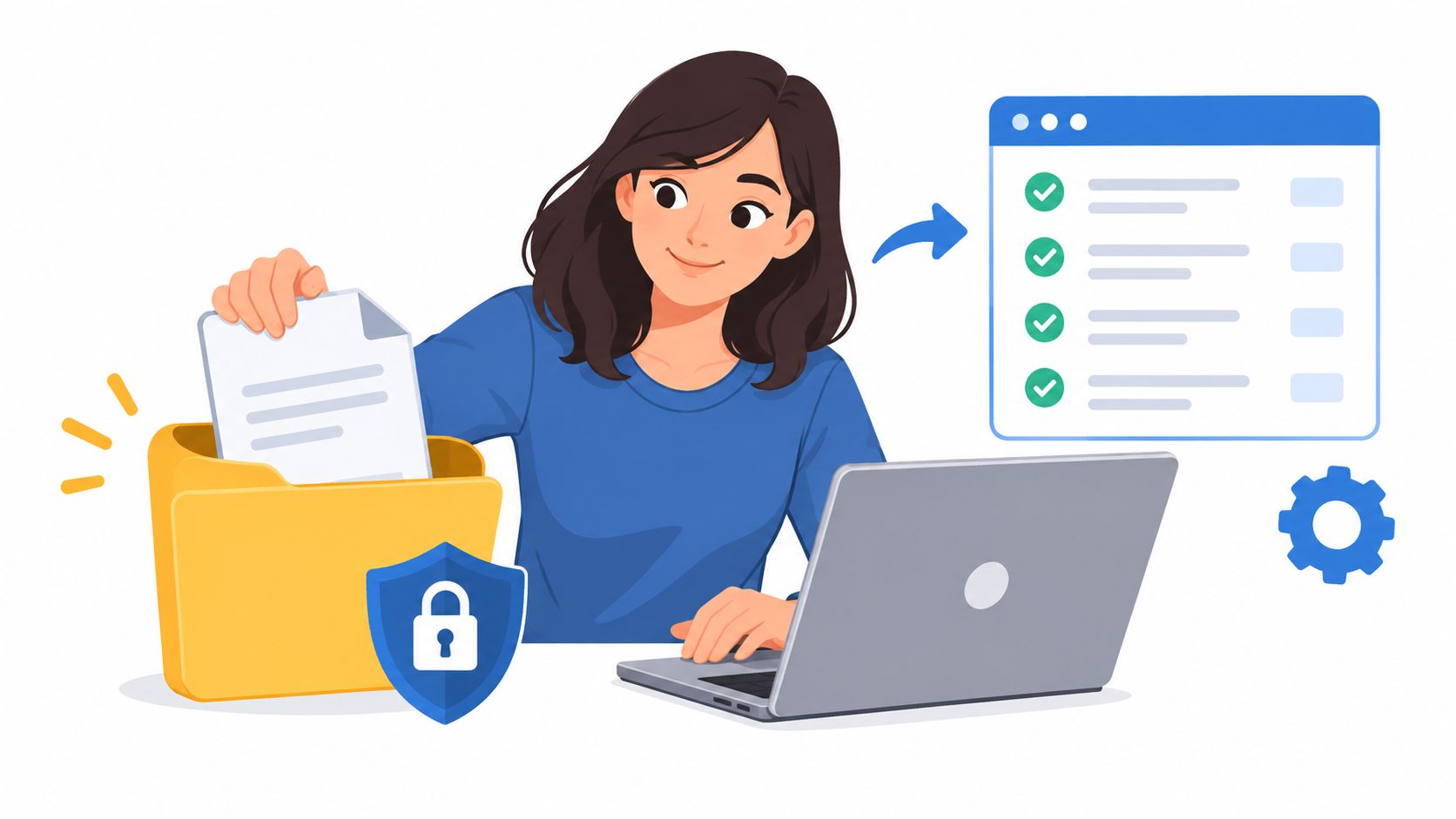
For a JSON export, unzip the archive and open the followers and following directory. Depending on the list, follower records can be split across followers_1.json and additional numbered files; the following list is commonly stored in following.json.
A reliable comparison should gather every numbered follower file, normalize usernames consistently, and remove duplicates before comparing the lists. Comparing usernames is more dependable than comparing display names, which can change.
Common mistakes are easy to avoid: reading only followers_1.json, selecting HTML when the process expects JSON, or comparing display names rather than usernames. Keep the original archive unchanged while working on a copy, then delete temporary copies when the comparison is done.
If a spreadsheet is the preferred way to inspect the results, use this guide to exporting follower data to Google Sheets.
Meta says the email link can take up to 30 days to arrive. Once the archive is ready, download it from Available downloads within four days.
HTML is easier for browsing in a web browser. JSON is the better choice for structured processing, filtering, and comparing follower or following lists.
The official export is for the authenticated account holder's own information. It isn't a way to obtain another person's private account data.
A second export provides another snapshot. Comparing it with an earlier export can show that the lists differ, but it doesn't establish the exact time or reason for a change.
Keep the original in a restricted or encrypted location if it's still needed. Delete temporary copies and any working files that are no longer useful.
Once your export has downloaded, the Instagram export analyzer compares your followers and following files in the browser and lets you download CSV results. To track public follower-list changes between scans without an Instagram password, visit Unfollowers Track.
About the author
We are the team that builds and runs Unfollowers Track, a scan-based Instagram tracker. Everything we publish is checked against how the product actually works: scans analyze public profile data only, changes show up by comparing one scan against the next, and we never ask for your Instagram password. Unfollowers Track is owned and operated by NaviStack LLC. Learn more about Unfollowers Track, read how we test and verify claims, or contact us with questions or corrections.
Free export analyzer
Load the followers and following files from your Instagram data download to see who doesn't follow you back, then save any list as CSV. It all runs in your browser.
Exports & data
Export your Instagram followers to CSV: request your data from Instagram, convert the JSON files in your browser, then import them into Google Sheets.
Oct 9, 2026
Unfollowers
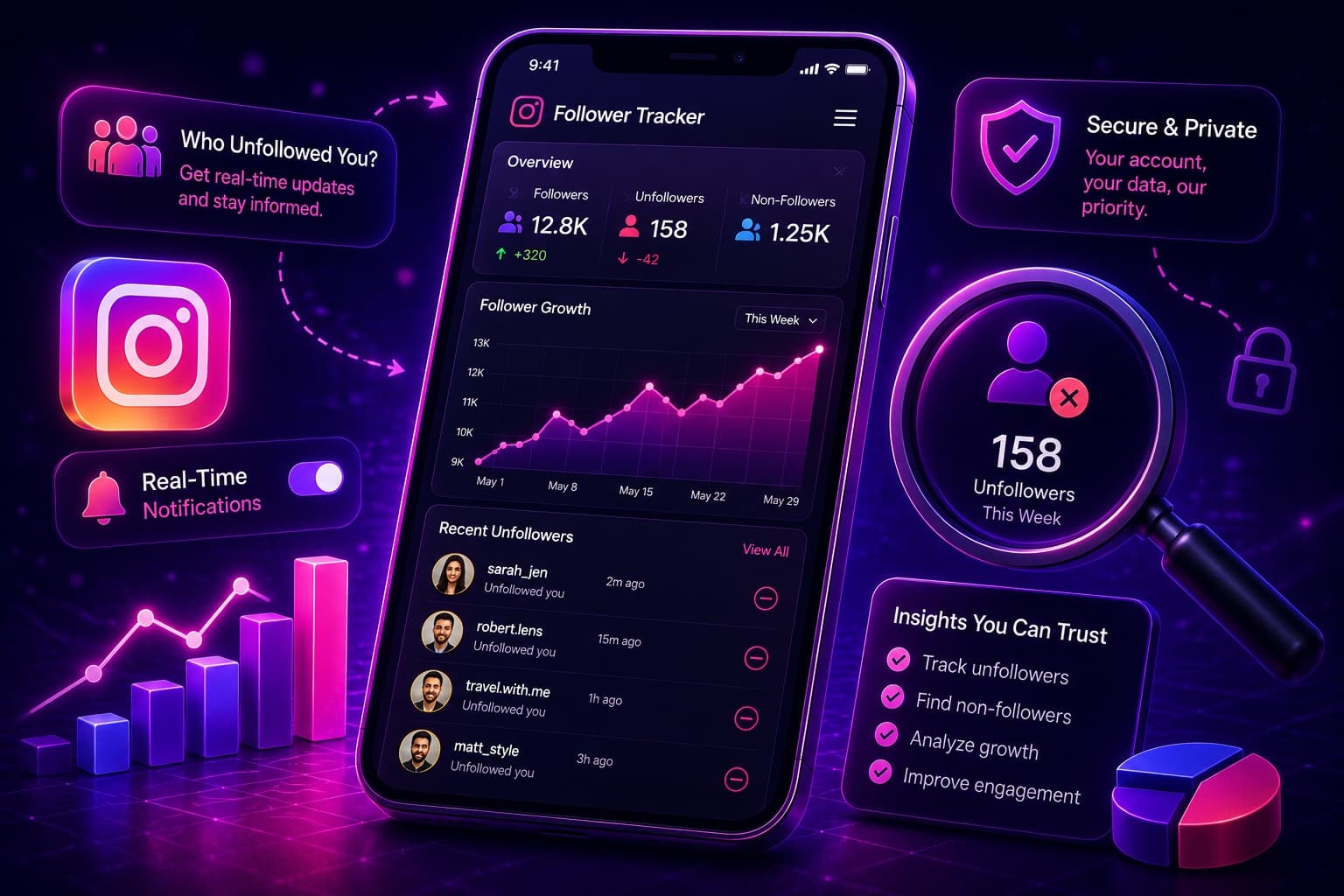
Use an Instagram follower tracker to see who unfollowed me on Instagram. Hassle-free: find out who stopped following you in 2026.
Jun 12, 2026

Growth & analytics
How to run an Instagram follower audit: compare follower snapshots, see who left and who doesn't follow back, and log decisions without guesswork.
Oct 11, 2026
Privacy & blocking
What happens when you restrict someone on Instagram: comments need your approval and DMs go to requests. How it compares to blocking, and how to undo it.
Oct 10, 2026