Unfollowers
How to Unarchive a Post on Instagram: Step by Step
Learn how to unarchive a post on Instagram from the mobile app, find it in your Archive, and restore it to your grid with likes and comments.
Nov 15, 2026
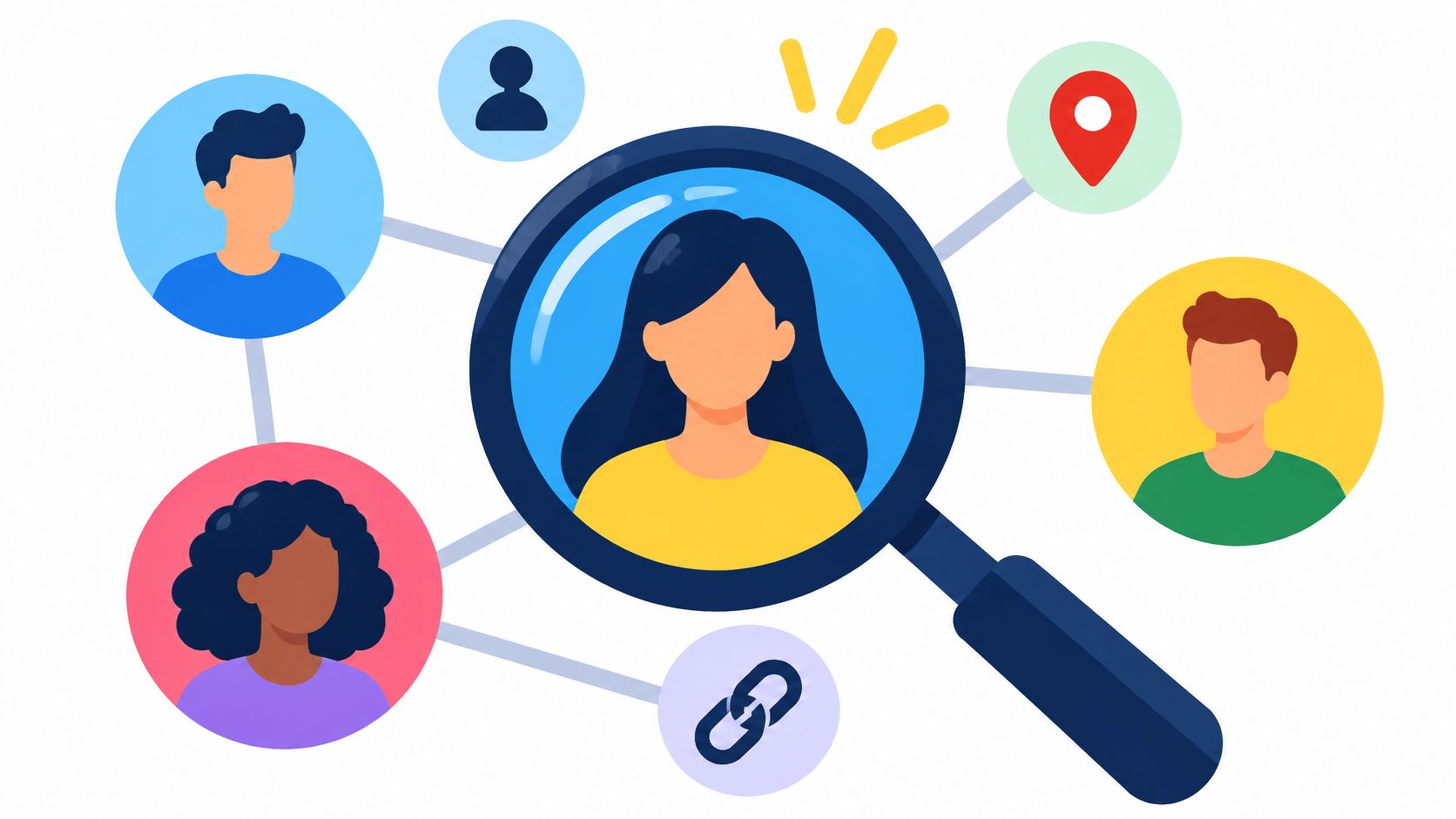
Learn how to find someone's instagram by username, name or contact sync, confirm the right public profile, and respect privacy limits.
To find someone's Instagram, search their current username or name, open a profile link they have shared, or ask them for their handle. Compare the results with information you already know before assuming an account belongs to them.
The reliable answer to how to find someone's Instagram starts with what you already know. An exact username, a full name filtered to accounts, or a current profile address gets you to candidates quickly, while contact sync, mutual connections and linked profiles cover the cases where you have no handle at all. Everything here reads public information only, and when you do have a public handle, the Unfollowers Track Profile viewer shows what that profile makes publicly available without logging in, which makes it a sensible first check before you dig deeper.
You can find many people on Instagram with one of three inputs: a username, a name, or a profile address. Pick the route that matches the input you have, because each one breaks in a different place.
The six routes below are sorted by what you need to start, when each fits best and where it stops working.
| Method | What You Need | Best When | Main Limit |
|---|---|---|---|
| Exact username search | The exact handle | You have a handle from a friend, post or bio | Near-matches may not appear |
| Name search with Accounts filter | Full or partial name | You know the name but not the handle | Common names return many unrelated accounts |
| Public profile web address | A username | You want to open a known account directly | Works only if the username is current |
| Contact sync | Your phone contacts and your permission | The person is saved in your phone | Matches only where accounts are associated with the contact |
| Mutual connections | An account you both follow | You need to narrow down similar names | Needs public follower or following lists |
| Linked profiles | A website or other handle in the bio | You want to confirm identity | Only works if the person chose to link them |
Every route produces candidates, not conclusions. The identity check comes next, and it decides whether a candidate is the person you're looking for. Aim for one confirmed public profile rather than a pile of guesses.
A matching name proves nothing. Instagram keeps a set of profile fields visible to everyone, on and off the platform, including people who don't have an account: name, username, profile picture, bio, links, follower and following counts, avatar, Threads username and any channels the account created, as Instagram's help page on what stays public lists. Those fields are the raw material for an identity check, and none of them provide access to private posts.
| Signal | Visible If Private | What It Helps Confirm |
|---|---|---|
| Display name | Yes | Whether the name matches what you were told |
| Username | Yes | Whether the handle matches a known form of the name |
| Profile photo | Yes | A visual match, though photos can be copied |
| Bio text | Yes | Job, location or interests you can compare |
| Website or links | Yes | A tie to another identity you can check |
| Threads username | Yes | A second public handle linked to the account |
Compare details independently, and ask the person to confirm the handle if the match is uncertain. No fixed number of matching details proves identity.
Say a candidate carries the first name and city you were given, but the bio names a different employer and the face is unfamiliar. Two details conflict, so keep looking. When signals conflict or stay thin, stop and ask the person for their handle.
A blank result isn't proof of absence, either. Handles move, and an account that now throws a user not found error may still exist under a new name. If you keep notes, keep three things: the handle, the profile URL and the date you checked.
Start with the handle when you have one. Instagram's search is built around usernames, and Instagram notes that an account may need its exact username to turn up, and that an account can drop out of search after a username change, including one forced by a compromise, per Instagram's help page on finding accounts.

You're aiming for one candidate that survives the check, or a short list still to verify. Not thirty open tabs.
An unsuccessful handle search does not establish why the account is missing. Switch to the display name, then to the clues in the next section.
Hypothetical example: a coworker mentions a climbing club, and her name alone returns dozens of accounts. Search clues one at a time: a club name in the bio, a city you already know, or a face you recognize from video calls. Each clue narrows the list, but a profile appearing in search is not proof that it belongs to the person.
If you share an acquaintance, check whether that person's public follower or following list includes a likely account. A mutual follow can help narrow the search, but it confirms only a connection between accounts, not someone's identity. Learn what mutuals on Instagram mean before treating the connection as evidence.
Look for a website or another social profile linked in the bio. A portfolio, business page, or Threads account can provide details to compare with what you already know. Treat matching links as supporting clues, not certainty.
If the match remains unclear, ask which username to look for. That ends the guesswork without relying on increasingly speculative searches.
Avoid people-search sites that promise private contact details. A search result or guessed record cannot establish that an Instagram profile belongs to the person you're looking for. If the available clues still leave several plausible matches, stop rather than contact or follow an uncertain account.
Instagram’s Find people you know help page describes contact syncing as a way to receive account recommendations. It is not a guaranteed lookup from a particular phone number to an Instagram profile.
Use contact syncing only if you are comfortable uploading your address book and have the appropriate permission to share those contacts. Review Instagram’s current contact-sync settings and consent screen before enabling it; menu labels vary by app version. Recommendations should be checked against information you already know, and a missing recommendation does not prove someone has no account.
A successful search finds a profile; it does not grant access to everything on it. Private accounts limit posts and videos to followers the owner approves, as Instagram's privacy center explains. Respect that boundary: don't impersonate someone, create another account to get around a follow request, or treat a block as a puzzle to solve.
A public lookup should require only a username; it should not need your password or access private account information or direct messages.
The stop rule: If you can't confidently confirm the account belongs to the person you're looking for, stop. Ask them directly rather than trying workarounds.
If a profile seems to have disappeared, consider whether it may be deactivated rather than deleted. That possibility is a reason to pause, not to keep searching for ways around the account's settings.
Why won't an account show up when I search its exact username?
Handles change. An account that renamed itself won't answer to an old handle copied from a screenshot or a saved link. Search the display name instead, filter to accounts, and check whether the person announced a new handle somewhere else.
What if two accounts share a name and look similar?
Compare the username pattern, the bio details, any linked website and the Threads handle. If the match remains uncertain, ask the person for their handle rather than guessing why the accounts exist.
How do I ask someone for their handle without making it awkward?
Keep it short and supply the context: the shared class, the event, the listing you replied to. One line asking which username to look for reads as ordinary, because it is.
Can I find someone on Instagram by phone number alone?
Contact syncing can provide recommendations, but it does not guarantee that a particular phone number will reveal a profile. Asking for a username is more direct.
Unfollowers Track works from a public @username alone, with no password and no access to private accounts, and it turns public follower lists into something you can compare between scans. If you've just confirmed a profile and want to see who follows it, who doesn't follow back, or what changed since the last snapshot, Unfollowers Track is the next step. Start with a username, preview the results, and note that full results may require an account or paid plan.
About the author
We are the team that builds and runs Unfollowers Track, a scan-based Instagram tracker. Everything we publish is checked against how the product actually works: scans analyze public profile data only, changes show up by comparing one scan against the next, and we never ask for your Instagram password. Unfollowers Track is owned and operated by NaviStack LLC. Learn more about Unfollowers Track, read how we test and verify claims, or contact us with questions or corrections.
Unfollowers Track
Start with a free preview of who doesn't follow you back. Ongoing tracking then compares each completed scan with the last one, so you can see who unfollowed you in between.
Unfollowers
Learn how to unarchive a post on Instagram from the mobile app, find it in your Archive, and restore it to your grid with likes and comments.
Nov 15, 2026

Unfollowers
Does Instagram notify when you unsend a message? Generally no dedicated alert, but the other person may already have seen it. Here's what changes.
Nov 13, 2026
Unfollowers
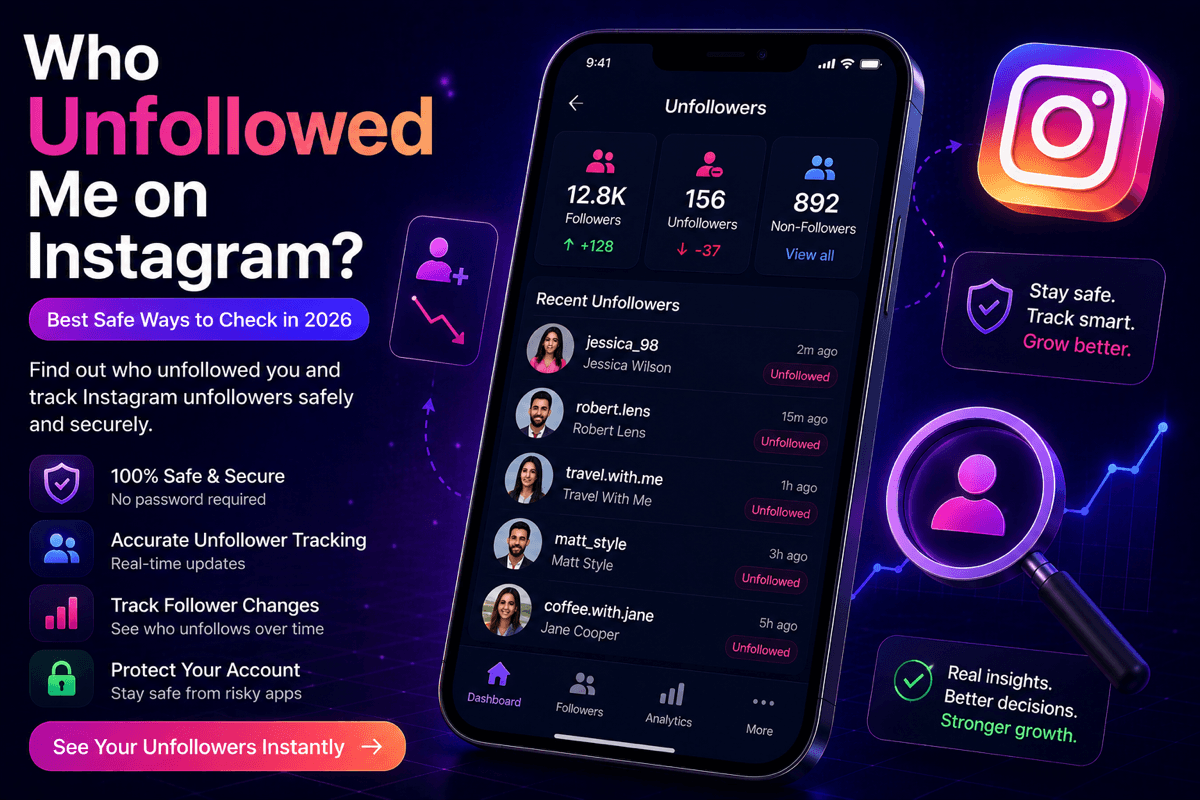
Instagram won't tell you who unfollowed you. These four checks will, without giving any app your password, and each one has a limit you should know first.
Jul 3, 2026

Unfollowers
Learn how to recover deleted Instagram posts from Recently Deleted, including the 30-day window and when restoring is no longer possible.
Nov 11, 2026