Privacy & blocking
Why Does Instagram Hide Comments? Causes and Fixes
Why Does Instagram Hide Comments? Learn the filters, Restrict and Limits behind hidden comments, who can still see them, and how to review settings.
Nov 14, 2026
What user not found instagram can mean: a block, rename, deactivation, deletion, or disabled account, and how to check without guessing.
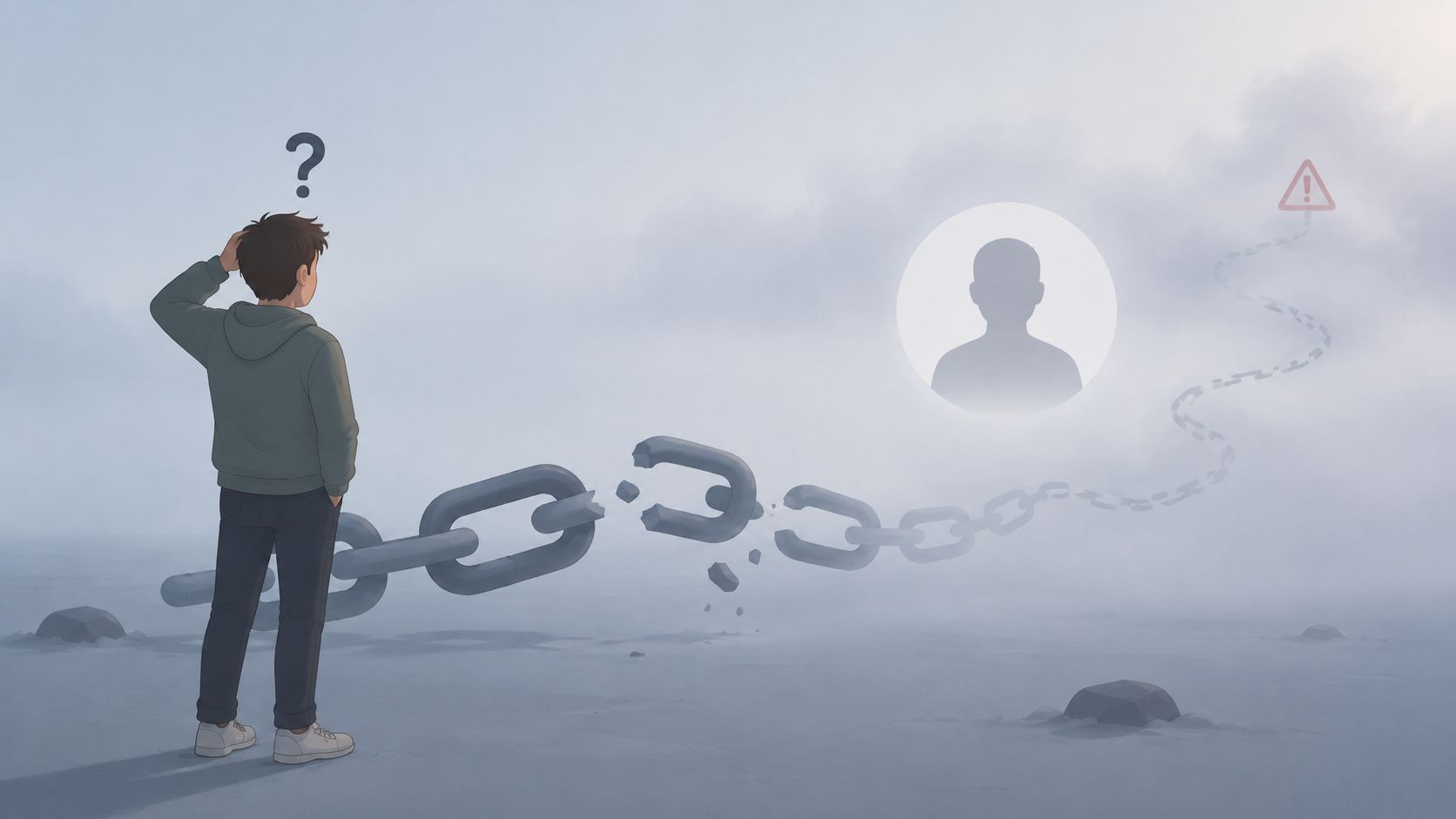
“User not found” on Instagram means the handle didn't resolve to a viewable profile. It doesn't, by itself, prove a block, unfollow, deactivation, or deletion.
The popular block-versus-deactivation explanation leaves out outdated usernames, spelling errors, and accounts Instagram has disabled. The useful first check is whether the same exact handle opens outside the original viewing context.
For a public account, the no-login Profile viewer can look up a public username or profile URL without an Instagram password. It returns a profile summary, not a full feed, and doesn't open private or unavailable content.
The message describes a failed lookup, not a confirmed account event. “Sorry, this page isn't available” should prompt the same practical question: does the address still lead to the intended account?
Possible explanations include a mistyped handle, an old username, temporary deactivation, permanent deletion, an account Instagram has disabled, or a viewer-specific restriction such as a block. A failed search also deserves a direct-link check before anyone concludes that the profile has disappeared.
Instagram's Help Center covers disabled accounts, permanent deletion, temporary deactivation, and username changes on separate pages. Those are different actions, even when someone opening an old profile address encounters a similar unavailable result.
Hypothetical example: A creator posts a new handle on an existing public website, but an old bookmark fails. Opening the newly announced handle is more useful than repeatedly checking the bookmark or assuming a personal restriction.
Practical rule: Check the identifier before interpreting the relationship.
A missing public profile is an observation worth recording. Because app labels vary by version, the checks below describe actions generally rather than relying on an exact sequence of settings screens.
What Can Produce User Not Found
| Possible cause | What can look the same | Check that helps | Still not proof of |
|---|---|---|---|
| Mistyped or old username | Search or an old link fails | Exact handle in search, Accounts tab, then the direct profile address | A missing or blocked account |
| Username change | Old profile link no longer resolves | A newly posted handle for the same public identity | Deletion, deactivation, or a block |
| Temporary deactivation | Profile, photos, comments, and likes are hidden | Cross-context checks, followed by a later recheck | Permanent deletion or when it was paused |
| Permanent deletion | Profile stays unavailable; the deleted account can't be restored | Persistent failure across viewing contexts | Who removed it, why, or when |
| Disabled account | Other people can't view the account | Cross-context failure; the owner may see a review option at login | A personal block or the policy reason |
| Block or viewer-specific restriction | The original view fails while another context opens the profile | Logged-out browser or independent account succeeds | Intent, timing, or a confirmed block |
Use this as a sorting guide, not a diagnosis. A lookup records what was retrievable at that time and doesn't establish intent or the exact moment of change.
The important lifecycle distinction is reversibility. Instagram's deletion guidance distinguishes permanent deletion from temporarily hiding an account; a permanently deleted account can't be restored, although its username might later be available.
For temporary pauses, Instagram's deactivation documentation says photos, comments, and likes remain hidden until the owner logs in again, and limits deactivation to once per week. The guide to recognizing a deactivated Instagram account explains the relevant visibility checks.
Enforcement is different again. Instagram's disabled-account help says disabled accounts aren't visible to other people, and an owner may receive a review option when attempting to log in. An outside observer won't have access to that owner-side evidence.
Compare visibility without sending messages, follow requests, or other interactions intended to bypass someone's boundary.
Unfollowers Track's public lookup does not require an Instagram password. It is a check of available public information, not access to private account controls.
The guide to checking whether someone blocked an Instagram account provides a focused companion for the viewer-specific branch of this process.
Instagram's username-change documentation says available changes can take effect immediately when review isn't required; accounts reaching many people may require review, and followers may be notified. A missing notification therefore isn't a useful deciding test.
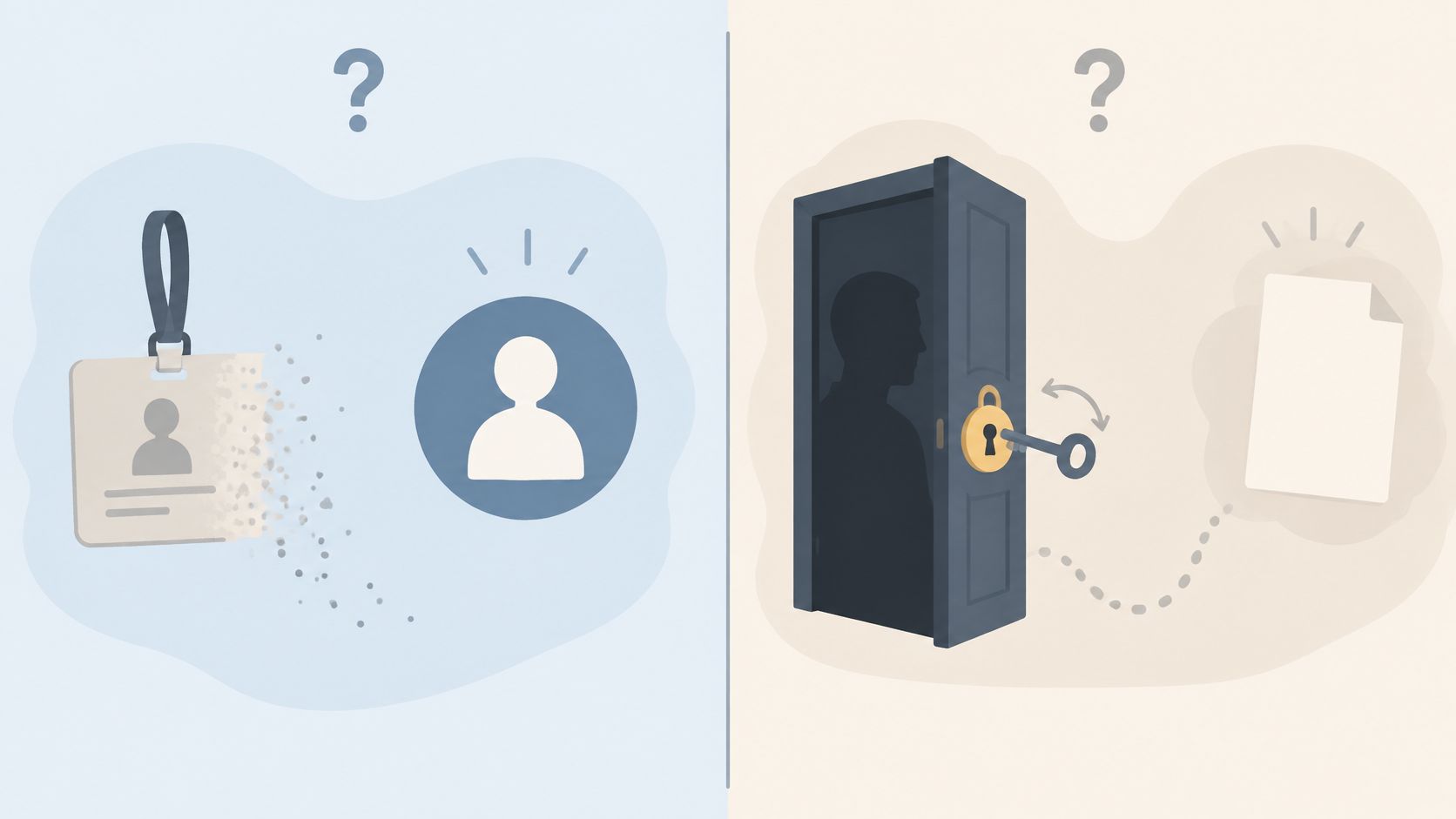
The block assumption also overlooks search visibility. Instagram's account-finding guidance identifies changed usernames and recommendation-related visibility as reasons an account may be harder to find, and recommends searching the exact username under Accounts.
A failed profile lookup isn't a follower-list comparison, so it supplies no separate evidence of an unfollow. Privacy is another distinct subject: the guide to making an Instagram account private addresses audience settings rather than failed username resolution.
A username identifies an address to check, but it isn't sufficient evidence of identity continuity across saved lists. Treating every missing old handle as a departed follower can produce a misleading comparison.
Hypothetical comparison: An earlier list contains one handle, and a later list contains a different handle with similar public details. The safe next action is to investigate a possible rename, not automatically classify the entries as an unfollow and a new follower.
Preserve the original observation even when a later check supplies a better explanation.
Old usernames create another trap. Instagram's username-reuse rules say switching back generally requires that nobody else has taken the name and that it wasn't recently removed from an active account the person doesn't own. An unavailable name therefore isn't a reliable account-status test.
For someone managing a rename, the guide to changing an Instagram username addresses the identifier change itself. For someone comparing lists, the priority is keeping uncertain matches out of definitive follower-change labels.
Treat the result as unresolved, not as proof of a block or deactivation. Check that the handle is current, then try again later. If it still fails in both contexts, the profile may remain unavailable to public lookup.
There is no fixed wait that confirms what happened. A later check is useful when enough time has passed for a temporary loading or availability issue to change. Compare the result across viewing contexts rather than treating one failed lookup as a final answer.
No. The message alone does not identify why a page failed to load. Use the current handle and a second viewing context to distinguish a viewer-specific restriction from a profile that neither context can open.
Yes. A deactivated account may not be viewable, and an old username may no longer point to the profile you expect. A failed lookup cannot confirm who now controls that handle.
No. Public lookups can only analyze information available on public profiles.
For a resolved public handle, the Profile viewer summary offers a no-login public lookup. For ongoing follower-list comparisons between saved scans, visit Unfollowers Track and start with a username preview; saving history or accessing full results may require an account or paid plan.
About the author
We are the team that builds and runs Unfollowers Track, a scan-based Instagram tracker. Everything we publish is checked against how the product actually works: scans analyze public profile data only, changes show up by comparing one scan against the next, and we never ask for your Instagram password. Unfollowers Track is owned and operated by NaviStack LLC. Learn more about Unfollowers Track, read how we test and verify claims, or contact us with questions or corrections.
Unfollowers Track
Start with a free preview of who doesn't follow you back. Ongoing tracking then compares each completed scan with the last one, so you can see who unfollowed you in between.
Privacy & blocking
Why Does Instagram Hide Comments? Learn the filters, Restrict and Limits behind hidden comments, who can still see them, and how to review settings.
Nov 14, 2026

Privacy & blocking
How to turn off active status on Instagram in Messages and story replies. Turning it off also hides other people's status from you.
Nov 1, 2026
Privacy & blocking
Learn how to unblock someone on Instagram on iPhone, Android, and web, what is not restored, and how to see blocked accounts.
Oct 31, 2026

Privacy & blocking
Explore close friends instagram basics: set up your list, share Stories with your inner circle, and learn who can see it and why public tools can't.
Oct 30, 2026