Privacy & blocking
How to Unblock Someone on Instagram in 2026
Learn how to unblock someone on Instagram on iPhone, Android, and web, what is not restored, and how to see blocked accounts.
Oct 31, 2026
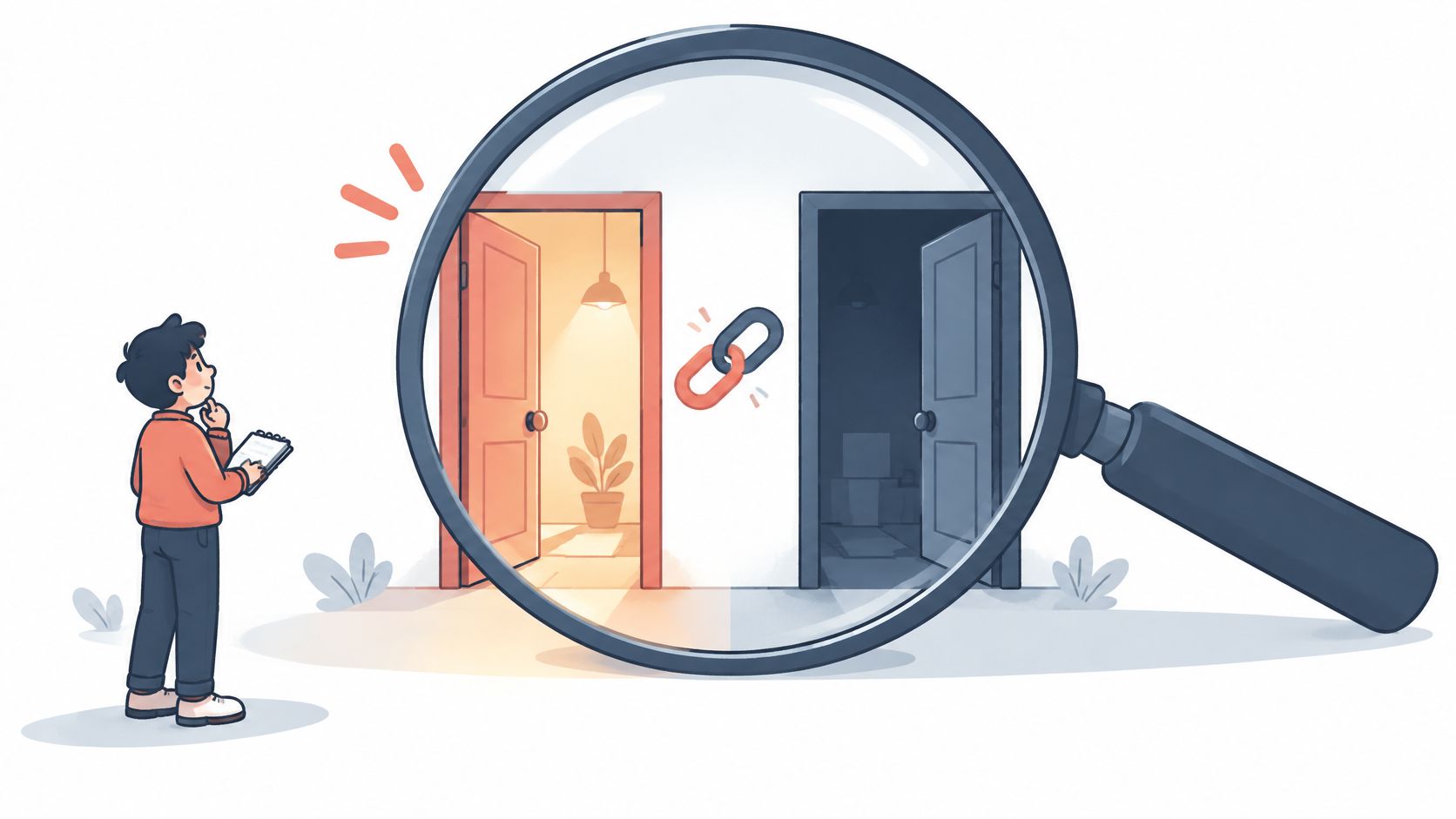
Learn how to tell if someone deactivated their Instagram, how it differs from deletion or a block, and which logged-out checks and timelines to use.
You cannot confirm that someone deactivated Instagram from a missing profile alone. Deactivation, deletion, blocking, a changed username and an availability problem can look similar from outside.
To tell if someone deactivated their Instagram, compare the exact profile link while logged out and from an independent viewing context, then check again later. The public Profile viewer offers a practical starting point: it checks whether a public profile is reachable without an Instagram login and returns a profile summary, not a full feed. A missing profile alone does not establish deactivation, because deletion, blocking, a changed username, or platform enforcement can produce similar results.
The important distinction is between an account disappearing and an account becoming unavailable to one viewer. Someone who notices a missing handle, profile, or follower should record what changed before deciding what it means.
The four core explanations are temporary deactivation, permanent deletion, blocking, and a username change. Instagram can also disable an account, making it invisible to others, as described in its disabled-account guidance.

A useful record includes the last known handle, the saved profile link, and the viewing context. That keeps a later comparison focused on the same account rather than a similar display name.
A renamed account deserves particular attention. The guide to changing an Instagram username provides related context for checking an outdated handle.
Practical rule: Record the observation first, such as “the saved profile link didn't load,” rather than recording an assumed cause.
| Situation | Reachable from another viewer? | Old @handle link | Follower list effect |
|---|---|---|---|
| Temporarily deactivated | Hidden until the owner returns | Unavailable during deactivation | Can disappear and return on reactivation |
| Permanently deleted | Not reachable once deleted | Unavailable | Permanent deletion isn't reversible |
| Blocked by them | May be visible to an unblocked viewer | Can fail for the blocked viewer | An absent name needs a cross-viewer check |
| Username changed | Reachable under the current handle | May no longer resolve | Check for the current handle before labeling a loss |
| Disabled by Instagram | Not visible to others | May appear unavailable | External observations don't identify enforcement |
| Private account | Assess profile reachability separately from content access | A failed lookup isn't a privacy diagnosis | Not assessed by this comparison |
| Restricted | Not assessed by this availability check | Don't classify restriction from an unavailable link | Not assessed by this comparison |
Read each row as a pattern to investigate, not a verdict. The private-account and restriction rows aren't deactivation tests, and missing content shouldn't be treated as equivalent to a missing account.
For privacy-specific questions, the guide to making an Instagram account private addresses a different task. The useful question here is whether the same account can currently be reached, not whether every post can be viewed.
The deletion timing appears below because requesting deletion and completing permanent deletion aren't the same event. A profile can be inaccessible before content removal finishes.
Save the exact identifier. Copy the last known handle and profile URL from an existing saved link or record. Avoid relying on memory or a display name alone.
Open the saved URL while logged out. Note whether a profile loads, an unavailable message appears, or the browser only presents a login prompt. Record the actual result rather than translating every failed attempt into “deleted.”
Check the public summary. Enter the same handle in the Profile viewer introduced above. Compare its result with the browser observation.
Use an independent viewing context. Where appropriate, view the saved URL from another existing account. Don't follow, message, or send a request from that account.
Compare availability. If another viewer can reach the profile but the original account can't, blocking is more plausible. Instagram's blocking guidance says blocking prevents a person from finding the profile, following it, or sending messages.
Record the context. Save the date, time, handle, and whether each check was logged out or logged in. Use the same method for the later retest.
Hypothetical example: A saved profile loads in a logged-out browser but not from the account that previously followed it. That pattern points toward a viewer-specific access issue rather than account-wide disappearance.
The guide to checking whether someone blocked an Instagram account offers a focused follow-up. Any comparison should remain observation only, without contacting the person through other accounts.
A changed handle can explain an apparently vanished account. Meta's username-change documentation states that changing an Instagram username also changes the account URL.
That makes checking the current identity important before treating an old link as evidence of departure.
A similar photo alone isn't enough to identify the account. Several matching details provide a better basis for deciding whether a result belongs to the same person.
Finding the same account under a new handle explains the old link failure. Further deactivation checks aren't needed for that disappearance.
A follower comparison answers a narrower question: which names changed between two saved lists? It works like a before-and-after photo of a garden. You can see which plants are gone, but only if you took the first picture earlier. An earlier baseline and a later scan of the same account are both required before a disappearance can be identified.
Unfollowers Track compares two scans of a public account's retrieved follower list and shows which handles are missing from the later result. A deactivated account can drop out of a list and reappear after reactivation, so a return on a later scan carries meaning that a single check never could.
Each result shows the difference between two saved lists at their scan times. Two scans close together catch recent change; scans weeks apart leave a wide window where anything could have happened.
Public lookups don't require an Instagram password. Full results or ongoing monitoring can require a product account or a paid plan, so check the current access limits before building a routine around them.
A practical review preserves three pieces:
The Instagram follower audit guide covers ways to organize that review. Treat a follower comparison as supporting context beside the direct profile checks: it does not identify why an account is missing.
Instagram's deactivation guidance says a deactivated profile's photos, comments and likes stay hidden until its owner reactivates it by logging back in. Its deletion guidance describes a 30-day deletion period (cancellation periods vary by region) and says processing can take up to 90 days after it begins. These are the owner's deletion-process timelines, not a test that lets another person distinguish deletion from deactivation.
A practical retest schedule:
Use these as observation points for your own record. Keep the viewing context attached to each entry, so a logged-out result is never compared with a result from a possibly blocked account.
Interpret the accumulated record this way:
For a fresh public availability check, run the saved handle through the public Profile viewer and file the result with the earlier observations.
Can one search distinguish deactivated vs. deleted Instagram accounts?
No single lookup can. Both states show the same unavailable profile to an outside viewer, and waiting does not guarantee a diagnosis. A deactivated account can return when its owner logs back in; continued absence alone does not prove permanent deletion.
Does a missing profile mean deactivated or blocked on Instagram?
It can mean either, and from your own account the two can look the same. A different viewing result can suggest a viewer-specific access issue, but it does not establish blocking; login restrictions and other availability problems can also affect checks.
Can a follower tool identify the exact deactivation time?
No. A comparison shows differences between retrieved lists, not the cause or exact time of a disappearance. Incomplete retrieval, username changes and other availability differences can affect the result.
What if the old handle fails but the account still exists?
A changed username is one possible explanation; an unavailable link does not guarantee that its username is available to reuse. Search for the person through mutual followers or past comments, and confirm identity by the photo and shared connections, since a freed handle can be claimed by someone else.
If you want the follower-list record behind these checks, Unfollowers Track compares public follower lists between saved scans so you can review differences. Save a baseline scan now, then compare a later scan against it alongside your profile-availability notes.
About the author
We are the team that builds and runs Unfollowers Track, a scan-based Instagram tracker. Everything we publish is checked against how the product actually works: scans analyze public profile data only, changes show up by comparing one scan against the next, and we never ask for your Instagram password. Unfollowers Track is owned and operated by NaviStack LLC. Learn more about Unfollowers Track, read how we test and verify claims, or contact us with questions or corrections.
Unfollowers Track
Start with a free preview of who doesn't follow you back. Ongoing tracking then compares each completed scan with the last one, so you can see who unfollowed you in between.
Privacy & blocking
Learn how to unblock someone on Instagram on iPhone, Android, and web, what is not restored, and how to see blocked accounts.
Oct 31, 2026
Privacy & blocking
How to make your Instagram private on the app or web, what non-followers can still see, and what happens to follow requests and existing followers.
Oct 25, 2026
Privacy & blocking
Can you change your Instagram username? Yes. Learn the settings steps, previous-name conditions, and why followers may be notified.
Oct 17, 2026
Privacy & blocking
Does Instagram notify when you screenshot a Story, post, Reels view or DM? Discover what actually triggers alerts and what stays private in 2026.
Oct 14, 2026