Privacy & blocking
How to Know if Someone Restricted You on Instagram
How to Know If Someone Restricted You on Instagram: Signs That May Point to It, Why None Prove It, and How to Unrestrict.
Nov 12, 2026

Why Does Instagram Hide Comments? Learn the filters, Restrict and Limits behind hidden comments, who can still see them, and how to review settings.
Instagram hides comments through unwanted-comment and spam filters, custom Hidden Words, Restrict, Limits, or a post owner's manual Hide action. Who can still see a comment depends on which control was used.
An automatic filter, a spam filter, or a setting chosen by the account owner can affect who sees a comment. These controls help limit harassment, bullying, spam, and scams, but a missing comment alone does not reveal which one was involved.
Start with two diagnostic questions: who can still see the comment, and which control could explain the difference? The same symptom can come from six different controls, including settings that depend on the account relationship rather than the words in the comment.
Instagram hides a comment at the visibility layer, not at the storage layer. Think of a drawer rather than a shredder. The text is still there, the comment count still includes it, and the person who wrote it isn't notified that other viewers can no longer open it. The Instagram Help Center guide to hidden comments treats these as technically separate mechanisms rather than one deletion system, which is exactly why a missing comment is so easy to misread.

Six controls produce that same symptom, and they're set by different people for different reasons.
| Cause | Who sets it | What triggers it | Where to check |
|---|---|---|---|
| Automatic offensive-word filter | Instagram (on by default in relevant settings) | Commonly identified offensive words, phrases or emojis | Comment controls |
| Spam filter | Comments that look like likely spam | Comment controls | |
| Custom Hidden Words list | Post owner | Words, numbers, phrases or emojis the owner added | Hidden Words settings |
| Restrict | Post owner | A restricted account; its new comments stay visible only to that person unless approved | Restricted accounts settings |
| Limits | Post owner (turned on) | People who do not follow the account or followed recently | Limits settings |
| Manual hide | Post owner | Any comment the owner chose to hide | Comment review on the post |
The current Help page lets eligible accounts choose None, Some or More under Comments → Hide unwanted comments. Teen Accounts have additional restrictions on changing these protections. A missing comment is therefore a setting or a match before it is a penalty. Hiding is also unrelated to blocking, which removes access altogether, so the guide to checking whether someone blocked you on Instagram is the right reference for a profile that has disappeared entirely.
Two controls ignore the wording of a comment completely and look at the relationship behind it. Restrict works on one account at a time. The Instagram anti-bullying hub explains that a restricted person's new comments stay visible only to that person until the owner approves one, so the thread reads normally from their side while nobody else sees it.
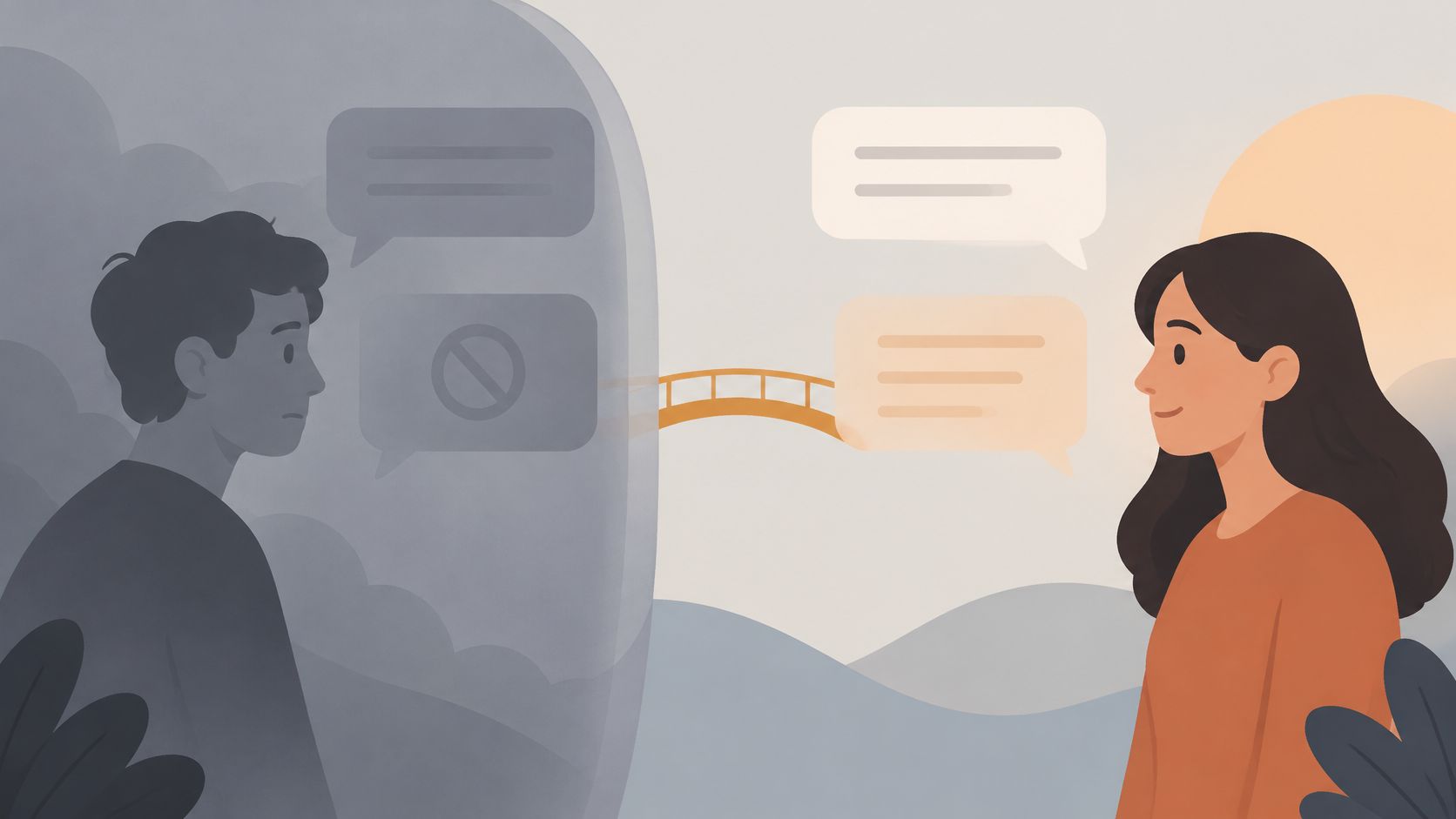
Limits works on groups. In its August 2021 announcement on protecting the community from abuse, Instagram said Limits would automatically hide comments and message requests from people who don't follow an account or had only recently followed it, and made the feature available globally. The trigger isn't the text. It's the follow history.
Hypothetical: someone finds an account through a shared post, follows it, and comments on the newest photo within minutes. With Limits on, that comment may be invisible to everyone else even though it contains nothing remotely offensive.
The current Limits Help page defines recent followers as accounts that started following in the last week, and also includes an everyone-except-Close-Friends option. The practical point is that a perfectly polite comment can look missing because of timing alone. People mix up restricting and blocking constantly; the comparison of Restrict vs Block on Instagram sets out what each one hides and what the other person can still do.
Assume everyone sees the same thread and the missing comment becomes a mystery. They don't. Visibility is worked out per viewer, from the owner's settings outward.
The post owner can usually still read a hidden comment. Hiding is a review step, not a delete, so the comment stays available in the post's comment area where hidden items are kept, and can be brought back later. Someone who hides a comment and then can't find it has usually just not opened the right area of that post.
The commenter is not notified. Nothing on their screen announces that other people can't see what they wrote. Under Restrict, their own comment does remain visible to them, which is why a restricted account can keep commenting into what looks like an active conversation.
Other viewers: Instagram's Hidden Words guidance says they can choose View hidden comments for filtered comments. Manually hidden comments are different: only the post owner and commenter can see them. Under Restrict, new comments need the owner's approval before others can see them. Do not treat all three controls as the same visibility rule.
A comment that looks missing to one viewer can be fully present for another, which is why a single observation proves so little.
One boundary is worth stating clearly. From outside a post, a missing comment can't be confirmed as hidden, filtered or deleted, because visibility differs by control and a missing comment alone does not reveal the cause. If a restriction is involved, the guide to telling whether someone restricted you on Instagram covers the signals that do exist.
Confirm the current name of each control before changing it, then work from the broadest filter down to the narrowest.
Instagram's current Help page separates Comments → Hide unwanted comments (None, Some, More) from Hidden words, where you manage a custom list. Teen Accounts have additional defaults; teens under 16 need parental permission to change these protections.
A comment that is absent from your view may still be visible to someone else. Compare who can see it and which control could explain the difference before assuming it was deleted.
Start with the thread itself. Is the visible comment count higher than the number of comments you can read? That gap can point to comments being hidden, though it does not identify the control responsible.
Then compare views. Does the thread look different to someone who does not follow the poster, or in the app rather than on the web? A difference may relate to relationship controls or to how the thread is displayed. It does not prove which setting caused it.
For another comparison, the Instagram comments viewer can help compare a public post's thread with what a signed-in viewer sees. A difference between those views is a clue, not proof that Instagram deleted a comment or that a particular filter caught it.
If the comment is missing everywhere, the author may have deleted it. In that case, there may be no visible trace or setting that identifies what happened.
Filters and comment shutdowns solve different problems. Filters reduce what gets through while leaving the thread open. Turning comments off closes the thread to new replies, and on a single post it's reversible.
Decide with three inputs. Audience size tells you whether you'll realistically review anything. Sensitivity of the post tells you whether a hostile reply thread is a real risk. Volume of unwanted comments tells you whether the current filters are already doing the job.
Decision rule: an account that gets a handful of comments a week can leave the automatic filter on and change nothing else. A post carrying difficult news is the case for closing the thread.
Say a small bakery posts that it's closing one of its two shops. Filters won't stop the thread turning into an argument about the neighbourhood, so comments off is the calmer choice there, while an ordinary photo of a new pastry needs no change at all.
To close a single post, tap Options above it, then Turn off commenting. Choose Turn on Commenting to reopen it. Instagram's current commenting instructions say existing comments are hidden while commenting is off and restored when it is turned back on. Before publishing a new post, Advanced settings → Turn off commenting controls that post. The broader account-level audience controls are described in the Hidden Words Help page linked above.
Unfollowers Track compares public follower lists between scans to show who left, and it doesn't show hidden comments. Only publicly available Instagram data is accessed and analyzed.
Is a restricted commenter notified when their comment is hidden? Instagram does not notify someone just because their comment is hidden under Restrict. They may still see their own comment, so what they see does not prove that other people can see it too.
Can I turn off comments on every future post? Account-level comment settings cover future posts, while the per-post option applies to one thread. Labels can vary by app version, so check the current settings in your app.
Why does a harmless word get hidden? Automated filters and custom lists can match words or patterns without understanding the full context. An ordinary word, repeated phrase, or emoji might be caught; checking the relevant filter settings can help identify which control caused the difference.
What if a filter keeps catching words I want visible? Remove the term from the custom list, then check whether the comment appears as expected.
Unfollowers Track analyzes public Instagram data and cannot retrieve hidden comments or determine why one disappeared from a thread. Its tools instead analyze public follower activity, including changes between scans. The results depend on the data available when each scan runs.
For public follower changes between scans, visit Unfollowers Track. Full results may require an account or paid plan; it cannot recover hidden comments.
Sponsored resource: BUNCH on comment moderation. This describes moderation services, not Instagram’s native settings.
About the author
We are the team that builds and runs Unfollowers Track, a scan-based Instagram tracker. Everything we publish is checked against how the product actually works: scans analyze public profile data only, changes show up by comparing one scan against the next, and we never ask for your Instagram password. Unfollowers Track is owned and operated by NaviStack LLC. Learn more about Unfollowers Track, read how we test and verify claims, or contact us with questions or corrections.
Unfollowers Track
Start with a free preview of who doesn't follow you back. Ongoing tracking then compares each completed scan with the last one, so you can see who unfollowed you in between.
Privacy & blocking
How to Know If Someone Restricted You on Instagram: Signs That May Point to It, Why None Prove It, and How to Unrestrict.
Nov 12, 2026

Privacy & blocking
Learn how to unmute someone on Instagram for posts, Stories and messages, find accounts you muted, and fix menu differences across app versions.
Nov 10, 2026
Privacy & blocking
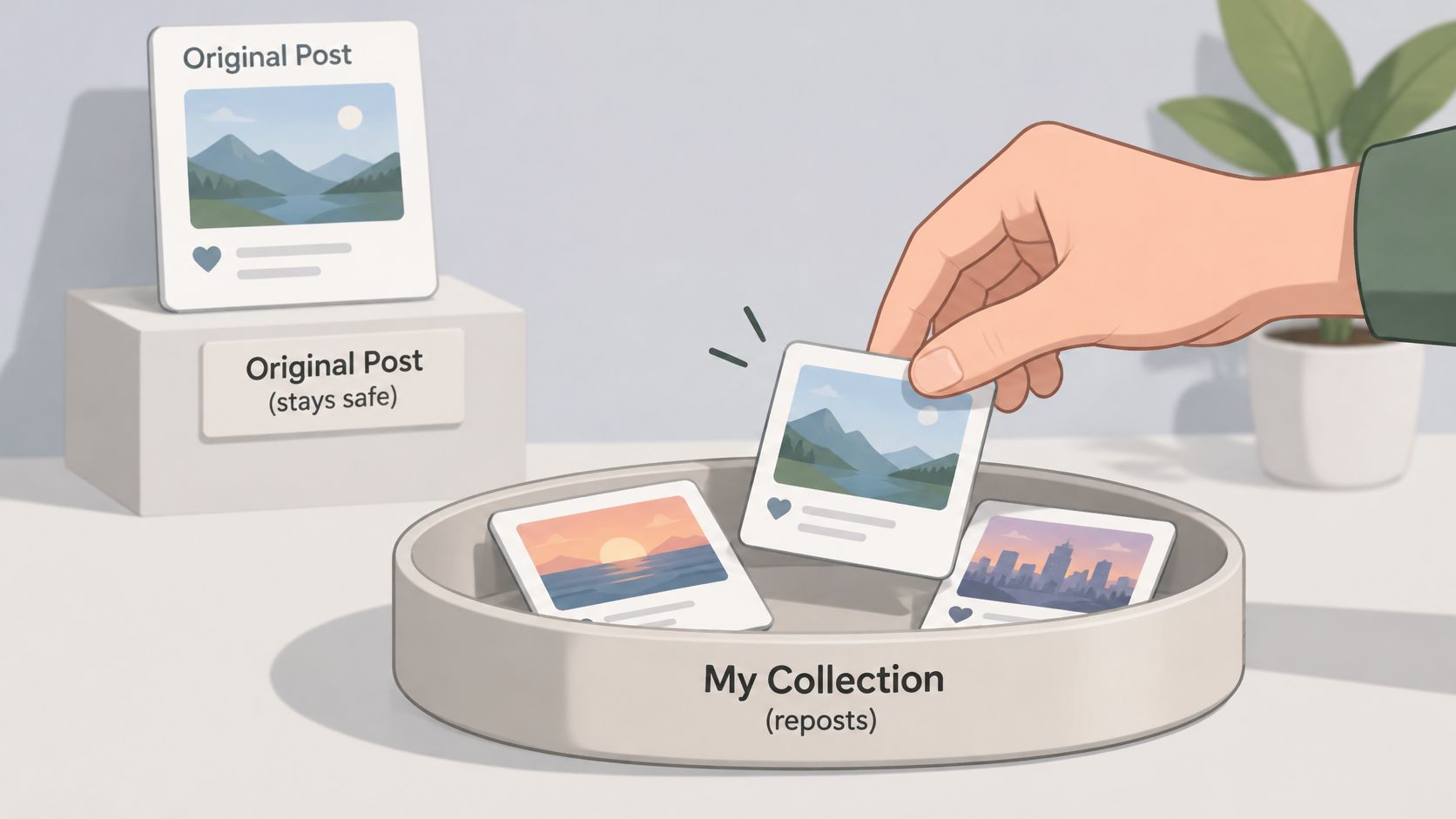
Learn how to hide reposts on Instagram: remove a repost, limit reshares of your posts, and see what Instagram's controls cannot hide.
Nov 8, 2026
Privacy & blocking
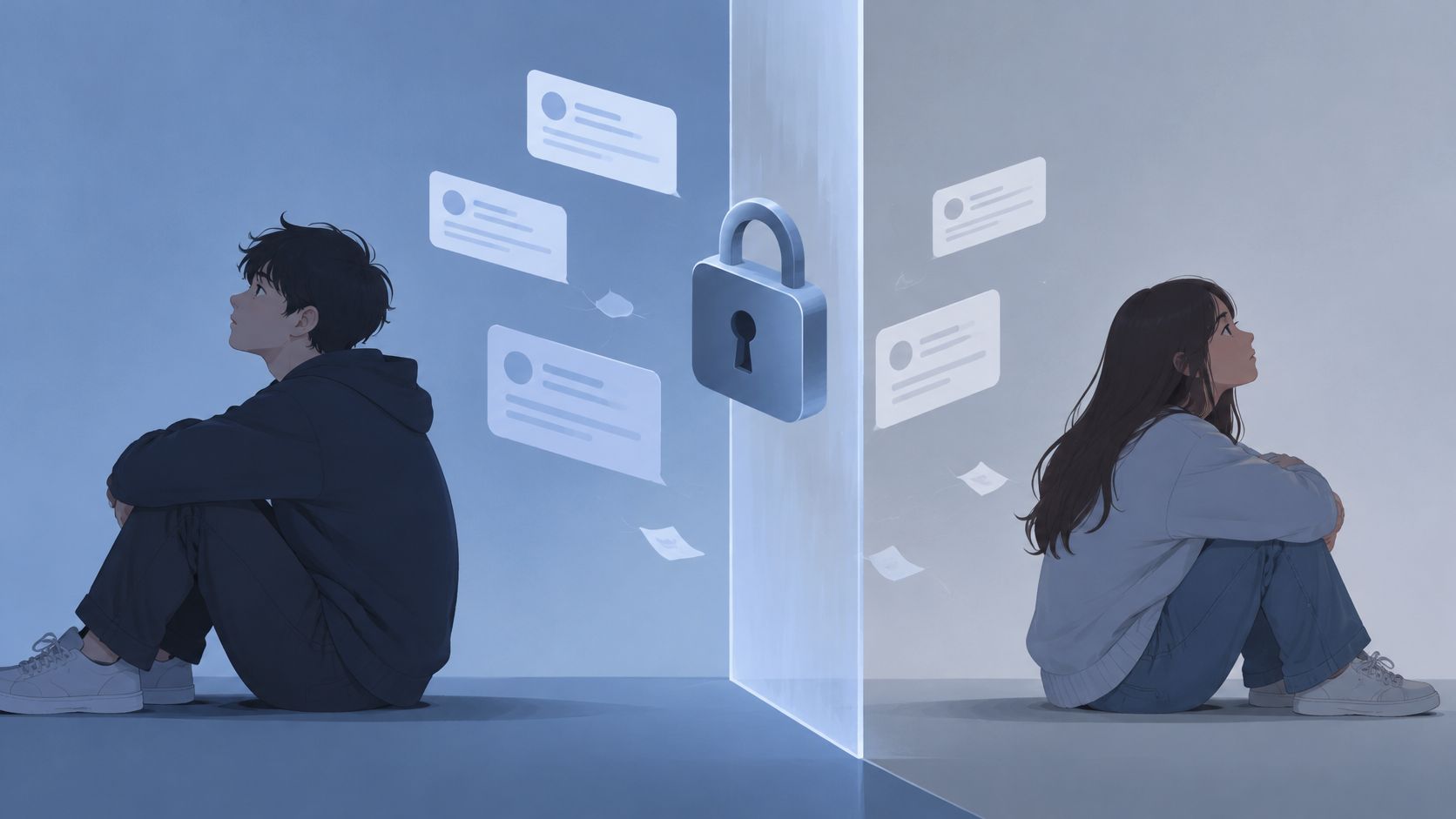
If I block someone on Instagram will the messages disappear? No. The one-to-one thread stays; new DMs sent while blocked are not delivered later.
Nov 7, 2026