Privacy & blocking
How to Tell if Someone Deactivated Their Instagram (2026)
Learn how to tell if someone deactivated their Instagram, how it differs from deletion or a block, and which logged-out checks and timelines to use.
Oct 27, 2026
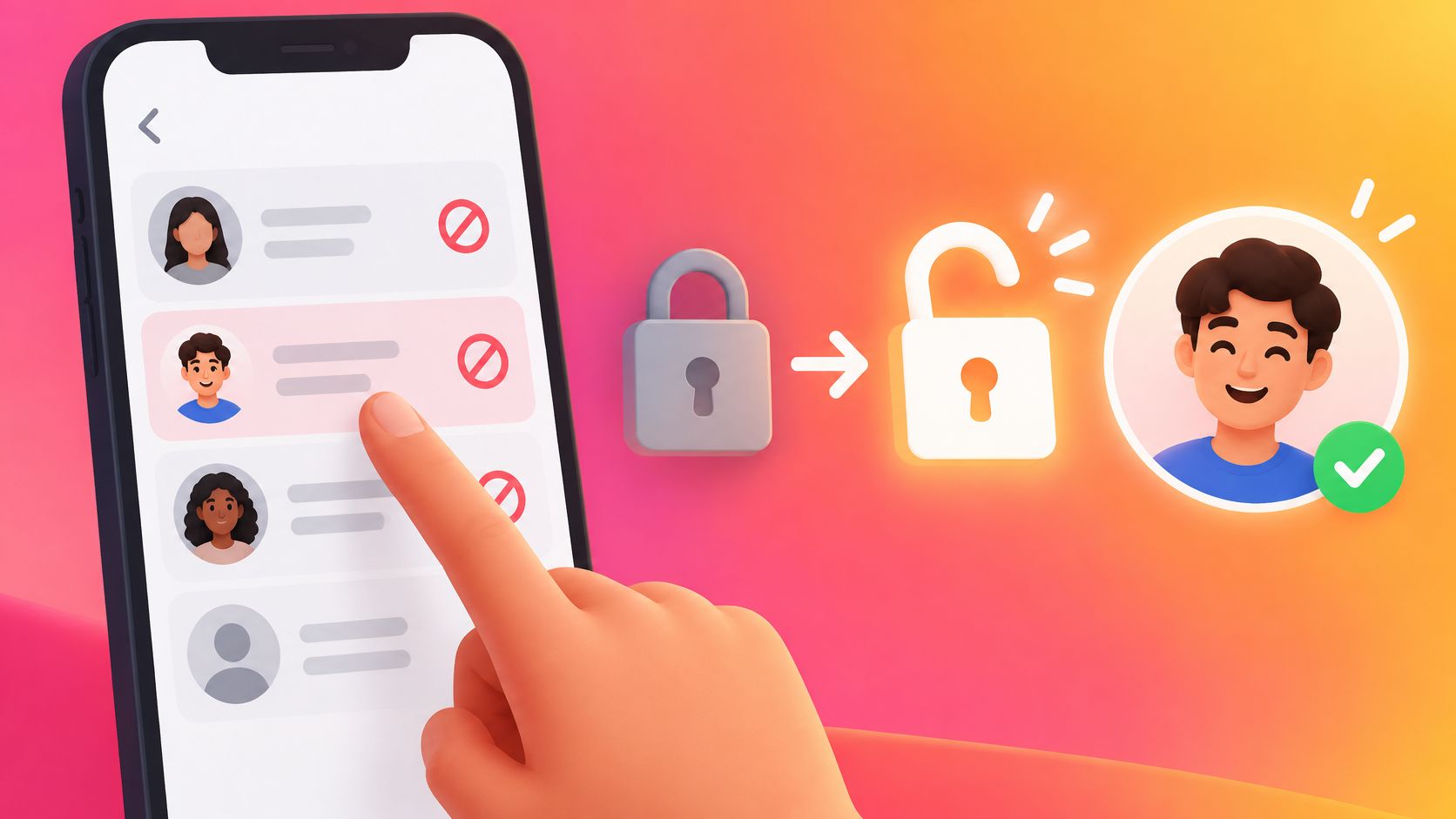
Learn how to unblock someone on Instagram on iPhone, Android, and web, what is not restored, and how to see blocked accounts.
To remove a block, open Instagram Settings, choose Blocked under Who can see your content, select Unblock beside the profile, then complete any confirmation shown. This restores access without restoring the relationship history or actions that were lost.
For a separate public-information task, the public follower-list comparison can show observed changes between scans; it cannot manage Instagram blocks.
Two Instagram accounts can have similar names, so the username is a clearer identifier than the display name when deciding which account to unblock. This matters when one person has multiple accounts: the display name may look familiar, while the username points to the specific profile.
Instagram's blocked-account guidance says to select Unblock beside the relevant account and confirm. Confirmation is the action that removes the block; opening the list or viewing a profile does not.
Unblocking changes access, not the history of the relationship. Removed likes and comments stay gone, messages sent during the block are not delivered later, and a follow is not restored. Contact and following are separate choices.
Where is the unblock option? Start in Settings and look for Blocked. Instagram's unblock instructions describe selecting an account from the blocked list and confirming the choice. The exact settings labels can differ by account, platform, and interface version, including Accounts Center or Meta Account settings.
On iPhone or Android, open your profile, tap the menu in the top right, find Who can see your content, then tap Blocked. Tap Unblock beside the intended account and complete any confirmation shown.
On the web, click More in the bottom left, choose Settings, then Blocked below Who can see your content. Click Unblock beside the account, then Unblock again to confirm.
These platform-specific routes were checked against Instagram's Help Center in October 2026. Some settings are gradually moving to Meta Account, so follow the controls shown for your account.
The list can help you locate an account when you don't remember its exact profile name. It shows entries to review, but it does not show whether someone has blocked you.
After confirming the unblock, open the profile to check its current follow status and whether it is private. Accessing the profile, following it, and sending a message are separate actions. Unblocking changes access to the profile; it does not itself restart the relationship.
After confirmation, the useful question changes from where to tap to what access is now available. Instagram's blocking guidance states that removed likes and comments aren't restored and messages sent during a block aren't received afterward.
| Item | After unblocking | What to do |
|---|---|---|
| Profile access | May be possible again if privacy settings and other blocks allow it | Open the profile and check |
| Follow | Not described as restored | Follow again only if that connection is wanted |
| Removed likes and comments | Not restored | Don't wait for them to return |
| Messages sent during the block | Not delivered later | Send a new message only if contact is wanted |
| Existing group chats | If both people stayed in a shared group while blocked, they could still see each other's group messages | Review shared groups separately from direct messages |
| Private account | A new follow request may be required | Request to follow separately |
Messages aren't queued for later delivery. A missing message from the blocked period doesn't mean the unblock failed. Sending a new message is a new contact decision, not a recovery method.
For follows, the practical check is the profile's current follow button. Instagram's guidance doesn't describe unblocking as restoring the previous follow relationship, so the account owner shouldn't assume the former connection has returned.
Practical rule: Check present access and follow status rather than using old engagement as a test of whether unblocking worked.
A private profile still controls access through its follow-request process. An unblock confirmation isn't approval of that request.
If a name is missing from the Blocked list, first check whether you typed the old username or are viewing the wrong account. A profile that remains unavailable after you unblock it may also be a different account from the one you selected.
Instagram's guidance on blocking accounts explains that blocking can include other existing or newly created accounts associated with a person. That means checking one username may not cover every profile involved.
| What appears | Possible cause | What to check |
|---|---|---|
| Name isn't on the Blocked list | Changed username, wrong account, or an account already unblocked | Search the list carefully before selecting another profile |
| A second profile still fails | Another associated profile may remain blocked | Check whether that specific profile is listed |
| Profile opens but posts don't | Private account or its privacy settings | Look for a follow-request option rather than another unblock |
Use the table to narrow down what to check, rather than treating a missing profile as proof of a particular cause. The guide to how to know if someone blocked an account on Instagram covers the separate question of whether someone may have blocked you. Start by checking the username you want and the account's own Blocked list.
An empty conversation or missing engagement does not mean you should repeat the unblock action. Stop once the correct profile is no longer on the Blocked list. Access can still depend on that profile's privacy settings, much like opening a door does not grant entry to a private room.
The sources cited here do not verify whether Instagram sends an unblock notification. Changes in access may still be visible: the person could find the profile or access content allowed by its settings.
Before changing access, review these three areas:
Recheck the account's settings to understand what is visible now.
Once the correct block has been removed, no further relationship action is required. The account owner can choose among distinct next steps:
A follow button describes an account state, not the other person's wishes. It shouldn't be treated as encouragement or evidence of interest.
For someone reviewing a different boundary, removing a follower versus blocking on Instagram is a separate decision worth understanding. If the question is whether a public follower relationship later reappears, a later public follower-list comparison can help check the observed change without turning it into a claim about intent.
Open Instagram Settings and look under Who can see your content, then Blocked. Menu labels may vary by app version.
A missing profile does not by itself explain what happened. How to tell if someone deactivated their Instagram covers one possible reason to consider.
Take time to decide whether renewed access feels comfortable. You can leave the block in place if you do not want renewed contact.
After deciding, you can check whether a follower relationship appears again by comparing available public follower information across scans. Visit Unfollowers Track to compare public follower lists and see changes between scans.
About the author
We are the team that builds and runs Unfollowers Track, a scan-based Instagram tracker. Everything we publish is checked against how the product actually works: scans analyze public profile data only, changes show up by comparing one scan against the next, and we never ask for your Instagram password. Unfollowers Track is owned and operated by NaviStack LLC. Learn more about Unfollowers Track, read how we test and verify claims, or contact us with questions or corrections.
Unfollowers Track
Start with a free preview of who doesn't follow you back. Ongoing tracking then compares each completed scan with the last one, so you can see who unfollowed you in between.
Privacy & blocking
Learn how to tell if someone deactivated their Instagram, how it differs from deletion or a block, and which logged-out checks and timelines to use.
Oct 27, 2026
Privacy & blocking
How to make your Instagram private on the app or web, what non-followers can still see, and what happens to follow requests and existing followers.
Oct 25, 2026
Privacy & blocking
Can you change your Instagram username? Yes. Learn the settings steps, previous-name conditions, and why followers may be notified.
Oct 17, 2026
Privacy & blocking
Does Instagram notify when you screenshot a Story, post, Reels view or DM? Discover what actually triggers alerts and what stays private in 2026.
Oct 14, 2026