Privacy & blocking
Why Does Instagram Hide Comments? Causes and Fixes
Why Does Instagram Hide Comments? Learn the filters, Restrict and Limits behind hidden comments, who can still see them, and how to review settings.
Nov 14, 2026
How to Know If Someone Restricted You on Instagram: Signs That May Point to It, Why None Prove It, and How to Unrestrict.
Instagram doesn't notify a restricted person or show a Restricted label, so no single sign confirms a restriction. The clues readers usually notice are messages that never show Seen, no visible activity status, and comments that seem to stay hidden from everyone else.
What if the profile still looks completely normal, and that's exactly the point? That's why knowing how to know if someone restricted you on Instagram starts with what the app is designed not to reveal.
Instagram doesn't send a notification or add a visible label when someone uses Restrict, so there's no confirmation screen to find. The Instagram Help page on restricting someone says a restricted person can't see when the other account is online or whether a direct message has been read.
That same guidance explains two other effects. New comments from a restricted person on the owner's posts are initially visible only to that commenter, and the owner can approve, delete, or ignore each one. The owner also doesn't get notifications for future comments from that account.
Direct messages are handled differently too, moving out of the main inbox flow. Yet the profile itself usually still opens, and public posts still load. That normal-looking profile neither rules out Restrict nor proves it, a distinction covered further in the guide to Restrict versus Block on Instagram.
Plain answer: Each clue also has an ordinary cause, and menu names vary by app version, so treat what follows as a pattern check, not a diagnosis.
No single observation settles the question, so use the table first to match what you're seeing against an everyday alternative.
| Sign | How to check | Other explanations |
|---|---|---|
| Your message has no Seen status (you cannot see the recipient’s Requests folder) | Send one short, neutral message and check later for Seen | Unopened message, read receipts turned off, connection problems, normal delays |
| Owner's activity status doesn't appear | Look for online status in your chat list | Activity Status turned off by either account |
| Your comments on their posts seem to get no response | Compare what you see signed in with a signed-out view of the public post | Manual comment approval, keyword filters, post-level settings |
| Their profile and public posts still load | Open the profile normally while signed in | Expected with Restrict, while a Block usually looks different |
The pattern is only consistent with Restrict when an unread message, missing activity status, and a comment others can't see show up together. Instagram's Help page on limiting unwanted interactions describes how Limits can temporarily restrict comments and messages from groups such as non-followers or recent followers, and Hidden Words can automatically hide comments or message requests. Those overlapping controls copy the same signs, so even the full pattern isn't proof.
Multiple signs still cannot confirm Restrict; each can have another explanation.
Four controls get mixed up because all of them make an account feel quieter. They differ in who they affect and what changes on screen.
| Control | Who it affects | Profile still reachable | Other person notified |
|---|---|---|---|
| Restrict | Account you choose | Generally yes | No |
| Block | Account you choose | No | No, according to Instagram’s official controls guide |
| Mute | Posts and Stories from an account you follow | Yes | Not stated in current Help |
| Limits | Selected groups, including recent followers or everyone except Close Friends | Yes | People are not told they have been limited |
Instagram's official Restrict announcement says a restricted person's comments can stay visible only to that person, direct messages move to Message Requests, and people aren't notified when they're restricted. For the separate question of blocking, see the guide to knowing if someone blocked you on Instagram explains.
Mute only hides posts or Stories from your own feed without unfollowing. Limits works on groups rather than one named account.
If you want to undo a restriction you applied, Instagram documents these steps in its Restrict and Unrestrict help page:
Alternatively, open your profile's Menu, find Restricted under How others can interact with you, tap Next, and choose Unrestrict next to the account. These are the current documented Android and iPhone settings; other app versions may differ.
When the signs disagree, the honest result is possible but not confirmed, and that is still enough to decide what to do next.
A profile that suddenly won't open points somewhere else entirely, which the guide to User Not Found on Instagram walks through. The decision in front of you doesn't depend on a confirmed restriction, only on how much contact you want.
For the separate question of follower changes, Unfollowers Track compares a public follower list between scans to show who left, but it can't show Restrict, read receipts, or who restricted you. Only publicly available Instagram data is accessed and analyzed, private account information and direct messages aren't accessed, full results may require an account or paid plan.
Will the other person be notified?
No. Instagram's Restrict guidance says people aren't told when they're restricted, and undisturbed profiles are the whole design of the feature.
Can a restricted person still see posts?
Yes. Restrict leaves ordinary viewing in place, so the profile and its public posts remain reachable for the restricted account.
Can a restricted person still send messages?
Yes. Messages can still be sent, but they land in Message Requests and the sender can't see read or active status for the other account.
Does Restrict stop tags and mentions?
Yes. Instagram's official controls guide says a restricted person can't tag or mention the account that restricted them, or remix that account's content. Restrict also doesn't reveal profile visitors, and Unfollowers Track can't show who viewed a profile because Instagram doesn't share that information with anyone.
If the core question is whether someone silently left your follower list, Unfollowers Track compares public follower lists between scans so changes show up clearly, with no Instagram password needed. Visit Unfollowers Track to run a first scan and keep a baseline for the next one.
Sponsored resource: TiedSiren guide to different Instagram blocks. A separate discussion of personal blocks and Instagram enforcement; this is a partner resource, not a factual citation for Restrict.
About the author
We are the team that builds and runs Unfollowers Track, a scan-based Instagram tracker. Everything we publish is checked against how the product actually works: scans analyze public profile data only, changes show up by comparing one scan against the next, and we never ask for your Instagram password. Unfollowers Track is owned and operated by NaviStack LLC. Learn more about Unfollowers Track, read how we test and verify claims, or contact us with questions or corrections.
Unfollowers Track
Start with a free preview of who doesn't follow you back. Ongoing tracking then compares each completed scan with the last one, so you can see who unfollowed you in between.
Privacy & blocking
Why Does Instagram Hide Comments? Learn the filters, Restrict and Limits behind hidden comments, who can still see them, and how to review settings.
Nov 14, 2026

Privacy & blocking
Learn how to unmute someone on Instagram for posts, Stories and messages, find accounts you muted, and fix menu differences across app versions.
Nov 10, 2026
Privacy & blocking
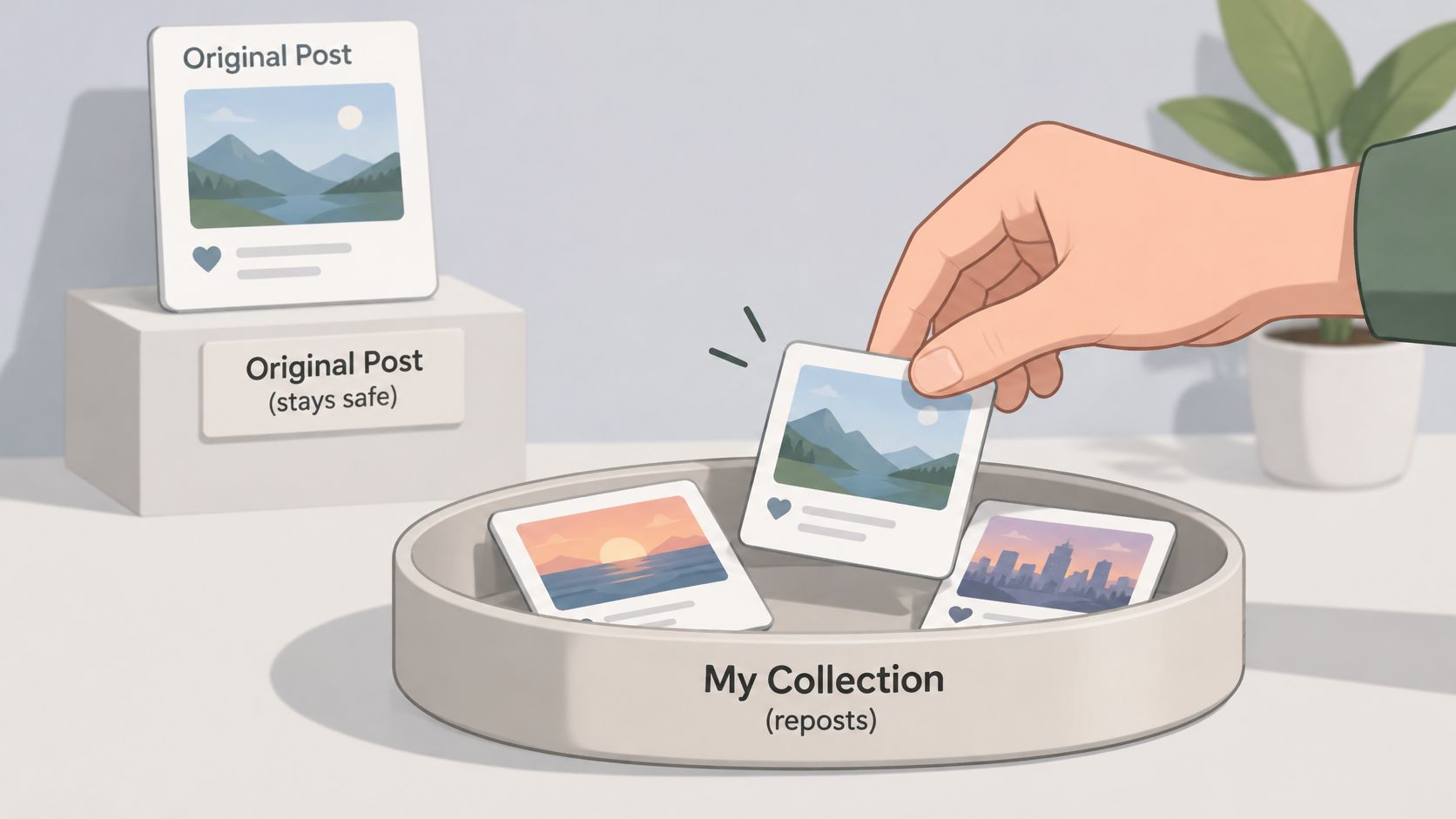
Learn how to hide reposts on Instagram: remove a repost, limit reshares of your posts, and see what Instagram's controls cannot hide.
Nov 8, 2026
Privacy & blocking
If I block someone on Instagram will the messages disappear? No. The one-to-one thread stays; new DMs sent while blocked are not delivered later.
Nov 7, 2026