
Privacy & blocking
Why Does Instagram Hide Comments? Causes and Fixes
Why Does Instagram Hide Comments? Learn the filters, Restrict and Limits behind hidden comments, who can still see them, and how to review settings.
Nov 14, 2026
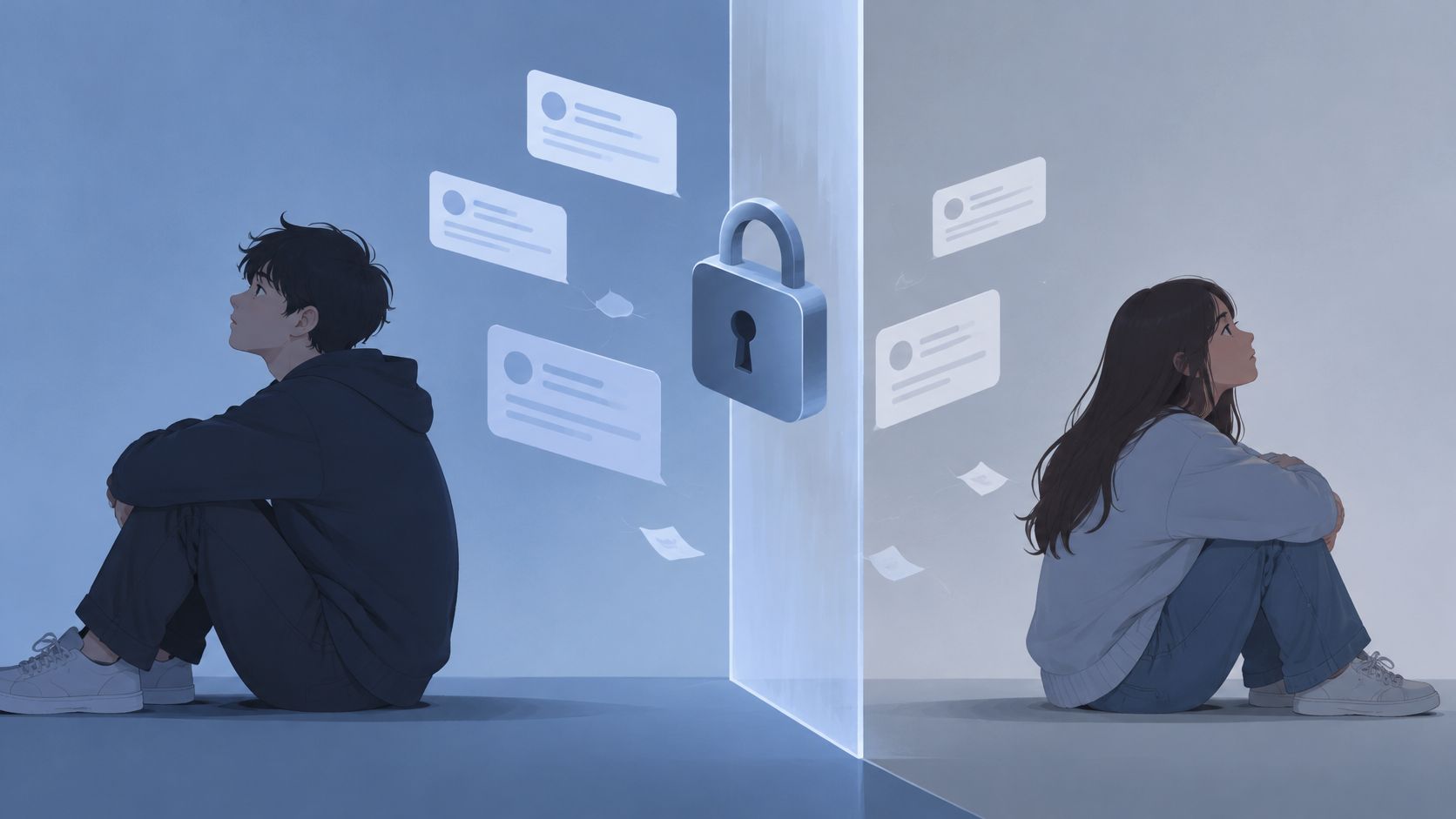
If I block someone on Instagram will the messages disappear? No. The one-to-one thread stays; new DMs sent while blocked are not delivered later.
No. Blocking someone on Instagram does not by itself erase your existing one-to-one message thread. Deleting a chat is a separate action; shared group chats have different visibility rules.
Three cases behave differently: the one-to-one thread you already have, whatever the other person sends while the block is active, and a group chat where you both still appear. Separated out, each one becomes predictable. You can also clear a chat from your own inbox afterward without unblocking anyone.
A block changes who can reach whom. The existing one-to-one thread stays in your Direct inbox.
Instagram's Help Center confirms that the messaging thread remains in your Direct inbox after you block someone, even though you can no longer message the blocked account. Blocking works like closing a door on new messages. What already arrived stays visible.
Old messages generally stay in that thread. New messages from the blocked account do not arrive while the block is on. The conversation history remains as a record of what was said before contact stopped.
The thread can sit in Direct until you remove it yourself. A block leaves the conversation in place, and deleting the chat is a separate step you take from your inbox.
Blocking, restricting, and deleting solve different problems. Blocking controls access. Deleting controls what stays in your inbox. Restricting limits contact without ending the relationship in Instagram. Keep those jobs separate before you tap anything.
| Action | Existing one-to-one thread | Messages sent during the block | Other person's copy | Notification or choice |
|---|---|---|---|---|
| Block the account | Stays in your Direct inbox | Not delivered, and not queued after you unblock | Not erased by the block | No you-were-blocked alert |
| Unblock the account | Still there if you did not delete it | Messages sent while blocked do not arrive later | They can message you again | No alert |
| Delete the chat | Removed from your inbox only | Deleting is separate from blocking | Their copy can remain | No alert |
| Restrict instead of block | Not deleted by restrict | No block is placed, so no block queue applies | Not erased | No block alert |
| Both stay in the same group | Group history is not wiped by the block | Both can still see each other's group messages if they stay | Shared group messages remain | They can choose to stay or leave |
Block when direct contact should stop and you accept that the old thread remains in Direct. Unblock restores future contact. It does not deliver messages sent during the block, and it does not bring back a chat you deleted.
Delete the chat when you want the conversation out of your inbox. That step is separate from the block. Restrict when you want to limit contact without ending the relationship in Instagram. It is not a full block, and it does not delete the thread. For a direct explanation of restrict versus block on Instagram, use that comparison to choose the softer option.
If you still share a group, shared messages can remain visible when both people stay. That rule is the exception. It does not change the one-to-one choice above.
A block controls contact. It does not erase history.
On your side, the one-to-one thread stays in Direct unless you remove it. The block stops new messages from you to that person.
On their side, Instagram does not show them a block notice. They may notice changes in access, but those signs alone do not prove that you blocked them. They cannot look into your inbox, so they cannot tell whether you kept the thread or deleted it. The practical signs people notice are covered in how to know if someone blocked you on Instagram.
Their copy of messages sent before the block is outside your control. They can keep it or delete it. A screenshot or saved notification is beyond what blocking can undo.
Messages they send while the block is active do not arrive later. Instagram does not deliver those messages to you after an unblock.
A shared group is a separate surface. The block controls direct contact, not the group thread both people still belong to.
A shared group is where blocking stops looking like a wall. If both accounts remain members of the same Instagram group, Instagram's Help Center says you, as the person who blocked the account, get a choice: stay in the group or leave it. If you stay, both of you can still see each other's messages there. The block closes direct contact between two accounts. It does not empty a group thread from either member's inbox while both remain.
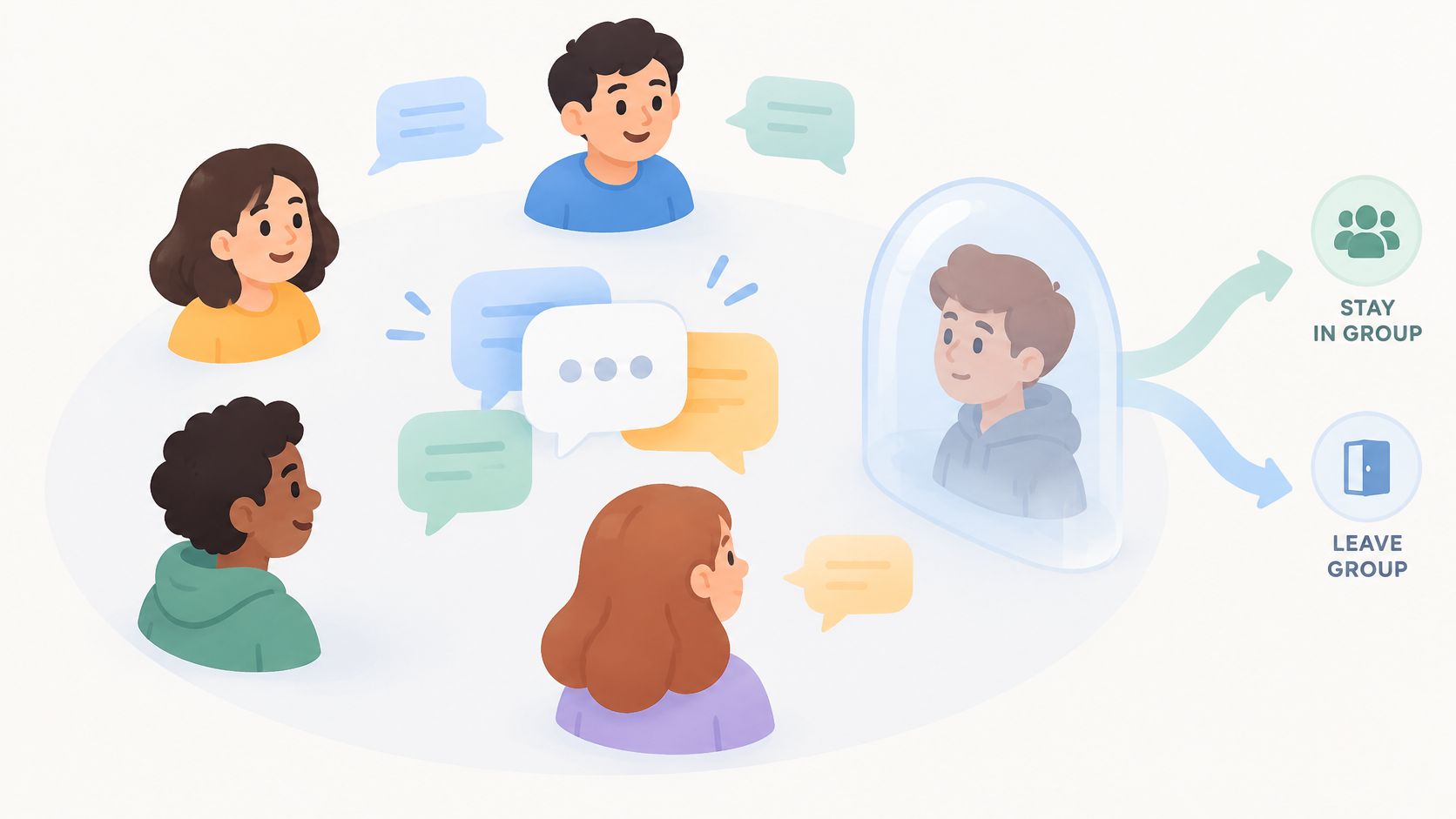
Review each shared group after you block. Open Direct, open the group, and check the member list from the group header. If the blocked account is still listed and you do not want that mutual visibility, use the leave control on that same group details screen. Repeat for every group you share. Leaving ends your future participation in that group. It does not retract messages other members already saw.
The blocked person's choice matters just as much. If they leave, they stop seeing new group messages. If they stay, the group remains a shared space even though one-to-one contact is closed. Treat the group decision as its own question: do you want to keep seeing their messages, and do you want them to keep seeing yours?
Then handle the one-to-one chat by deleting it from your inbox if you want it gone. The group decision is about contact and visibility, not about erasing what already happened.
This example is hypothetical. It is not a test, a customer story, or a timed result.
Say Alex and Jordan already have a one-to-one chat with earlier messages. Alex blocks Jordan. Those old messages remain in Alex's Direct inbox. Alex cannot send Jordan a new message. Jordan receives no block alert.
While blocked, Jordan sends one new Direct message. That message does not appear for Alex. Alex later unblocks Jordan. The old thread is still there, but Jordan's message from during the block does not arrive afterward.
They also share a group called Roommates, and both remain members. If Jordan chooses to stay, messages Jordan posts in that group can still be visible to Alex. That group message is not treated like the suppressed one-to-one message.
If Alex then deletes only the one-to-one chat, it leaves Alex's inbox. That deletion does not by itself prove Jordan's copy is gone.
Keep the thread and only block when contact control is enough. Block and then delete the visible chat when you also want it out of your inbox.
The one inbox check that matters: open Direct after confirming and make sure the one-to-one thread is no longer listed.
No. Your block controls contact, not storage. The one-to-one thread remains in your inbox until you delete it, and deleting your copy removes only the view you can see. Their copy follows their own account and actions, so you cannot clear it from your side.
No. A block stops delivery while it is active, so nothing waits in a hidden queue for an unblock. When you unblock, the thread shows the messages that were already there before the block. If someone says they messaged you during it, check the thread for a new arrival and do not expect messages from the blocked period to arrive later.
Unblocking changes whether the person can contact you. It does not act like an undo button for a chat you removed. If the thread is gone from your inbox, follow the current steps to unblock someone on Instagram, then watch the inbox instead of expecting an automatic restore.
Check only your own inbox. You can confirm whether the one-to-one thread is still listed or deleted on your side. You cannot inspect their phone, their inbox, or their copy, and a block does not give you a view into either.
Blocking is contact control, not erasure. The old one-to-one thread stays until you delete your copy, messages sent during the block are never queued, and a shared group can stay mutually visible if both people remain. Unfollowers Track reads public profile information and does not access private accounts or Direct messages, so it cannot show or delete this chat. It is independent of Instagram or Meta.
About the author
We are the team that builds and runs Unfollowers Track, a scan-based Instagram tracker. Everything we publish is checked against how the product actually works: scans analyze public profile data only, changes show up by comparing one scan against the next, and we never ask for your Instagram password. Unfollowers Track is owned and operated by NaviStack LLC. Learn more about Unfollowers Track, read how we test and verify claims, or contact us with questions or corrections.
Unfollowers Track
Start with a free preview of who doesn't follow you back. Ongoing tracking then compares each completed scan with the last one, so you can see who unfollowed you in between.
Privacy & blocking
Why Does Instagram Hide Comments? Learn the filters, Restrict and Limits behind hidden comments, who can still see them, and how to review settings.
Nov 14, 2026
Privacy & blocking
What user not found instagram can mean: a block, rename, deactivation, deletion, or disabled account, and how to check without guessing.
Nov 4, 2026

Privacy & blocking
How to turn off active status on Instagram in Messages and story replies. Turning it off also hides other people's status from you.
Nov 1, 2026

Privacy & blocking
Learn how to unblock someone on Instagram on iPhone, Android, and web, what is not restored, and how to see blocked accounts.
Oct 31, 2026