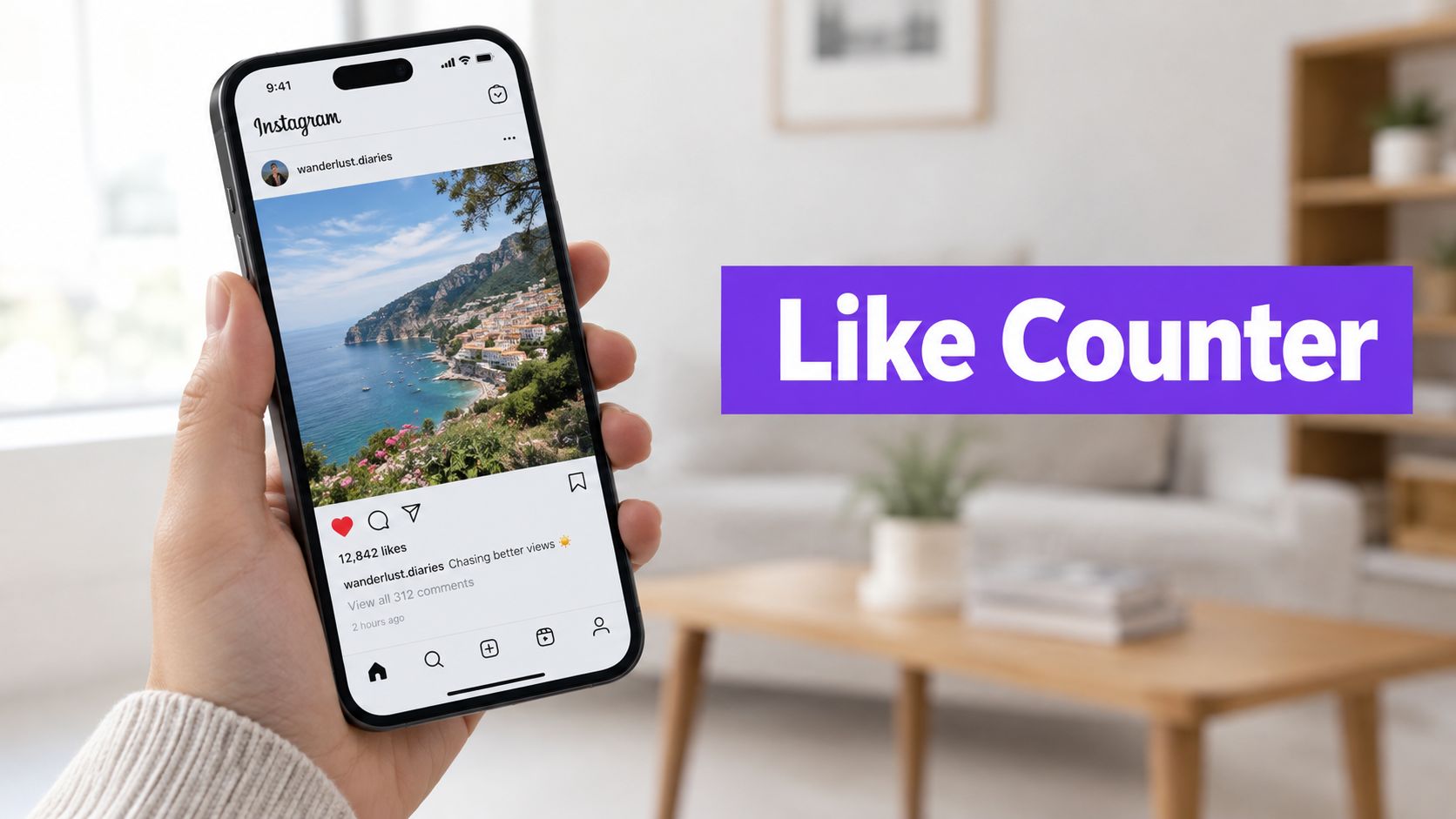
Likes
Instagram Like Counter: What the Number Means (2026)
What Instagram's like count shows, why hidden likes aren't zero, and a copy-ready spreadsheet to track a post's likes-to-followers ratio.
Oct 4, 2026

Learn how to see who liked your post on Instagram: own posts, public posts, hidden counts, and private limits.
On an Instagram post someone published, opening the post and selecting the likes area shows who liked it; for a video, tap the view count first, then open the likes. On someone else's public post, available likes depend on the post's audience and visibility settings, while likes on a private post that the viewer can't open aren't available.
Why can a post show a name but no total, or a total without an expected name? A hidden count, a restricted like, and an inaccessible post are different situations. Knowing which applies prevents a missing number from becoming a mistaken conclusion about someone's activity.
The starting point is the specific post, not the follower list or a profile's overall engagement. For someone else's accessible public content, the public post likes viewer provides a public-post lookup rather than access to private content.
Instagram's like-count guidance treats the displayed total as a setting: hiding it changes what other people see, while the publisher can still see the total on their own posts. That makes the practical sequence straightforward:
Menu labels can change between app versions, so the relevant control is the post's likes or engagement area, even when the wording looks different.
For a post's publisher, the in-app engagement view is the most direct place to start. Instagram's instructions for viewing likes describe opening the likes beneath a photo and using the view count first for a video.
When the public count is hidden, open the original post and tap the same likes or "Liked by" area. Instagram says you'll still be able to see the total number of likes on your own posts, so hiding the displayed number changes what viewers see, not what the publisher can see.
Practical rule: Use the post's own engagement controls as the source.
For broader account review, the guide to free Instagram analytics tools covers follower and following list analysis, a separate task from reading the accounts attached to one post.
Who Can See Instagram Likes by Situation
| Situation | What can be opened | What not to assume |
|---|---|---|
| The publisher's own photo | Likes area below the post | The names under the photo are the full list |
| The publisher's own video | View count, then likes and accounts | The view count alone identifies likers |
| An own post with the like count hidden | Engagement available from the original post | A hidden number means no likes |
| Someone else's accessible public post | Available likes, subject to visibility settings | Every liker chose to show that like to every viewer |
| A private post the viewer can't access | Nothing; its likes aren't available | A public lookup grants access |
| A like left on someone else's post | Visibility follows the liker's audience setting | The setting also conceals the like from the publisher |
The preview beneath a photo needs particular care. According to Instagram's explanation of displayed likes, after a photo has more than four likes, Instagram can display a total with usernames of some accounts the viewer follows.
That preview helps explain why a familiar account might appear beneath the photo. It doesn't establish that every other account is absent.
Post privacy answers an access question, not just a presentation question. The guide to making an Instagram account private explains the account-level choice behind that boundary.
The useful comparison is between the relevant table row and the post being checked. An own photo, an accessible public video, and an inaccessible private post don't provide the same starting point.

Three separate limits get mistaken for one problem. A hidden like count changes the number displayed on a post. A liker's audience setting controls who can see that person's liking activity. A private post blocks the view entirely for anyone without access.
Instagram's audience-setting guidance describes controls for likes made on other people's posts and Reels through Profile, Menu, Likes you've made, and the audience setting. The choices are everyone, people the user follows, close friends, or nobody. The account that published the content can still see the like regardless of that choice.
Consider a hypothetical publisher who hides the count on a public photo. The missing public number concerns the display of the total, not whether people can continue liking the photo.
In a different hypothetical situation, someone limits the audience for likes they make elsewhere. A public post still leaves each liker's setting in charge of who else sees that activity, so another viewer's access to a particular like depends on the choice that person made.
When labels differ, look for the setting describing the audience for likes made, rather than assuming it's the control for counts displayed on posts. The guide to the Instagram like counter focuses on that numerical side of the distinction.
Three separate limits can hide the same thing, and treating them as one problem leads to wrong conclusions. Before reading anything into an absent name, decide which limit applies: a hidden like count, a liker's audience setting, or a post the viewer cannot open. Then work through the current view in this order:
The open list works like a snapshot of what is visible now. It shows the likes that exist at this moment, within whatever visibility rules apply to each liker. A name's absence alone does not establish when a like disappeared or what caused the change.
A commonly confused feature covers the reverse direction: reviewing likes an account made itself. Instagram's Your Activity instructions provide access to the account holder's 300 most recent liked posts through Your Activity, Interactions, Likes.
That feature answers "Which posts did this account like?" for the signed-in account holder. It does not reconstruct everyone who previously liked another person's post.
For a missing-name check, the strongest useful conclusion stays narrow: whether the expected account appears in the available likes view at the time of inspection.
Start with the post itself, not the account. On your own post, the likes view inside Instagram stays the right first stop, because it ties the answer to that exact photo or video rather than to follower relationships. For someone else's accessible public content, the public-post lookup is intended for public posts only: paste the post link, select Show likes, and inspect the accounts Instagram returns. On popular posts that is only part of the list. If the question is instead which accounts appear between two saved follower snapshots, the Unfollowers Track homepage provides that comparison, which is a separate task from reading a single post's likes.
Unfollowers Track is independent and isn't affiliated with, endorsed by, or sponsored by Instagram or Meta Platforms, Inc.
Only viewers with access to the private post, such as approved followers, can inspect its available engagement. Public lookups don't provide that access. The likes list sits behind the same gate as the photo itself: a viewer who cannot open the post cannot reach its likes either.
The preview is a shortened display, not the full likes view. Instagram chooses which names to surface in that row, and opening the likes area shows the accounts available to that viewer under the applicable visibility settings. A name in that list can also lead to a private profile, where only a locked account page is visible even though the like itself is public.
They're available in the account holder's activity controls, rather than the likes list on a post they published. That record stays private to the account holder, so nobody else can open it from outside the account. The guide to seeing someone's Instagram likes addresses the distinction between personal activity and visible engagement elsewhere.
A hidden count removes the total, not necessarily the names: the list of likers can still open on a post the viewer can reach. Social Media Today's coverage of Instagram's count controls explains the separation between hiding counts on posts someone sees and hiding counts on their own posts. A missing number is a display choice, not a locked list.
Unfollowers Track offers public follower-list comparisons for checking which accounts appear between saved scans, a separate task from inspecting a post's likes. Visit Unfollowers Track to compare public follower relationships, while using the specific Instagram post's engagement view to check its available likes.
About the author
We are the team that builds and runs Unfollowers Track, a scan-based Instagram tracker. Everything we publish is checked against how the product actually works: scans analyze public profile data only, changes show up by comparing one scan against the next, and we never ask for your Instagram password. Unfollowers Track is owned and operated by NaviStack LLC. Learn more about Unfollowers Track, read how we test and verify claims, or contact us with questions or corrections.
Unfollowers Track
Start with a free preview of who doesn't follow you back. Ongoing tracking then compares each completed scan with the last one, so you can see who unfollowed you in between.
Likes
What Instagram's like count shows, why hidden likes aren't zero, and a copy-ready spreadsheet to track a post's likes-to-followers ratio.
Oct 4, 2026
Likes
Partly. There is no list of everything a person likes, but single likes are still visible on posts and in the Reels Friends tab. Here is what you can see in 2026.
Oct 6, 2026
Likes
Track likes on your own posts with Insights or a simple spreadsheet, see who liked any post you can view, and learn what Instagram keeps hidden.
Oct 1, 2026
Growth & analytics
Pick a free Instagram analytics source by the question you need answered: owner insights, public lookups or manual records, with clear access limits.
Oct 7, 2026