Guides
Instagram Follower Monitoring Apps for Business and Creator Accounts
Discover the best Instagram follower monitoring apps for businesses and creators. See how Unfollowers Track helps grow your audience.
Jul 17, 2026
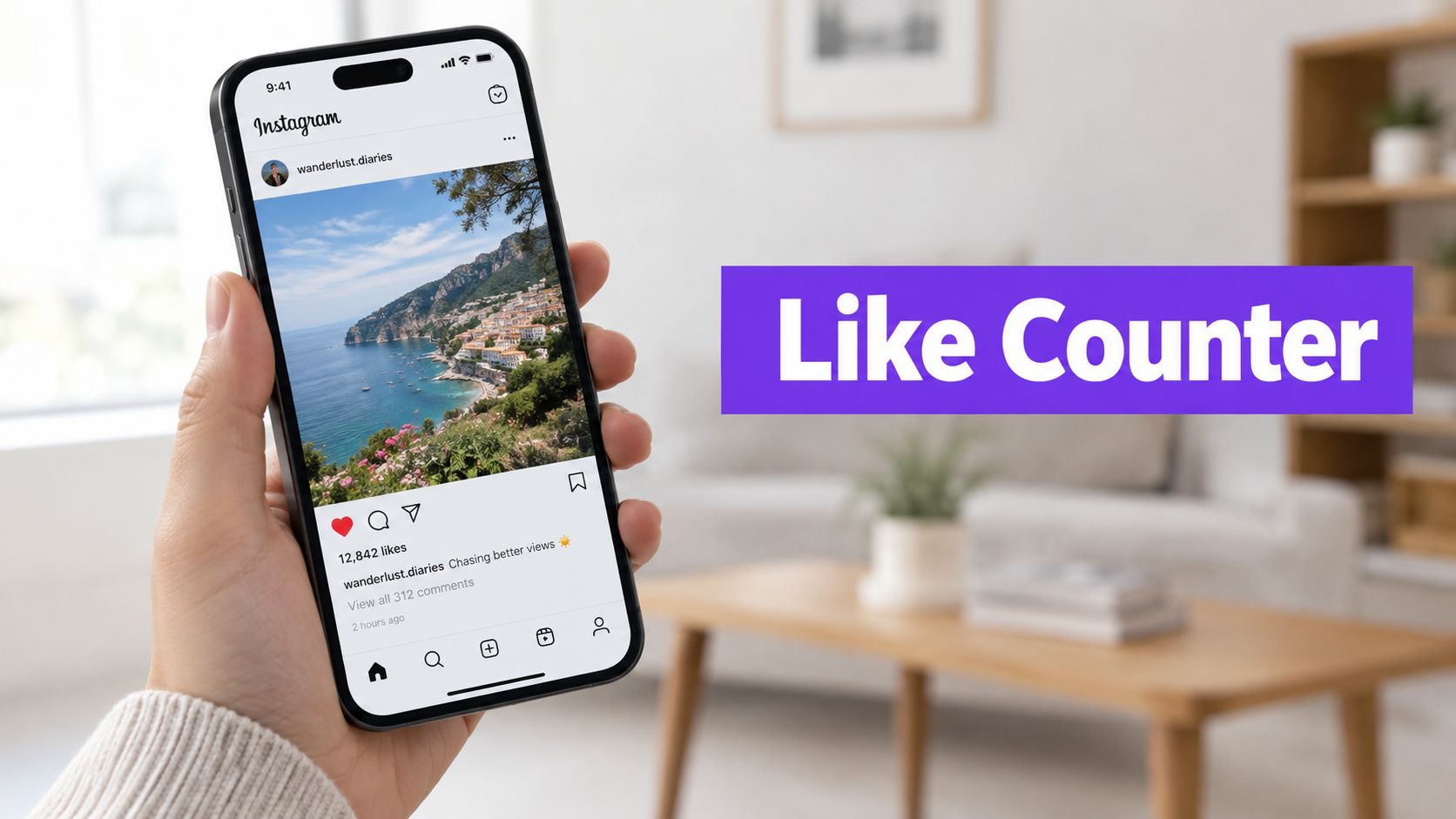
Discover what a like counter Instagram is and how to read public likes. Learn everything you need to know in this helpful guide.
An Instagram like counter shows the visible number of likes on one post or Reel at the time you check it. It is a current count, not a complete record of who liked the post, when each like happened, or everything a person has liked across Instagram.
This short reference explains hidden counts, a likes-to-followers calculation and a copyable spreadsheet example. For the full observation and testing workflow, use the Instagram likes tracking guide.
A carousel has one post-level like total; its individual cards do not each have a separate like counter. The displayed total belongs to that post, not the entire profile. A visible liker list, when available, is separate from the count and does not establish that every liker follows the account.
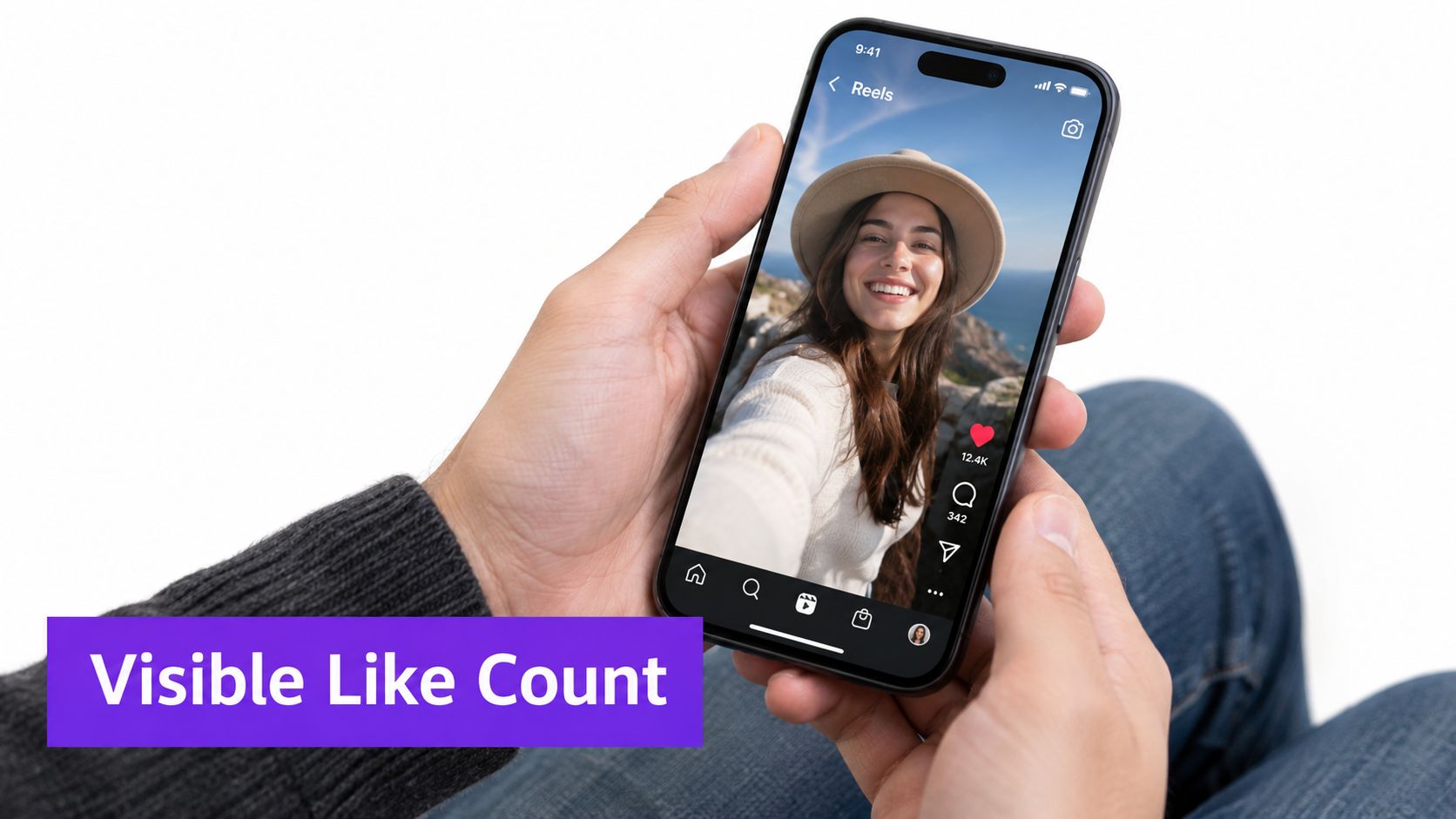
Illustration of a visible like count, not a measured customer result or a verified capture of the current Instagram interface.
Record the observation date and time with the count. A later reading can differ, but two readings do not reveal every change between them or the reason for the difference. History starts with observations you actually saved; a public counter does not recover earlier unrecorded totals.
Instagram allows people to hide like counts on their own posts or in their feed. Meta’s explanation of like-count controls describes these display choices. An unavailable public total is not evidence that the post received no likes.
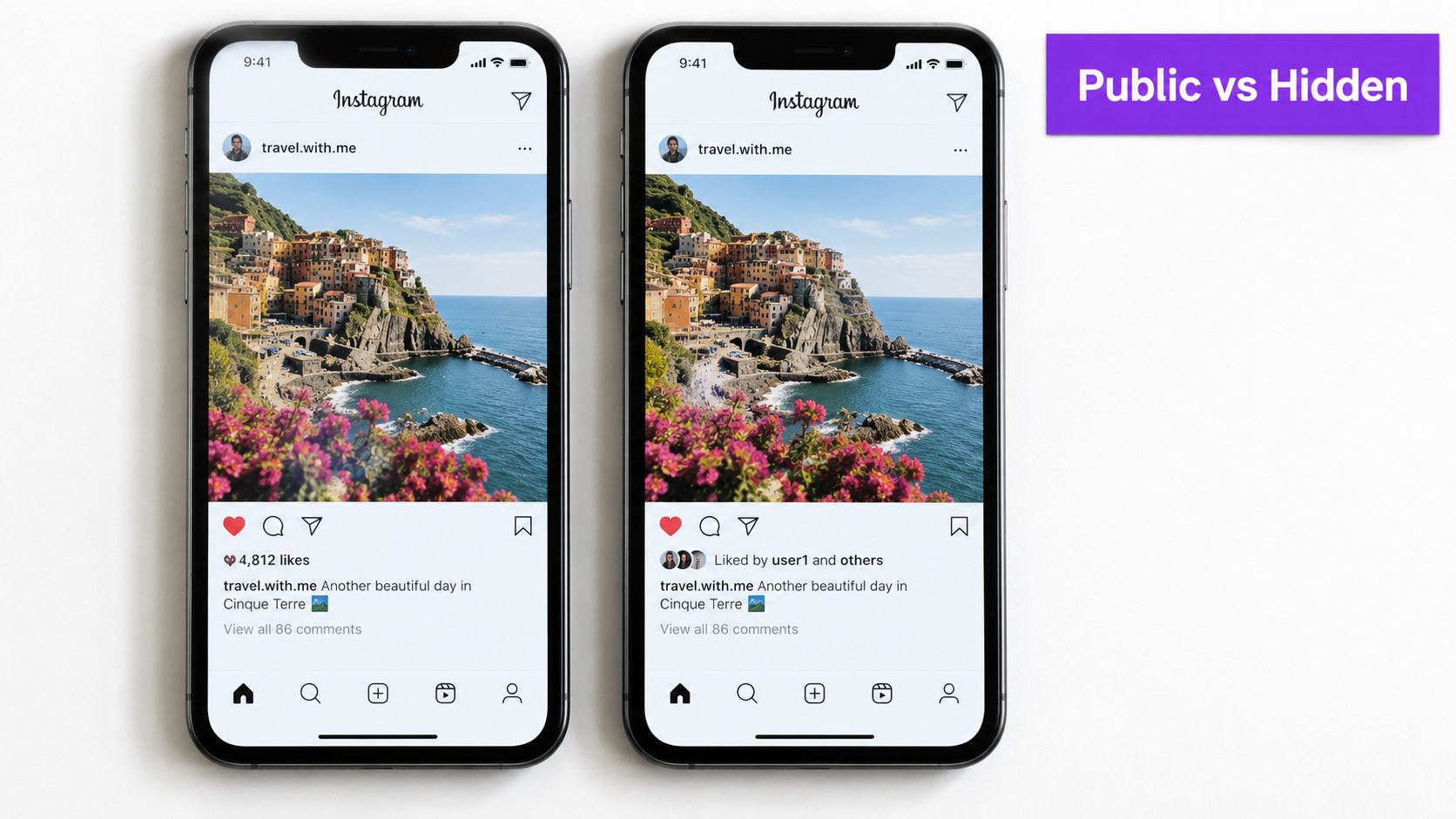
Illustration of public and hidden count displays. Labels and controls can differ by app version.
For a post you own, use the information Instagram makes available to your account. For someone else’s post, record only what you can actually see. Mark an unavailable count as hidden or unavailable; do not enter zero or claim that an external tool can reveal it.
Use the post’s visible like count and the profile’s follower count from the same observation window:
Likes-to-followers percentage = (visible likes ÷ followers) × 100
These numbers are hypothetical, not customer measurements:
| Observation of the same post | Visible likes | Followers | Decimal ratio | Percentage |
|---|---|---|---|---|
| First reading | 4,200 | 60,000 | 0.07 | 7.0% |
| Later reading | 5,640 | 60,000 | 0.094 | 9.4% |
The second reading is 1,440 likes higher and the percentage is 2.4 percentage points higher. Neither change establishes why it happened. The post is older at the second reading, and the count alone does not establish a change in reach, content quality or genuine audience interest.
This is a likes-to-followers percentage. It excludes comments, saves and shares and is different from a reach-based rate, which uses accounts reached as its denominator. It is not the percentage of followers who liked the post: people who do not follow the account may also like it. Leave the ratio blank when the count is unavailable or the follower count is zero.
The example below is a usable CSV, with two hypothetical observations of the same fictional post. Copy the block into a plain-text file named likes-example.csv and import it into your spreadsheet. The post identifier is an example, not a real Instagram URL.
observed_at,post_id,likes,followers,notes
2026-10-01T09:00:00Z,example-post,1240,8500,hypothetical first reading
2026-10-02T09:00:00Z,example-post,1318,8500,hypothetical second reading
Add a sixth column headed likes_to_followers_ratio. In its first data row, enter =IF(OR(C2="",D2="",D2=0),"",C2/D2) and format the cell as a percentage. Copy the formula down. In spreadsheet locales that use semicolons between function arguments, use =IF(OR(C2="";D2="";D2=0);"";C2/D2) instead.
The displayed results are approximately 14.6% and 15.5%. Percentage cell formatting performs the display conversion; do not also multiply by 100 inside this formula. The raw count difference is 1,318 − 1,240 = 78. This is the net difference between observations, not a count of uniquely identified new likers.
Keep the raw observations. When using the example for real work, replace the fictional identifier, dates and numbers with your own readings. If a public count is hidden, use a note and leave the numeric cell blank. This file is a manual example; it is not an export from an Unfollowers Track like-counter feature.
Use the full likes tracking workflow for repeated comparisons and posting-time tests. Unfollowers Track’s public follower tools answer a different question: they compare available follower and following information. Review the available tools and preview before assuming a particular metric or export is supported.
Partner resource: API Direct’s Instagram API pricing guide. This link is included through our content-link exchange; it is not a source for the product capabilities or measurement claims above.
About the author
We are the team that builds and runs Unfollowers Track, a scan-based Instagram tracker. Everything we publish is checked against how the product actually works: scans analyze public profile data only, changes show up by comparing one scan against the next, and we never ask for your Instagram password. Read how we test and verify claims, or contact us with questions or corrections.
Guides
Discover the best Instagram follower monitoring apps for businesses and creators. See how Unfollowers Track helps grow your audience.
Jul 17, 2026
Guides
Compare Instagram follower tracker accuracy in 2026. See when to use scan-based follower tracking, Instagram Insights, and broader analytics tools.
Jul 11, 2026