Unfollowers
Why Am I Losing Followers on Instagram? Causes & Checks
Why am I losing followers on Instagram? See the common causes, from unfollows to deleted and fake-account removals, and how to check which accounts left.
Oct 22, 2026

How to mass unfollow on Instagram: review accounts, unfollow manually, avoid password-based automation, and respond to action warnings.
Instagram does not have a true bulk-unfollow button, so the answer to how to mass unfollow on Instagram is simple, manual, and a little boring. Review the accounts first, then use Instagram’s own unfollow control for each account. Manual batching is an organizational method, not a guarantee against restrictions.
For a cleaner starting point, use a public relationship check like the one-way follows view to spot accounts that don't follow back before you start removing anyone. That keeps the cleanup deliberate instead of random.
Instagram’s current unfollow instructions describe one account at a time: open the person’s profile, select Following, then Unfollow to confirm. They do not document a bulk-unfollow control.
Instagram gives people ways to manage connections, but not a native “select all” unfollow screen. That leaves you with a manual process, and that is the point.
Practical rule: if a tool needs your login and promises bulk clicks, treat it as an automation risk.
A public-data preview can identify candidates without touching the Instagram account itself. For a closer look at auditing the list before you act, this follower audit guide covers the cleanup logic well.
Start with the accounts that no longer earn space in your following list. Review your Following list and decide which accounts you no longer want to follow. Do not treat a lack of visible interaction as proof that an account is inactive or unwanted.
Go after the quiet patterns first, no replies, no likes, no real interaction over a long stretch. If an account is muted, almost never opened in Stories, or only stuck around because of an old follow-back habit, it belongs near the top of the cleanup list.
A baseline count helps too. Record your current Following total before you touch anything, so the cleanup has a clear starting point. If you want a cleaner way to set that baseline, use this follower audit guide as the reference point.
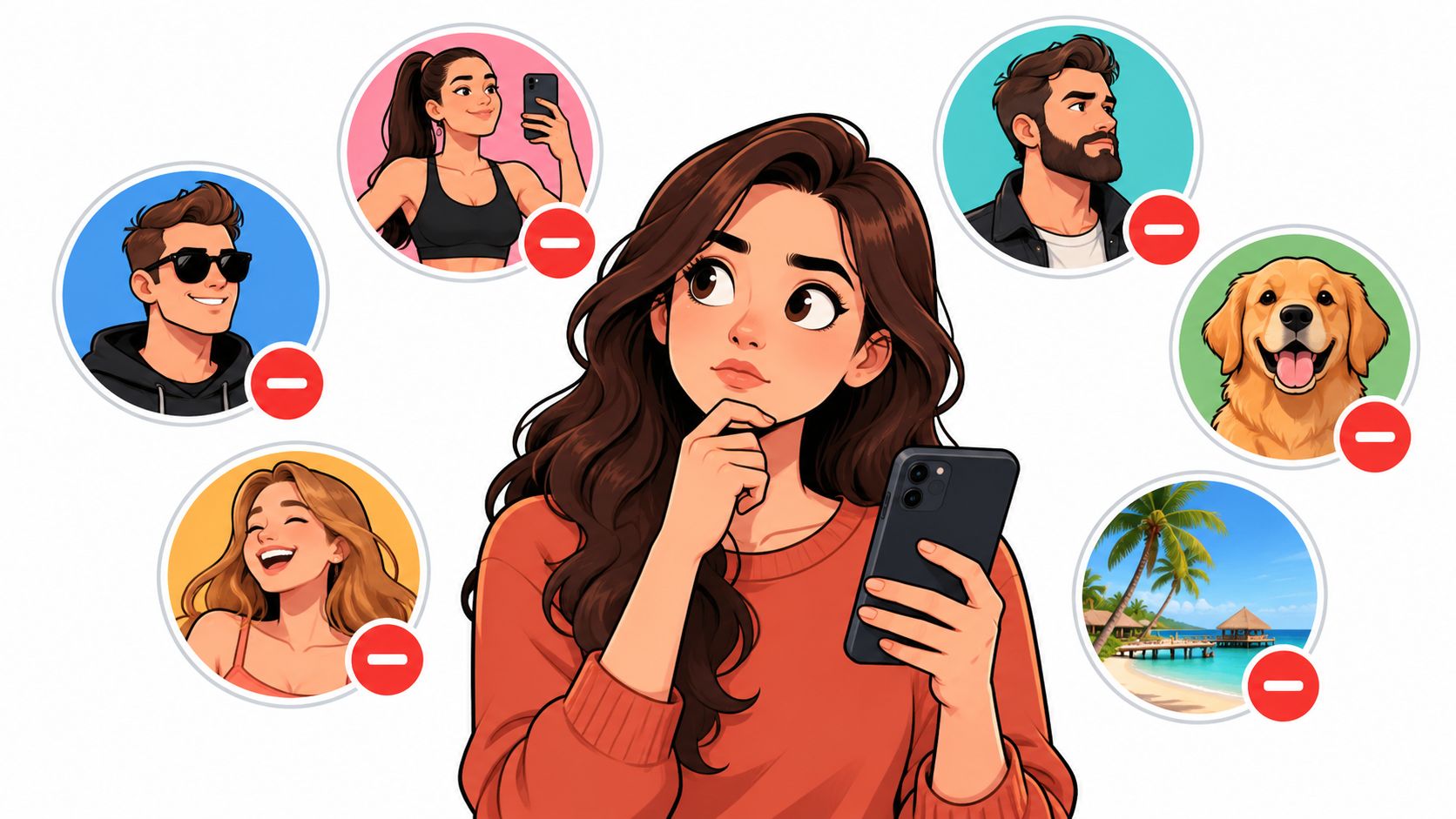
For example, an account you have not opened in six months and that has never replied to a Story is a stronger candidate than a friend who posts rarely but still comments often. Start with the obvious cases, and the rest of the list gets much easier to sort.
Not every account that annoys someone should get unfollowed. Sometimes the right move is to hide content, limit interaction, or cut access completely, and Instagram gives four native controls for that.
Choose the control that matches your task: unfollow to stop following an account, or consider mute when you mainly want to adjust the content you see. For unwanted contact or access, read Instagram’s blocking guidance before choosing a different control.
Blocking is the heavy hammer. It's fine when access itself is the problem, but it's too much when the issue is just a noisy feed. Muting and restricting keep things quieter without turning cleanup into a social signal.
For a side-by-side on that decision, the mute versus unfollow guide is the fastest companion piece.
The best way to handle how to mass unfollow on Instagram is to work in batches, not in a frenzy. Review your candidate list. For each chosen account, open its profile, select Following, then Unfollow to confirm, as described in Instagram’s official instructions.
A sane workflow looks like this. Review a small group, unfollow the ones that clearly belong on the cut list, then stop and come back later instead of trying to finish the whole account in one sitting.
The web can help with viewing account information, but the actual Following-list cleanup belongs inside Instagram's own app or website. That's the cleanest way to stay inside the platform's normal behavior instead of mimicking a bot.
A good cleanup looks like a person making choices, not a script hammering buttons.
The official unfollow instructions cited here do not give an hourly or daily safe quota. Do not rely on third-party numbers as guarantees. If Instagram shows a warning, stop and follow the instructions shown rather than trying to work around it.
For users who like to organize the work before they act, this export-to-sheets guide is a tidy way to sort a candidate list first.
Any app that asks for an Instagram username and password so it can unfollow people on your behalf is too risky. Those tools usually work by automating clicks or account actions behind the scenes, and that collides with Instagram's rules against unauthorized automated access and bypassing platform protections.
The failure mode is predictable. The account gets hit with an action warning, the app keeps retrying, and the user ends up stuck with a suspicious-activity prompt instead of a cleaner Following list.
Third-party claims about a “safe” daily unfollow number are not authoritative because Instagram doesn't publish one. That means the only honest answer is to stop treating fixed numbers as guarantees and stop trusting password-based shortcuts that pretend they're safer than they are.
If a tool already asked for login credentials, the better move is to inspect the account relationship carefully and reconsider the cleanup plan rather than pushing harder. For a sanity check on why those tools are shaky, this tracker safety note is worth a read.
If Instagram throws an action warning, stop right away. Do not keep retrying and do not jump to another automation tool. Let the account cool off instead of hammering the same action again.
If you shared your password with an unfamiliar service, review your account security using Instagram’s own settings and Help Center. Check your password, sign-in activity and connected services. Follow the current controls shown on your account rather than an old menu path from a third-party tutorial.
Resume only when the warning or account issue has been resolved. A waiting period suggested by another app is not a promise from Instagram.
What is the Instagram unfollow limit? The cited official unfollow instructions do not specify a universal safe hourly or daily quota. Follow any warning Instagram displays.
Does Instagram notify people when someone unfollows them? No direct unfollow notification is sent.
Does unfollowing remove likes or comments? No. Unfollowing changes the follow relationship, not past likes or comments.
Can two public scans prove exactly when someone unfollowed? No. A scan can show that the lists changed, not the exact time or reason.
Unfollowers Track gives a cleaner way to sort public follower relationships before anyone starts unfollowing by hand. It's useful when the goal is to identify one-way follows, compare public changes, and avoid guessing. Use Unfollowers Track’s one-way follows view to review retrieved public data. Full results may require an account or plan; the tool does not unfollow accounts for you.
About the author
We are the team that builds and runs Unfollowers Track, a scan-based Instagram tracker. Everything we publish is checked against how the product actually works: scans analyze public profile data only, changes show up by comparing one scan against the next, and we never ask for your Instagram password. Unfollowers Track is owned and operated by NaviStack LLC. Learn more about Unfollowers Track, read how we test and verify claims, or contact us with questions or corrections.
Unfollowers Track
Start with a free preview of who doesn't follow you back. Ongoing tracking then compares each completed scan with the last one, so you can see who unfollowed you in between.
Unfollowers
Why am I losing followers on Instagram? See the common causes, from unfollows to deleted and fake-account removals, and how to check which accounts left.
Oct 22, 2026
Unfollowers
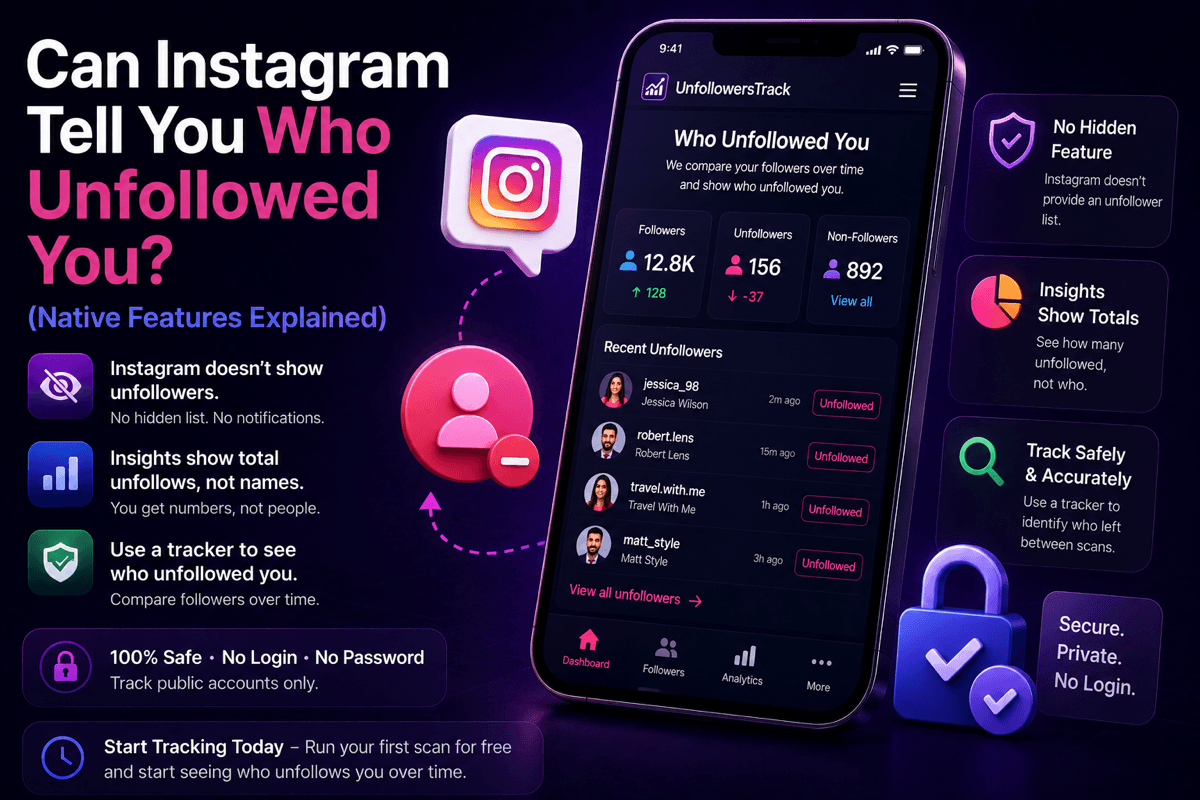
Can Instagram tell you who unfollowed you? No, there is no native feature or notification. Here is what Instagram does show, and how a password-free tracker fills the gap.
Jul 7, 2026
Unfollowers
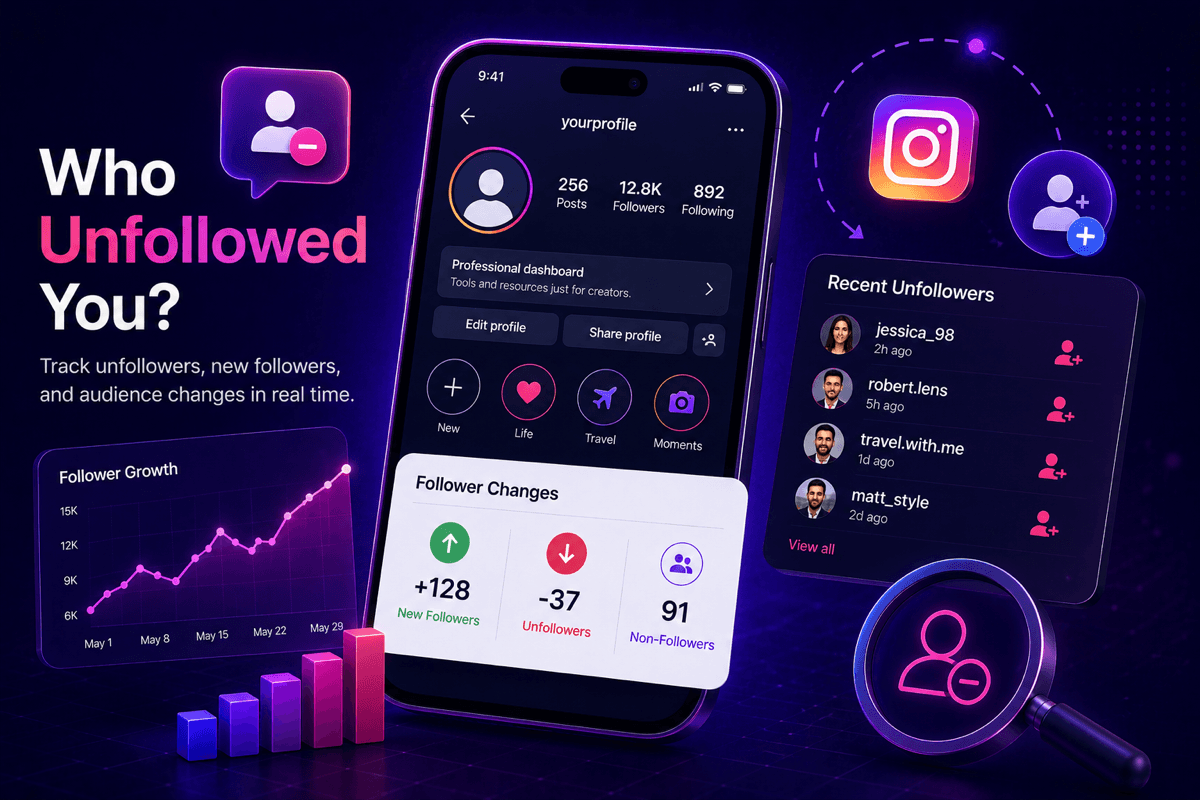
Can you see who unfollowed you on Instagram? Not natively, but a free public-data tracker can from your first scan onward. Here's the honest 2026 answer.
Jul 3, 2026
Unfollowers
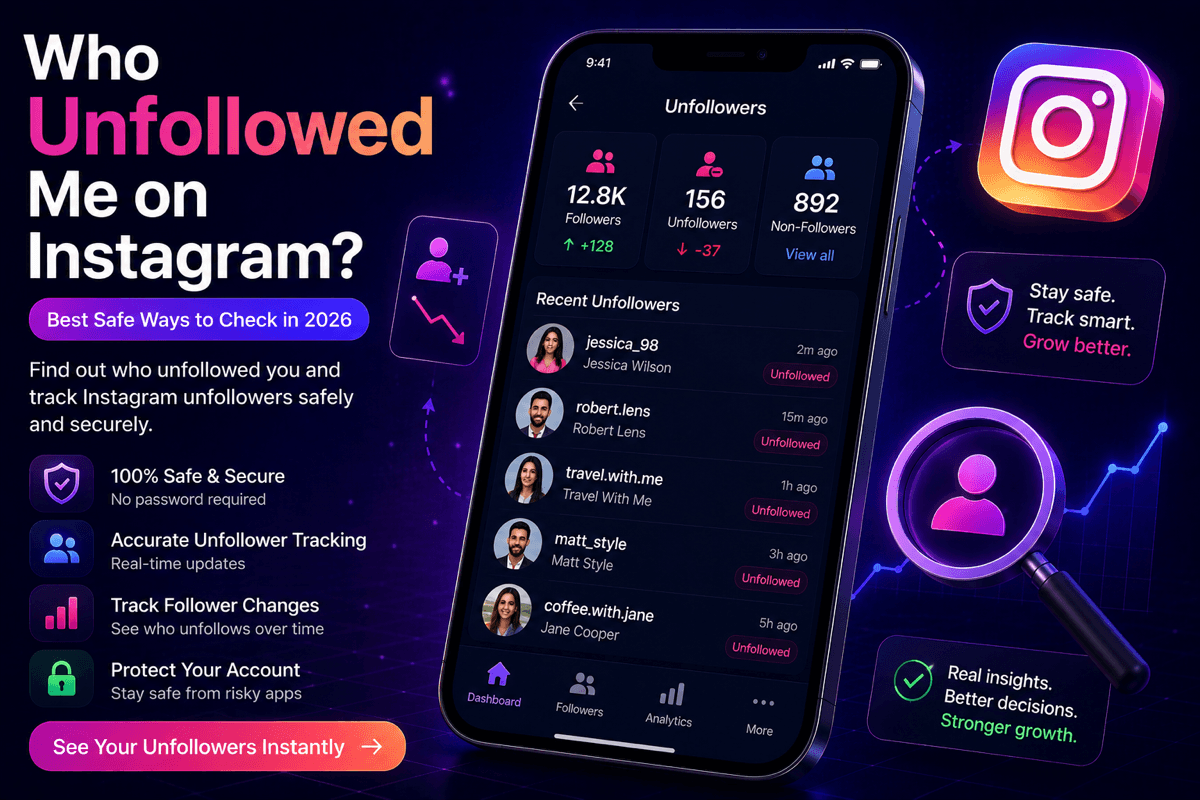
Wondering who unfollowed me on Instagram? Learn the safest ways to track Instagram unfollowers in 2026 with a secure Instagram unfollower tracker.
Jul 3, 2026