
Growth & analytics
Follow for Follow Instagram: What F4F Means and Its Risks
Follow for Follow Instagram explained: what F4F means, whether it builds a real audience, Instagram's rules, and how to clean up one-sided follows.
Oct 29, 2026
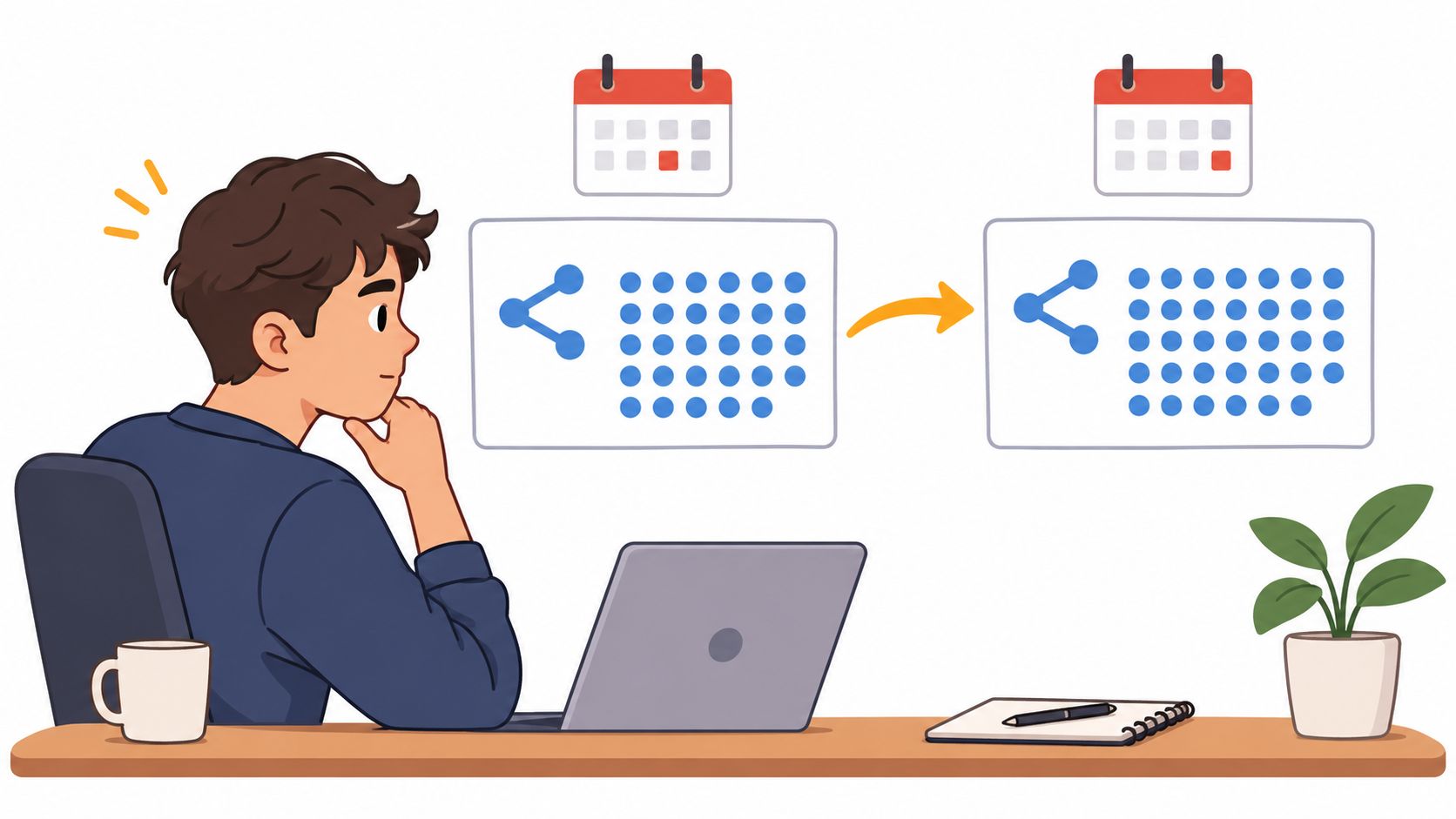
Can you see who shared your Instagram post? Learn what Insights show about shares, what stays private, and how to check share counts on eligible accounts.
No, Instagram doesn't show who shared your post, but eligible public accounts can see a total share count in Insights. That count answers how many shares were recorded, not who shared or where each share went.
The popular advice to tap around a post until a sharer list appears doesn't match how Instagram works. There's no hidden viewer list waiting behind the share icon, the three dots, or a different menu. If the question is can you see who shared your Instagram post, the answer stays the same after switching screens.
Meta's Instagram Help Center guidance on resharing states that creators cannot see who has reshared their Reel or where it was shared, regardless of whether the creator's account is public or private. That's the central limit. A creator may open Insights for content they created and view interaction totals, where shares sit alongside other counted actions, but those totals don't come with usernames or destinations.
Think of a turnstile counter at a stadium. It records how many people passed through, not their names, which gate each person used, or where they sat. A share count works the same way. It can show that sharing happened and whether the total rose between checks, yet it can't identify the people behind the increase.
Practical rule: Treat the share count as a measure of volume. Don't present it as proof that a specific person shared, saved, or even saw the post.
That distinction also explains why related curiosity leads nowhere. Readers who want to track Instagram likes face a similar gap between a visible total and a complete, private activity history. A number can be accurate and still answer a narrower question than the one being asked.
Some reshares leave public traces, and that's where confusion starts. A Feed post can be shared to someone's Story only when the original account is public and has allowed resharing, and the feature isn't available to everyone. Instagram's newer Repost button works differently: reposts of public reels and posts appear in a Reposts tab on the reposter's profile and may be recommended to their followers, per Instagram's Help Center page on reposts. That makes some reposts visible, but the Help Center doesn't describe a full list of reposters for the creator. Checking Story mentions or visible reposts can therefore surface a few public examples, but it can't produce a complete record.
The sections below cover finding the count step by step, a table of sharing routes, a hypothetical log of repeated checks, common myths, and short answers to related questions.
Finding the number takes less effort than interpreting it. The steps below apply to a post the account owner created, not to someone else's post.
No step produces a name. Each one narrows the total, the date it was observed, and nothing more personal than that.
Different routes leave different traces, so a single lookup table beats guessing from one visible reshare. The table runs from the most measurable route to routes with no creator-facing record.
What each sharing route shows the creator
| Sharing route | Visible to creator | Usernames visible to creator | Key condition or limit |
|---|---|---|---|
| Total shares on a post | Aggregate count in Insights | No | Public accounts only (personal or professional); count, not identities |
| Reel reshared by another person | No sharer list | No | Creators cannot see who reshared it or where, public or private |
| Feed post shared to a Story | Limited public traces | No list | Original account must be public and allow resharing |
| Repost (Repost button) | Shown in the reposter's Reposts tab | No full list described by Instagram | Only public reels or posts whose creator allows reposts |
| Direct message share | Not shown | No | Private between sender and recipient |
Even the most measurable row doesn't name anyone. Instagram's Help Center page about insights defines interactions as the number of actions people take, such as likes, comments, saves and shares: totals, not identities. A creator can measure total volume without learning which accounts produced it.
Story resharing sits in the middle. Anyone who views the reshared post can see who originally posted it, but Instagram's resharing page doesn't describe an alert to the original creator. In general, you won't hear about a reshare unless the person also mentions or tags you. That's also why questions about whether Instagram notifies when you screenshot need route-by-route answers rather than one blanket rule.
Direct message sharing is the least attributable route because the sender and recipient relationship stays private.
No name beside a share doesn't mean nobody shared the post. It means Instagram generally doesn't provide a named list.
This scenario is hypothetical, with invented numbers used only to show the arithmetic. Say a creator checks a post on Monday and sees 40 shares. On Wednesday, the same post shows 52 shares.
The difference is 12, because 52 minus 40 equals 12. That figure describes a change in the aggregate count between two checks. It doesn't reveal whether 12 separate people shared, one person shared repeatedly, or some mix of both.
Nor does it pin down timing. The shares could have arrived Monday night, Wednesday morning, or spread across both days. Two checks only bracket the change.
A copyable log keeps those limits honest:
| Date checked | Share count | Change since last check |
|---|---|---|
| Monday | 40 | First check |
| Wednesday | 52 | +12 |
| Friday | 52 | 0 |
The log can answer whether shares grew, stalled, or rose faster in one interval than another. It can't answer who shared, which route they used, or why they shared.
Myth one: a tool can reveal private sharers. Readers often phrase it as, "Which app shows who sent my post in DMs?" None can do that. Tools that work from public data, like Unfollowers Track, can't see private accounts or direct messages.
Myth two: the share count equals the audience. A share is one recorded action, not a headcount of everyone who viewed the post afterward. It doesn't measure reach, just as checking whether you can see who views your Instagram profile runs into a separate visibility limit.
Public tools have an honest use: they compare public follower and following lists between scans, which answers follower-change questions rather than sharing questions. Readers whose real question is who left or followed can compare public follower lists on Unfollowers Track.
If the person also mentions you, Instagram tells you through a direct message, or a message request if you don't follow them (Help Center). The Help Center doesn't describe an alert for a plain share without a mention, so a quiet inbox doesn't prove that no Story share happened.
No. Instagram says you need a public account, personal or professional, to view insights, so a private account doesn't get a share count. Switching to public just to see the number also opens your posts to everyone, so weigh that first.
The count reflects what Instagram reports at the moment of checking. A dated log started today tracks changes from today onward, but it can't rebuild a day-by-day history from before that first look. Each new check adds one more point on the timeline, nothing earlier.
A share count can show that a post traveled; it can't name the travelers. For the questions public data can answer, such as who followed or left between scans, Unfollowers Track is free to start: enter a public @username and preview results without creating an account or handing over an Instagram password.
The following are partner resources, separate from the factual sources above:
About the author
We are the team that builds and runs Unfollowers Track, a scan-based Instagram tracker. Everything we publish is checked against how the product actually works: scans analyze public profile data only, changes show up by comparing one scan against the next, and we never ask for your Instagram password. Unfollowers Track is owned and operated by NaviStack LLC. Learn more about Unfollowers Track, read how we test and verify claims, or contact us with questions or corrections.
Unfollowers Track
Start with a free preview of who doesn't follow you back. Ongoing tracking then compares each completed scan with the last one, so you can see who unfollowed you in between.
Growth & analytics
Follow for Follow Instagram explained: what F4F means, whether it builds a real audience, Instagram's rules, and how to clean up one-sided follows.
Oct 29, 2026
Growth & analytics
Pick a free Instagram analytics source by the question you need answered: owner insights, public lookups or manual records, with clear access limits.
Oct 7, 2026
Likes
Partly. There is no list of everything a person likes, but single likes are still visible on posts and in the Reels Friends tab. Here is what you can see in 2026.
Oct 6, 2026
Tracker tools
Compare five Instagram unfollow trackers by platform, login requirement, public-profile support, tracking method, and cost to start.
Jun 8, 2026