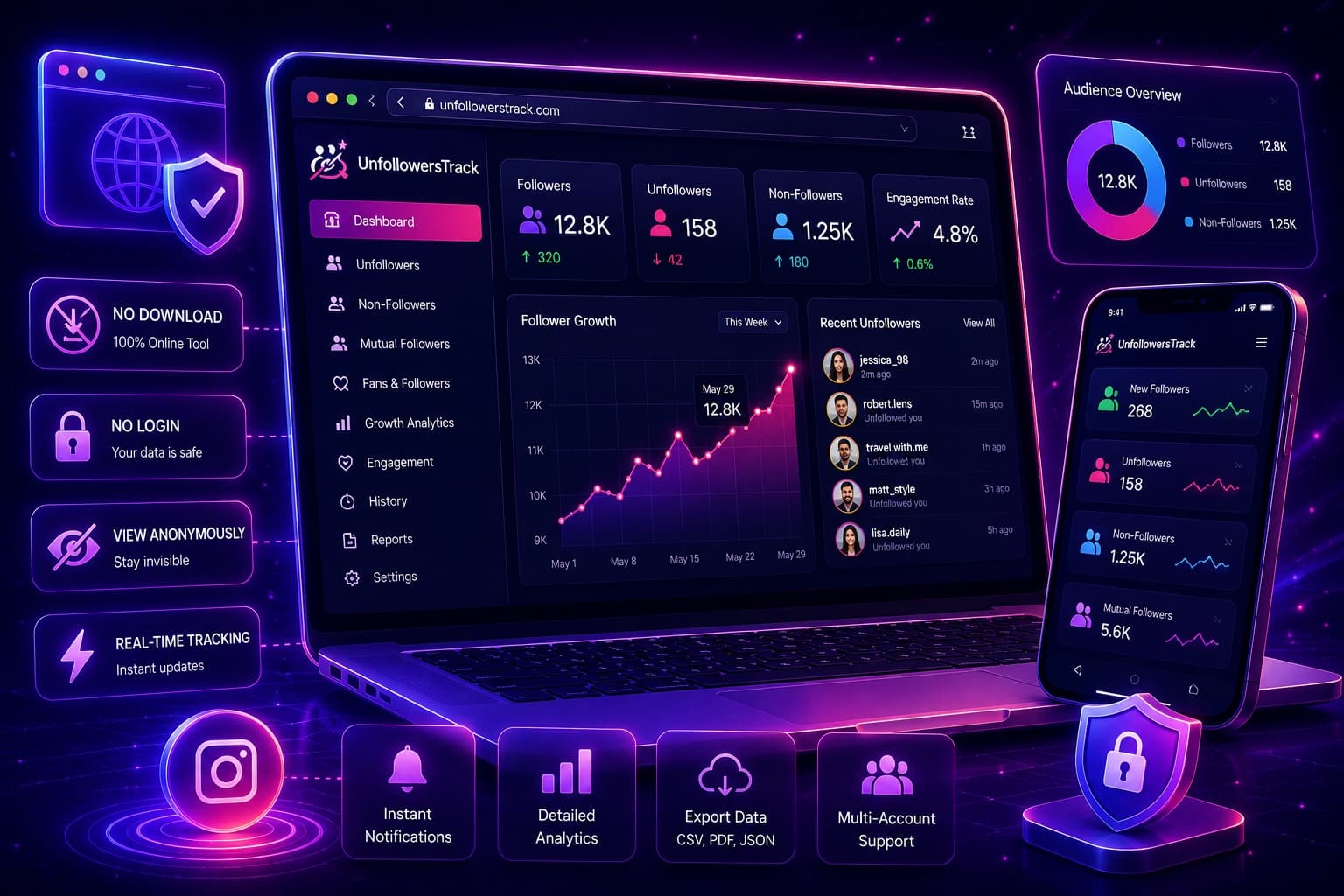
Tracker tools
Best Online Instagram Unfollow Tracker (No Download Required)
Use the best Instagram unfollow tracker online with no download required. Track unfollowers, monitor account activity, and grow with Unfollowers Track.
May 26, 2026
Compare five Instagram unfollow trackers by platform, login requirement, public-profile support, tracking method, and cost to start.
TLDR
Instagram unfollow trackers use three main methods: an Instagram sign-in, an official data export, or snapshots of public follower lists. The right option depends on whether you want a native app, need to check a public profile, or prefer to work from a file you control.
This comparison focuses on platform, access method, public-profile support, how history is created, and cost to start. Disclosure: UnfollowersTrack is our product.
Do not choose from the longest feature list. Start with the access method and whether it matches the job you need done.
If account access is your main concern, read is an Instagram unfollow tracker safe? before connecting a tool.
UnfollowersTrack runs in a browser and does not require an Instagram password to start. Enter a supported public username to sample its current follower and following lists. It currently supports public profiles with no more than 20,000 followers or following.
The free preview shows up to three visible names from each available list. A completed subscribed full scan establishes the baseline; later completed full scans can detect changes from that baseline. The detection time is the scan time, not the exact moment somebody followed or unfollowed.
Choose it when you want a browser-based report and do not need the tool to act on your Instagram account.
This Android app requires Instagram sign-in. It reports on the connected account and includes in-app account-management actions, including the ability to unfollow non-followers.
Choose it when native Android controls matter more than avoiding an Instagram sign-in. Because it can take actions on the account, review the developer, permissions, and current store listing before connecting it. See the Followers & Unfollowers comparison for the feature-level differences.
This cross-platform app is available for Android and iOS and requires Instagram sign-in. It offers free basic features with an optional PLUS subscription; current plan details can vary by platform and region.
Choose it when you want an installed cross-platform app for your own account. Compare its access model with the browser approach in UnfollowersTrack vs FollowMeter.
These web and mobile tools use an official Instagram data export rather than asking for your Instagram password. You download the file from Instagram and upload it for analysis. The Lite tier currently reveals three accounts that do not follow back.
Choose it when you prefer an export-based workflow and do not mind requesting and uploading a new file when you want updated data. The FollowBuddy comparison explains the workflow in more detail.
This browser-based service works with public profiles. It offers a free preview and currently advertises a $9.90 one-time relationship report. Ongoing unfollower detection is part of Guardian Mode, which updates weekly and starts at $8.90 per month with annual billing.
Choose it when you want a paid public-profile report and its update schedule suits you. See UnfollowersTrack vs Dolphin Radar for a direct comparison of access, pricing, and update methods.
Use a native Android app if in-app account controls are essential. Use a browser tool when you want to start without installing an app, or an export-based tool when you prefer to work from Instagram's official download.
The Android unfollower app comparison covers Android availability, sign-in requirements, and browser alternatives in more detail.
Pick the method before the brand: signed-in native app, official data export, or public-profile snapshots. Then verify when history starts, what the free tier reveals, and whether the tool can perform account actions.
For a supported public profile and a password-free browser workflow, UnfollowersTrack is the direct fit. For native account controls, compare the Android apps. For file-based analysis, use an export tool.
NaviStack LLC, the team behind Unfollowers Track, also makes Lurke. It is a native iPhone and Android app for following a public Instagram account's follower and following changes over time. A completed full scan creates the baseline; later completed scans show changes. No Instagram password required.
About the author
We are the team that builds and runs Unfollowers Track, a scan-based Instagram tracker. Everything we publish is checked against how the product actually works: scans analyze public profile data only, changes show up by comparing one scan against the next, and we never ask for your Instagram password. Unfollowers Track is owned and operated by NaviStack LLC. Learn more about Unfollowers Track, read how we test and verify claims, or contact us with questions or corrections.
Unfollowers Track
Start with a free preview of who doesn't follow you back. Ongoing tracking then compares each completed scan with the last one, so you can see who unfollowed you in between.
Tracker tools
Use the best Instagram unfollow tracker online with no download required. Track unfollowers, monitor account activity, and grow with Unfollowers Track.
May 26, 2026
Tracker tools
Discover the top features to look for in an Instagram unfollow tracker. Learn how Unfollowers Track helps you monitor followers and analyze engagement.
Apr 9, 2026
Tracker tools
Compare free Instagram unfollow tracker vs paid tools. Discover how Unfollowers Track helps track followers and unfollowers with accuracy.
Mar 30, 2026
Tracker tools
Discover the top Instagram follower tracking tool to track followers and unfollowers on Instagram. Use Unfollowers Track for accurate insights.
Mar 24, 2026