Unfollowers
How to Mass Unfollow on Instagram: Manual Steps
How to mass unfollow on Instagram: review accounts, unfollow manually, avoid password-based automation, and respond to action warnings.
Oct 18, 2026
Why am I losing followers on Instagram? See the common causes, from unfollows to deleted and fake-account removals, and how to check which accounts left.
You're usually losing followers on Instagram because accounts left your follower list: people unfollowed, deleted or deactivated their accounts, or Instagram removed inauthentic activity and disabled accounts. Instagram says those routine removals can change your follower total even within a short time, so the count alone cannot identify the cause. To see which accounts actually left, compare your public follower list between scans instead of guessing from the count.
Instagram follower count going down usually reflects accounts leaving the list, not a single penalty. The gap may come from platform removals, deactivated or deleted accounts, ordinary unfollows, or follow-for-follow accounts walking away.
Instagram's Help Center says a change in follows can happen when some came from accounts generating inauthentic activity, and that Instagram routinely removes disabled accounts, so your follower total may change even within a short time (Instagram Help Center).
If your account is public and has at least 100 followers, Instagram Insights shows follower growth as the number of followers you've gained or lost (Instagram Help Center). Comparing dated snapshots adds the names: it shows which usernames disappeared between scans, giving you a usable Instagram follower count history.
Start with the cause you can prove, then rank the rest by how much evidence they leave behind. A missing username establishes a difference between the two retrieved lists, not necessarily an unfollow; removals, deactivations and distribution shifts can move the same number without any follower choosing to leave.
1. Spam and inauthentic account removals. Instagram removes activity from accounts it finds generating inauthentic likes, follows and comments, and routinely removes disabled accounts. Quiet profiles are not automatically fake, so use Instagram ghost followers as context for inactive-looking audiences rather than proof of intent.
2. Deactivated or deleted accounts. When someone deletes their profile, Instagram permanently removes it, so it no longer counts toward your followers (Instagram Help Center). A temporarily deactivated profile's photos, comments and likes stay hidden until its owner logs back in (Instagram Help Center).
3. Ordinary unfollows from mismatch. In a Leger and Ressac study of Canadian consumers, summarized by Quirk's in March 2023, respondents cited uninteresting content and posting frequency as reasons to unfollow brands (Quirk's Survey Monitor, March/April 2023). Values matter too; tone or promotional pivots can trigger selective exits.
4. Follow-for-follow churn. Accounts gained for reciprocity often leave once the exchange stops feeling useful.
| Cause | Public signal | Evidence needed |
|---|---|---|
| Removal or deactivation | Sudden loss, username unavailable | Repeated scans, profile existence check |
| Content mismatch | Gradual loss after topic shifts | Post dates, themes, owner Insights |
| Frequency drift | Loss after bursts or long gaps | Posting log and follower comparisons |
| Follow-for-follow exits | Reciprocal accounts disappear | Following and follower list comparison |
One drop can also mix causes: Instagram may remove disabled accounts in the same week that a topic pivot prompts real followers to leave.
Start with a narrow question: which usernames were present in the earlier follower list and missing in the later one. This works for public accounts and does not require an Instagram password, although deeper history or monitoring may require an account or paid plan.
For account owners who prefer working from their own data export in a spreadsheet, this guide to export CSV files to Google Sheets covers the practical handling steps.
Repeated scans create a timeline. One comparison identifies names; several comparisons show whether losses cluster around a pivot, campaign, posting burst, or quiet period.
Public evidence is strongest on relationship status at scan time. It becomes weaker when readers ask why the relationship changed or what private audience members saw.
| Question | Public scans | Owner data needed |
|---|---|---|
| Which username disappeared? | Yes, between two scans | No |
| When was the change observed? | Yes, by scan date | No |
| Did reach fall before losses? | No | Instagram Insights |
| Which posts drove profile visits? | No | Post level Insights |
| Was it an unfollow or deactivation? | Not definitively | Often still uncertain |
| Did demographics shift? | No | Audience Insights |
Results are snapshots between scans, not exact event times or reasons. Private accounts, deleted content, and private analytics remain outside public lookup access.
Discovery and retention reward different things, so rising reach and falling followers can appear together. A Reel can pull in viewers outside the established niche, produce short-lived follows, then lose those same people when later posts return to the core topic.
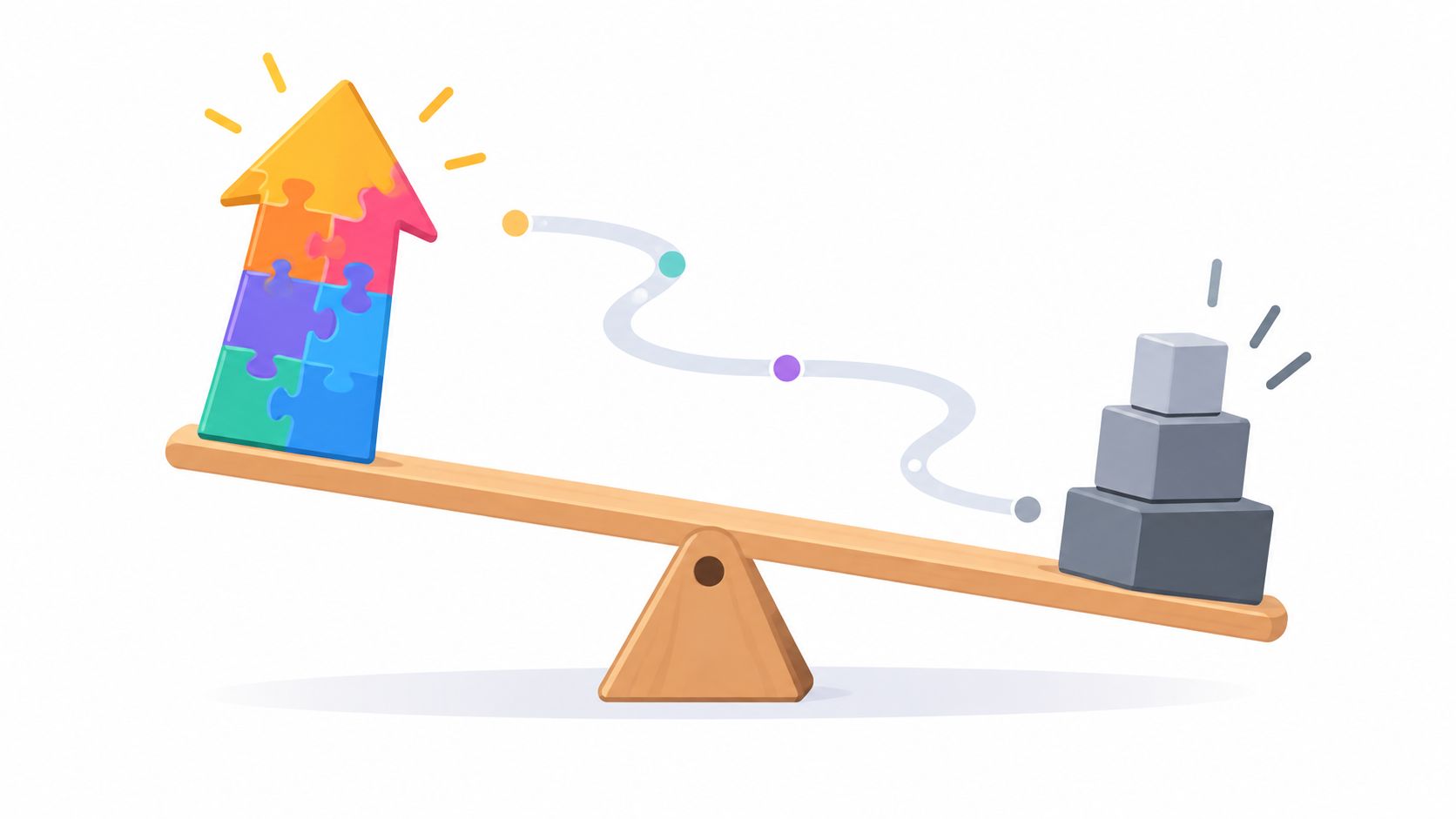
Instagram says Feed ranking weighs thousands of signals, including recency, recent interactions, preferred formats, and predicted actions, while Explore leans on predicted likes, saves, and shares in Instagram's ranking explanation. Strong non-follower exposure can still deliver followers who were never a good match.
Owners comparing private metrics against public changes can start with this overview of a free Instagram analytics tool.
Diagnosis comes before content changes.
No step guarantees growth, and removing followers shouldn't be presented as a reach fix. Change one variable, rescan, and judge the trend over time.
Small daily losses usually reflect ordinary churn, deactivations, and accounts acquired for different topics gradually leaving. A sudden drop can also come from Instagram removing disabled accounts or inauthentic activity.
Not definitively from public data. A missing profile suggests disappearance, while an active profile no longer following suggests an unfollow.
Discovery may be bringing poorly matched viewers whose follows don't survive later posts. Compare non-follower reach, profile visits, follows, and scan changes.
No. Public lookups depend on publicly available profile information and saved scan comparisons.
Stop treating every missing follower as a mystery or a personal verdict. Save a baseline, scan again after changes, and review exactly which public accounts disappeared between those dates with Unfollowers Track's public follower comparison.
About the author
We are the team that builds and runs Unfollowers Track, a scan-based Instagram tracker. Everything we publish is checked against how the product actually works: scans analyze public profile data only, changes show up by comparing one scan against the next, and we never ask for your Instagram password. Unfollowers Track is owned and operated by NaviStack LLC. Learn more about Unfollowers Track, read how we test and verify claims, or contact us with questions or corrections.
Unfollowers Track
Start with a free preview of who doesn't follow you back. Ongoing tracking then compares each completed scan with the last one, so you can see who unfollowed you in between.
Unfollowers
How to mass unfollow on Instagram: review accounts, unfollow manually, avoid password-based automation, and respond to action warnings.
Oct 18, 2026
Unfollowers
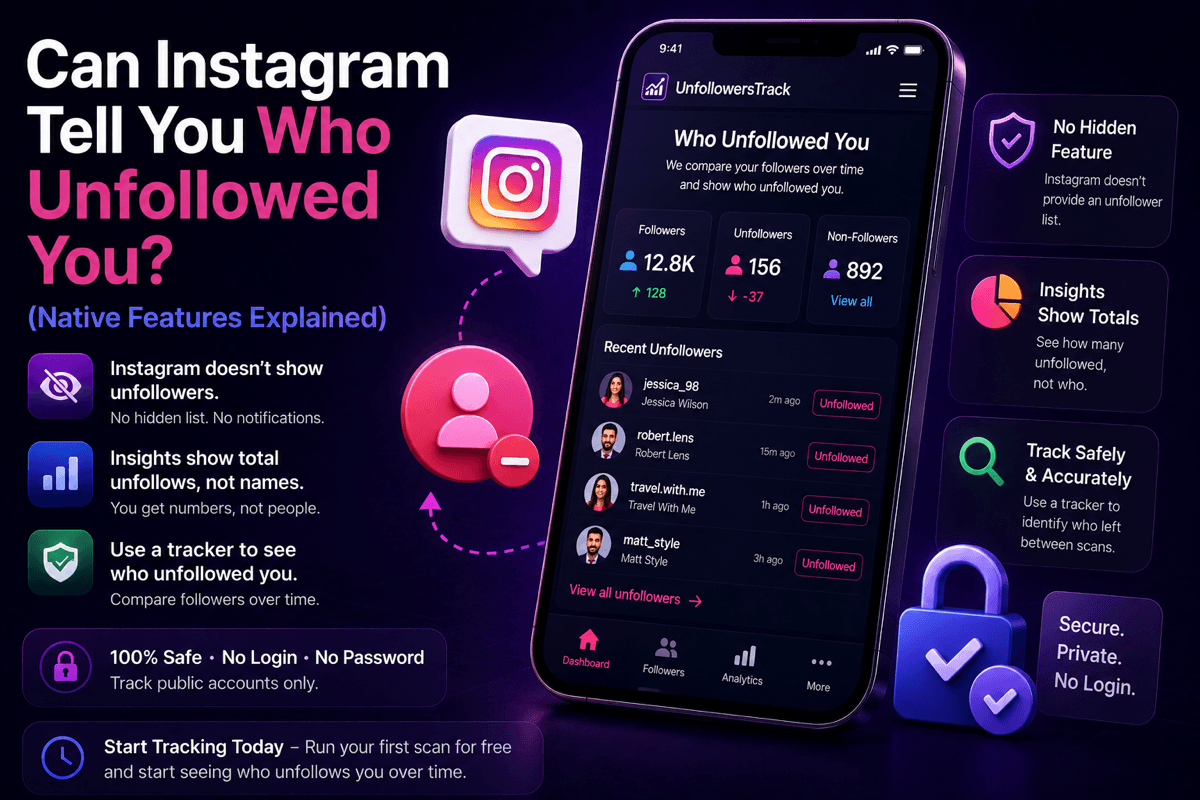
Can Instagram tell you who unfollowed you? No, there is no native feature or notification. Here is what Instagram does show, and how a password-free tracker fills the gap.
Jul 7, 2026
Unfollowers
Can you see who unfollowed you on Instagram? Not natively, but a free public-data tracker can from your first scan onward. Here's the honest 2026 answer.
Jul 3, 2026
Unfollowers
Wondering who unfollowed me on Instagram? Learn the safest ways to track Instagram unfollowers in 2026 with a secure Instagram unfollower tracker.
Jul 3, 2026