Tracker tools
The Easiest App to Track Instagram Unfollows
The easiest way to track Instagram unfollows is a browser tool that needs only a username. A 3-step walkthrough, no app download and no Instagram password.
Jul 9, 2026
Compare Instagram follower tracker accuracy in 2026. See when to use scan-based follower tracking, Instagram Insights, and broader analytics tools.
Key Takeaways
TLDR
The most accurate Instagram tracker is the one that matches its data source to the question you are asking. For follower and unfollower changes, a scan-based Instagram follower tracker is usually the clearest choice because it compares one follower snapshot with the next and shows what changed between scans.
That distinction matters. Instagram Insights and Meta Business Suite are the best official sources for reach, impressions, demographics, and post performance. They are not built to name every account that unfollowed you. A dedicated Instagram follower tracker fills that gap by monitoring public follower-list changes over time, then turning those changes into a simple report.
For Unfollowers Track, accuracy comes from a practical method: save a point-in-time public follower snapshot, compare it with the next scan, and show the accounts that appeared, disappeared, or do not follow back. It is not magic, and it is not real-time surveillance. It is a repeatable comparison method with clear timestamps and clear limits.
An Instagram tracker is a tool that organizes Instagram activity into reports you can actually use. Some trackers focus on follower movement, some focus on content analytics, and some are full social media suites for teams managing multiple channels.
The important question is not just "which tracker has the most features?" It is "which tracker is accurate for the metric I care about?" If you want reach, profile visits, saves, or demographics, use Instagram's official analytics for a professional account. If you want to know who left your follower list after you started tracking, use a tool designed to compare follower snapshots.
Bad follower data leads to bad decisions. If a tracker says someone unfollowed you when they did not, you may misread a campaign, blame the wrong content, or spend time chasing a false signal. If a dashboard overpromises hidden data that Instagram never provides, it can push you toward risky apps that ask for unnecessary access.
Accurate tracking is useful because it keeps the signal narrow and verifiable. A creator can see whether a promotion attracted new followers but also led to churn. A business can watch audience retention after a launch. A casual user can understand whether a follower count drop came from real unfollows, spam cleanup, or normal list movement.
The best Instagram tracker does not pretend to know everything. It explains where its data comes from, when the scan happened, and what the result means. That is the difference between usable analytics and a dashboard full of guesses.
Different Instagram tracker apps use different collection methods, and the method affects both accuracy and account safety.
For follower changes, scan-based tracking has a simple advantage: the result can be checked. If an account disappears from the latest public follower list after being present in the earlier snapshot, the tracker has a concrete reason to flag it.
An accurate tracker is not defined by the flashiest dashboard. It is defined by whether the data can be trusted, repeated, and understood.
This is why the safest answer is often boring in the best way: choose the tracker whose method matches the metric. For follower-list changes, that means a re-checkable snapshot comparison. For official content performance, that means Instagram Insights or an authorized analytics platform.
The best tracker depends on what kind of accuracy you need. A tool can be excellent for enterprise reporting and still be the wrong choice for named unfollower detection. Here is the practical split.
If your search is specifically for an Instagram unfollow tracker, start with the tools that explain how they detect follower changes. If you want a broader listicle view, see our guide to the top follower tracking tools compared.
Unfollowers Track is built around a narrower promise than many generic Instagram analytics platforms: show useful follower-list changes without asking for your Instagram password. That makes it especially helpful when the goal is to understand who followed, who unfollowed, and which accounts are not following back.
A social suite may be better if you manage a brand calendar, need client-ready PDFs, or want cross-platform team reporting. A native Instagram report may be better if you need official reach and demographic metrics. But for follower-list change detection, the core questions are different:
If those are your criteria, Unfollowers Track is a strong fit. For head-to-head alternatives, the Instagram unfollow tracker comparison breaks down tools such as FollowMeter, Dolphin Radar, Followers & Unfollowers, and FollowBuddy.
Most tracker complaints come from a mismatch between what the user expects and what the app can honestly measure.
A good tracker reduces these problems by explaining the limits before you rely on the report. For more safety guidance, read is an Instagram unfollow tracker safe?.
Accuracy is not useful if the tool creates account risk. The safest Instagram tracker is one that collects only what it needs, explains how it works, and avoids unnecessary account access.
For follower tracking, password-free tools are preferable because they remove the biggest risk from the workflow. Unfollowers Track reads public profile data for the username you enter, so there is no Instagram login step to start a scan. That is also why it does not claim access to private data, hidden viewer lists, or retroactive history.
Use a simple rule: if a tracker promises data Instagram does not provide, slow down. Profile visitor lists, private-account visibility, and instant unfollow alerts are common red flags. A trustworthy tool can still be useful while admitting what it cannot do.
Choose by use case, not by the biggest feature list.
For most creators and everyday users, the best setup is simple: use Instagram's native analytics for official content performance, then use Unfollowers Track for scan-based follower-list changes.
The most accurate Instagram tracker is not always the most complex one. It is the one that answers your question with the right data source and clear limits.
For reach, impressions, demographics, and post analytics, official Instagram data and authorized analytics platforms are the right foundation. For follower-list movement, Unfollowers Track gives you a focused, password-free way to compare public snapshots and understand what changed after you started tracking.
That is the honest standard for accuracy in 2026: no hidden claims, no password required to start, no fake profile-viewer promises, and a method you can understand.
For named follower and unfollower changes, a scan-based Instagram follower tracker is usually the clearest option because it compares follower snapshots over time. For official reach, impressions, and demographics, use Instagram Insights or Meta Business Suite.
No tracker should claim perfect real-time accuracy. Unfollowers Track reports estimates from point-in-time public follower snapshots, which makes changes re-checkable, but history starts at your first scan and results depend on the latest available public data.
No. The first scan creates the baseline. Unfollowers can only be detected after there is an earlier follower list to compare against.
Not for public follower-list tracking. A password-free tracker can read public profile data and compare scans without logging into your Instagram account.
Choose a tracker that explains its data source, avoids fake profile-viewer claims, does not ask for unnecessary permissions, and gives clear limits around scan timing, account size, and public data.
About the author
We are the team that builds and runs Unfollowers Track, a scan-based Instagram tracker. Everything we publish is checked against how the product actually works: scans analyze public profile data only, changes show up by comparing one scan against the next, and we never ask for your Instagram password. Unfollowers Track is owned and operated by NaviStack LLC. Learn more about Unfollowers Track, read how we test and verify claims, or contact us with questions or corrections.
Unfollowers Track
Start with a free preview of who doesn't follow you back. Ongoing tracking then compares each completed scan with the last one, so you can see who unfollowed you in between.
Tracker tools
The easiest way to track Instagram unfollows is a browser tool that needs only a username. A 3-step walkthrough, no app download and no Instagram password.
Jul 9, 2026
Tracker tools
Most Instagram unfollower apps broke because they relied on your login. Here is why, how a public-data scan tracker still works in 2026, and how to verify any tracker yourself.
Jul 6, 2026
Tracker tools
Run an Instagram unfollow tracker with no sign-up. Enter a public username and see who doesn't follow you back on your first scan, with no account and no password.
Jul 4, 2026
Tracker tools
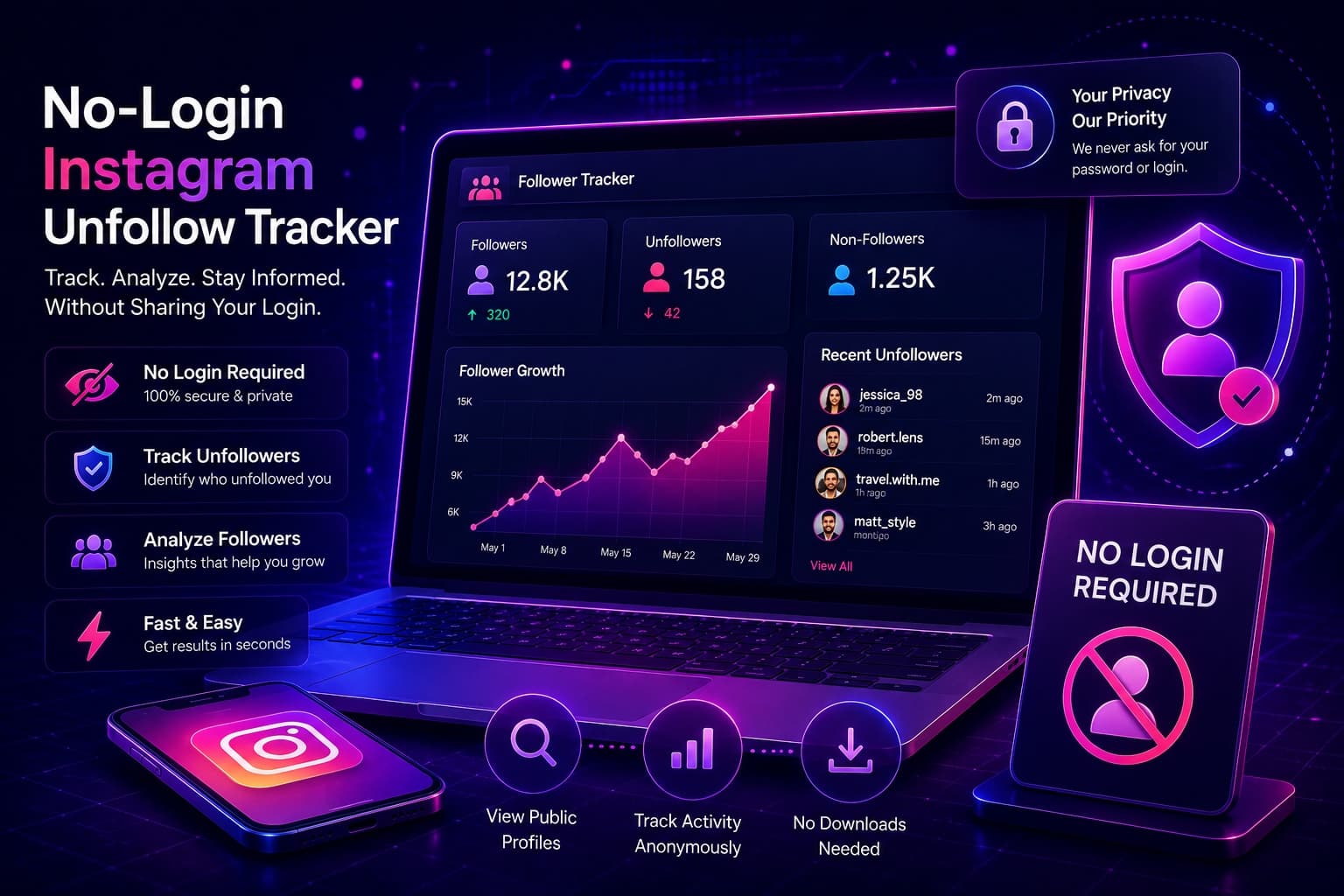
Discover the best no-login Instagram unfollow tracker websites in 2026. Use Unfollowers Track to monitor unfollows without sharing login details.
Jun 18, 2026