Tracker tools
Best No-Login Instagram Unfollow Tracker Websites in 2026
Discover the best no-login Instagram unfollow tracker websites in 2026. Use Unfollowers Track to monitor unfollows without sharing login details.
Jun 18, 2026
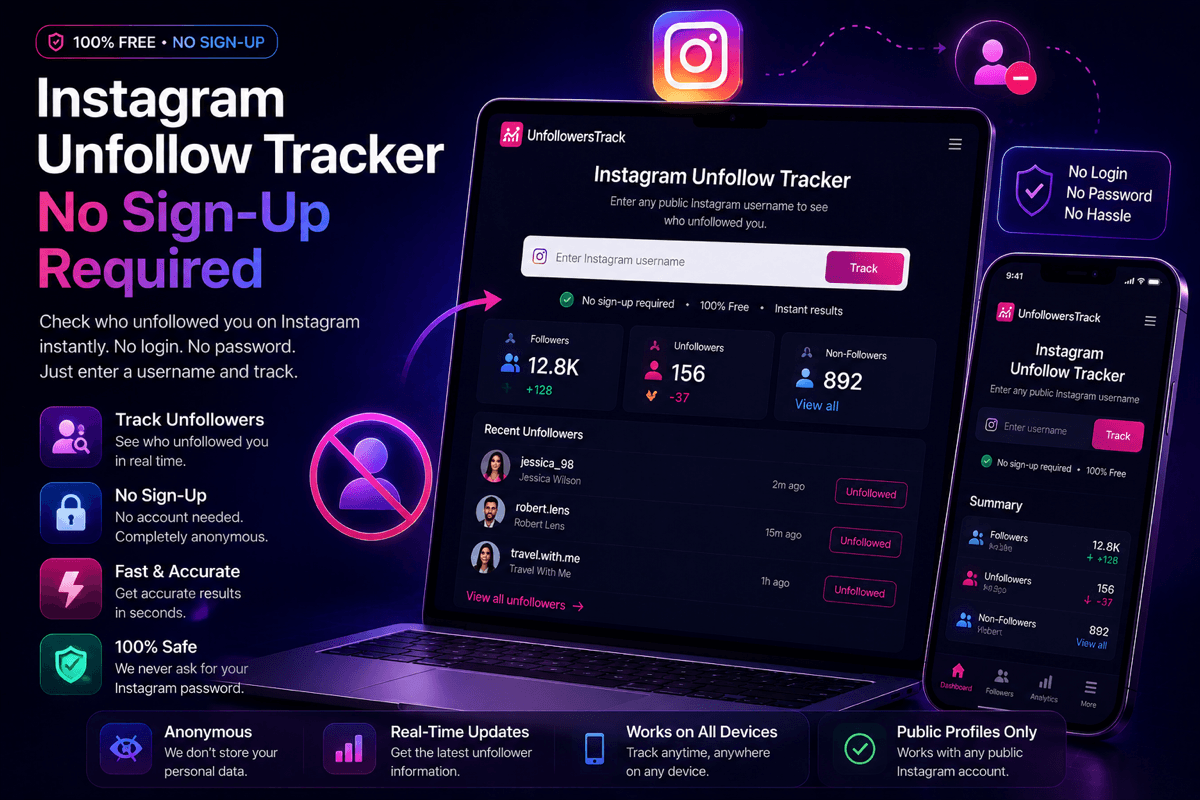
Run an Instagram unfollow tracker with no sign-up. Enter a public username and see who doesn't follow you back on your first scan, with no account and no password.
Key Takeaways
TLDR
You can start an unfollower scan on Unfollowers Track without creating an account. Enter a public Instagram @username, and the first scan runs with no sign-up and no Instagram password.
Here is what that actually gets you. The scan reads public profile data and shows a preview immediately, before you have handed over anything: who doesn't follow you back, pulled from your current public follower list. No email, no registration form, no Instagram login. Recent unfollowers appear alongside it once there is an earlier snapshot of the profile to compare against, since spotting an unfollow means comparing two points in time. If you want to see where you stand, you can start a free scan right now.
The honest part: to see the full lists and keep a running history so future unfollows show up, you create a free account. That account is an email or Google sign-in with us. It is never your Instagram password. More on exactly where that line sits below.
Here is the whole flow, start to finish, in a logged-out browser. No tricks, no hidden gate.
Type a public Instagram handle into the search box and run it. That is the only input the scan needs. There is no step where the tool asks you to log in to Instagram or paste your Instagram password, because it does not touch your account. It reads what Instagram already shows publicly.
If any unfollow tool ever asks for your Instagram password, close the tab. No scan-based tracker needs it, and handing it over is the one move that actually puts your account at risk.
The results screen loads a preview built from your current public follower list: up to five accounts that don't follow you back. If the tool already has an earlier snapshot of the profile, a recent-unfollowers preview shows alongside it, up to five names with the dates they left. Each list shows a count like "5 of 40+" so you can see how much sits behind the preview.
Why the split? Non-followers can be worked out from a single scan. Unfollowers cannot, because an unfollow only exists relative to a previous list. That is the whole reason saved history matters, which is the next section. Either way, you have seen real results before signing up for anything.
Unfollow detection is really comparison. To know who left, the tool compares your follower list now against your follower list from before. The earlier list has to be saved somewhere, which means it has to be saved against something. That something is a free account.
So the account is not a paywall parked in front of the scan. It is storage for your history. Create one with an email or a Google sign-in, and you unlock the full unfollower and non-follower lists plus a dashboard that keeps your scans, so the next comparison has something real to measure against. Ongoing tracking and alerts sit on the paid plan, which is the honest trade for running scans for you over time.
What never changes across any tier: we do not ask for your Instagram password, and we work from public data. The recent follow tracker runs the same low-friction way if you would rather watch new follows and following changes than only unfollows.
Tracker tools throw around three phrases that sound identical and are not. Telling them apart is how you spot which tools to trust.
The pattern to watch for: a tool advertises "no sign-up," then quietly wants your Instagram credentials once you are invested. We keep all three honest. No tool account to start, no Instagram login, and your Instagram password is never requested at any step.
Plenty of unfollow apps put the friction first. You land on them and, before a single result appears, you are asked to register, install an app, or sign in. As of July 2026, that is still the common pattern across the app-store trackers.
Our order is reversed. Scan first, see a preview, then decide whether a free account is worth it for the full picture. You spend your time and your data only after the tool has shown you something real.
For a feature-by-feature look at one of the login-first options, see our UnfollowersTrack vs FollowMeter comparison. If you would rather scan the whole field, the roundup of best no-login unfollow tracker websites covers the wider list, so this page can stay about our own flow.
One last note for the record: Unfollowers Track is not affiliated with Instagram or Meta. We read public data and give you estimates based on what changes between scans.
You can run the scan and see a preview with no account: enter a public @username and it shows who doesn't follow you back right away. Recent unfollowers appear once the tool has an earlier snapshot of that profile to compare against, and a free account unlocks the full lists and saves that history.
No, never. Unfollowers Track reads public data, so it does not use your Instagram login at any point. Any tracker that asks for your Instagram password is a red flag, not a requirement.
Detecting unfollows means comparing your follower list over time, and the earlier snapshots have to be stored somewhere. A free account is that storage. It uses your email or a Google sign-in, never your Instagram credentials.
Scans work on public profiles. If a profile is private and you don't have access to it, that data isn't available, and no honest tool pretends otherwise.
Not quite. No sign-up means no account on our tool to start a scan. No login means no Instagram login. We require neither to run your first scan.
About the author
We are the team that builds and runs Unfollowers Track, a scan-based Instagram tracker. Everything we publish is checked against how the product actually works: scans analyze public profile data only, changes show up by comparing one scan against the next, and we never ask for your Instagram password. Unfollowers Track is owned and operated by NaviStack LLC. Learn more about Unfollowers Track, read how we test and verify claims, or contact us with questions or corrections.
Unfollowers Track
Start with a free preview of who doesn't follow you back. Ongoing tracking then compares each completed scan with the last one, so you can see who unfollowed you in between.
Tracker tools
Discover the best no-login Instagram unfollow tracker websites in 2026. Use Unfollowers Track to monitor unfollows without sharing login details.
Jun 18, 2026
Tracker tools
Compare five Instagram unfollow trackers by platform, login requirement, public-profile support, tracking method, and cost to start.
Jun 8, 2026
Tracker tools
Use the best Instagram unfollow tracker online with no download required. Track unfollowers, monitor account activity, and grow with Unfollowers Track.
May 26, 2026
Tracker tools
Discover the top features to look for in an Instagram unfollow tracker. Learn how Unfollowers Track helps you monitor followers and analyze engagement.
Apr 9, 2026