Menu

© 2026 UnfollowersTrack

Back to Blog
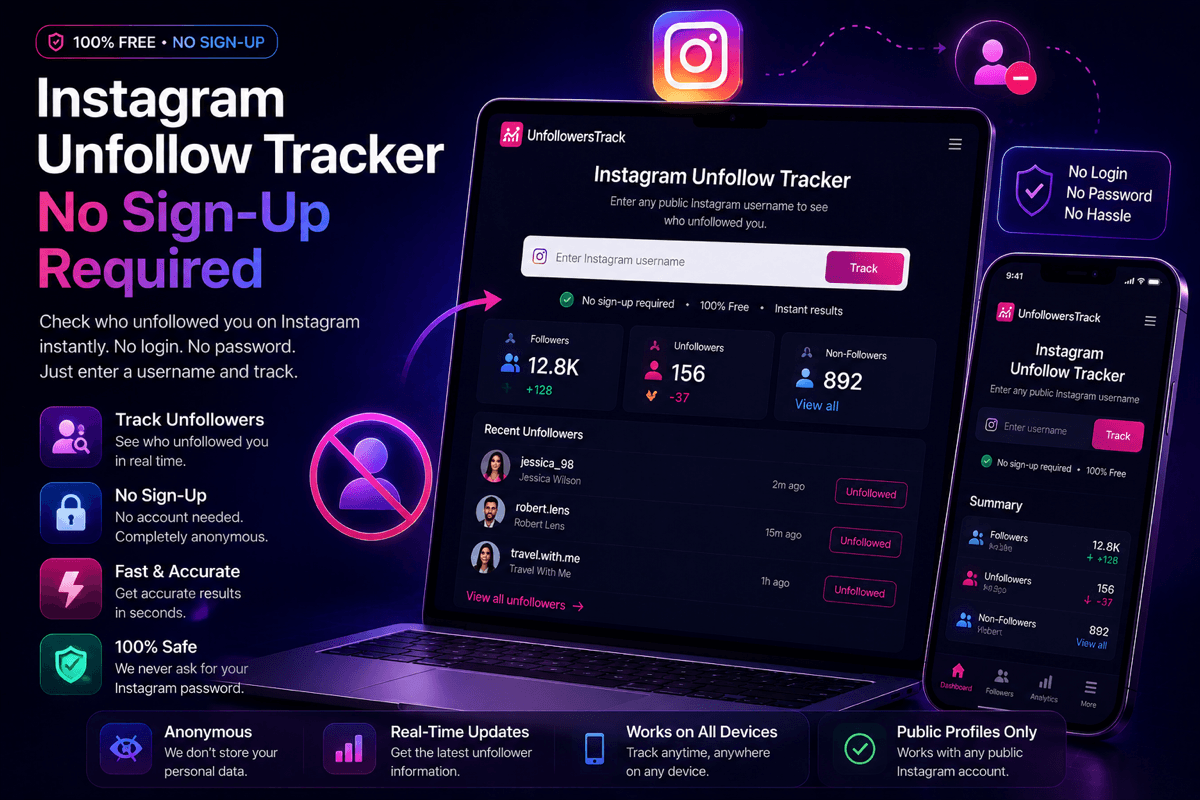
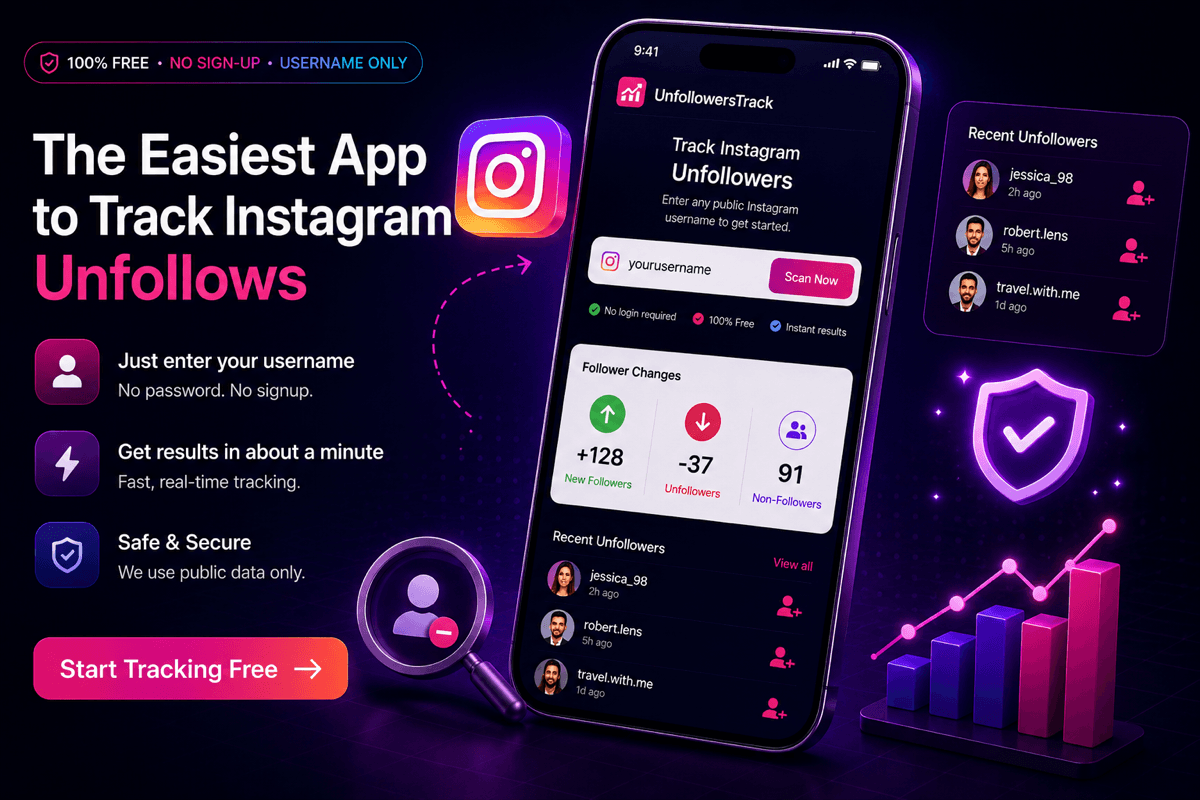
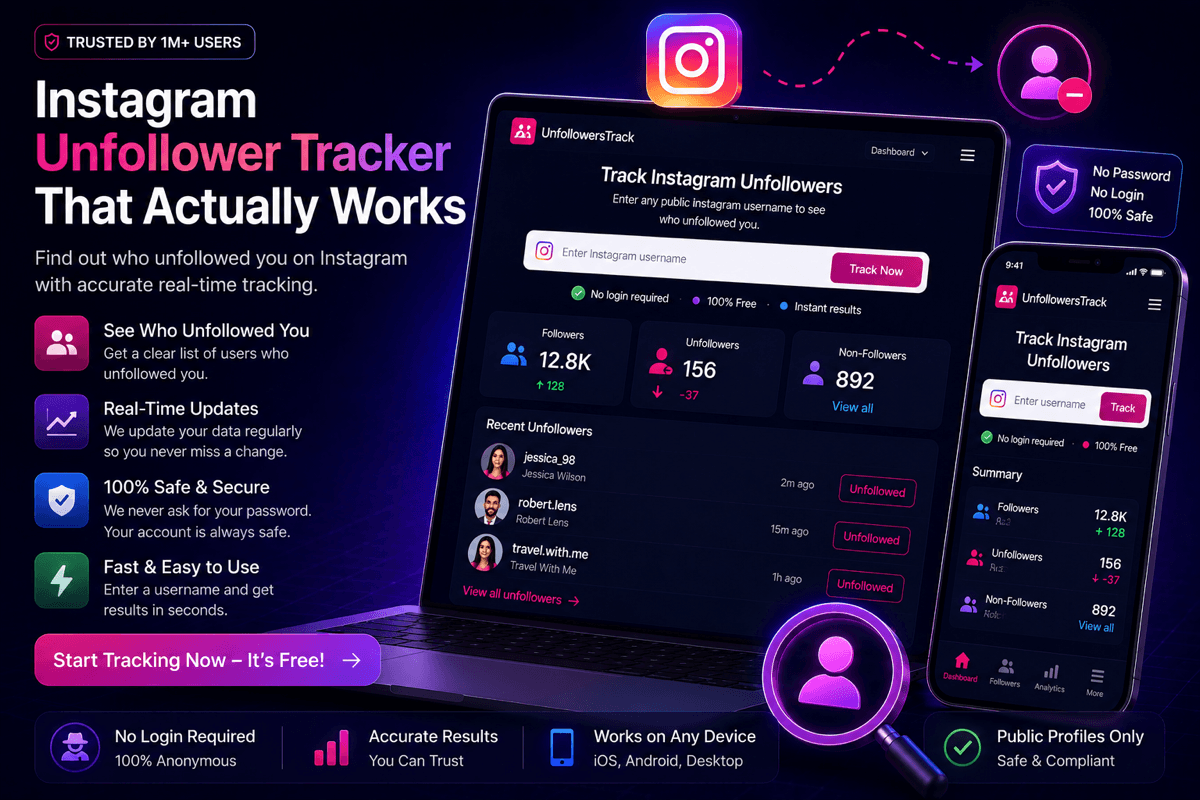
The easiest app to track Instagram unfollows — UnfollowersTrack dashboard with username scan, follower changes, and recent unfollowers, no sign-up required
GuidesJul 9, 2026Unfollowers Track Team4 min read

The Easiest App to Track Instagram Unfollows

The easiest way to track Instagram unfollows is a browser tool that needs only a username. A 3-step walkthrough, no app download and no Instagram password.

Key Takeaways

  • The easiest way to track Instagram unfollows is a browser tool that needs only a public username: three steps from landing to a real result, with no app download and no Instagram password.
  • On a normal-sized account the scan finishes in well under a minute; a very large following takes longer, because there is more public follower data to read.
  • The first scan is a baseline, so unfollows show up on your next scan. History starts when tracking starts, and Unfollowers Track reads public data only, never your Instagram login.

The short answer

The easiest way to track Instagram unfollows is a web tool that only needs a username. No app download, no Instagram password, and no account to see your first result. You open the page, type a public @username, and run a scan.

That is the whole pitch, and the step count is the proof. Three actions get you from curious to a real answer: open the site, enter a username, read the results. Most trackers make you install an app and sign in before they show you anything. This one skips both.

One honest caveat belongs up front, and the rest of this guide comes back to it: the first scan sets your baseline. Unfollows show up on the next scan, once there is an earlier list to compare against. Easy does not mean instant time travel.
What "easy" actually means for a tracker

"Easy" gets thrown around by every tracker, so it helps to pin down what it actually means. Four things, concretely:

  • Steps to your first result. The fewer taps between landing and an answer, the easier the tool. Username-only wins here.
  • No install. A web tool runs in your browser. Nothing to download, nothing taking up space, nothing to update.
  • No credentials. You never hand over an Instagram password, so there is no login screen and no security decision to agonize over.
  • Works on any device. The same page loads on a phone, tablet, or laptop, with no separate app per platform and no learning curve.

Judge any tracker against those four and the field thins out fast. Most fail on the first two.

Walkthrough: from zero to your unfollower list in 3 steps

Here is the whole thing, start to finish. On a normal-sized account the scan itself finishes quickly, usually in well under a minute; a very large following takes longer, because there is more public data to read.

Step 1: open the site and enter your public username

Open unfollowerstrack.com and type a public Instagram username into the search box. That is the only input the tool needs. There is no password field, because the scan reads public profile data rather than logging into your account.

(Screenshot: the homepage with a username entered and no login prompt anywhere in sight.)

Step 2: run the scan

Press scan. The tool reads the public follower data for that profile and saves a snapshot of it. This is the part that takes a few seconds to a minute, depending on how many followers the account has. Nothing is installed and nothing is asked of you while it runs.

(Screenshot: the scan-in-progress state.)

Step 3: read your results

Your results load with a preview of who doesn't follow you back, drawn from that first snapshot. Here is the honest part: this first scan is your baseline. It records who follows you right now, so unfollows only appear on your next scan, when there is an earlier list to compare against. Run it again in a day or a week and the tracker flags exactly who left in between.

(Screenshot: the results view with the non-follower preview.)

Why app-store trackers are usually harder

App-store trackers usually add friction before they show you anything. The typical flow is download the app, create an account, then grant a set of permissions or sign in, all before a single result appears. Each of those is a step where people give up.

Some go further and ask you to log in with your Instagram credentials, which is both more work and a real security risk. The moment a tracker wants your Instagram password, the "easy" pitch has quietly turned into a dangerous one. A web tool that reads public data skips that entire chain.

None of this makes every app bad. It makes the average one slower to a first answer. If you want to weigh the field yourself, our roundup of the best apps to track follows and unfollows compares them over time. You can also see how it compares to Followers & Unfollowers head to head.

What easy doesn't cost you here

Fast and simple usually sounds like a trade against accuracy or safety. Here it is not.

Accuracy comes from the method, not the number of screens. The tool compares two public follower snapshots and reports the difference, which is the same technique a heavier app uses, minus the login. Safety comes from what it never asks for: no Instagram password means there is nothing to leak.

The limits are the honest ones that apply to any scan-based tracker. History starts at your first scan, detection happens when you scan rather than the second someone leaves, and it works on public profiles up to 10,000 followers. Unfollowers Track is not affiliated with Instagram or Meta; it compares public data over time and reports estimates of what changed.

When you are ready, you can start tracking unfollows with nothing but a username, or use the recent follow tracker if you also want to watch new follows and following changes on the same public data.

Frequently Asked Questions

What's the easiest way to track Instagram unfollows?

A web-based tracker that needs only a public username. There is no app to download, no Instagram password to hand over, and no account required to see your first result.

Do I need to download an app?

No. Unfollowers Track runs in your browser on any device, so there is nothing to install and nothing to update. A phone, tablet, or laptop all use the same page.

Do I need to give my Instagram password?

Never. The scan reads public profile data only, so there is no Instagram login step. Any tracker that asks for your Instagram password is a red flag, not a requirement.

How fast do I get my first result?

The scan usually finishes in well under a minute for a normal-sized account, and longer for a very large following. Remember that the first scan is a baseline; unfollows appear on your next scan, once there is an earlier list to compare against.

Does it work on private accounts?

Scans work on public profiles. If a profile is private and you don't have access to it, that follower data isn't available to read, and no honest tool pretends otherwise.

About the author

Unfollowers Track Team

We are the team that builds and runs Unfollowers Track, a scan-based Instagram tracker. Everything we publish is checked against how the product actually works: scans analyze public profile data only, changes show up by comparing one scan against the next, and we never ask for your Instagram password. Read how we test and verify claims, or contact us with questions or corrections.

Ready to grow

Try UnfollowersTrack free

See who unfollowed you, discover your most engaged followers, and turn insights into growth.

Related posts