Menu

© 2026 UnfollowersTrack

Back to Blog
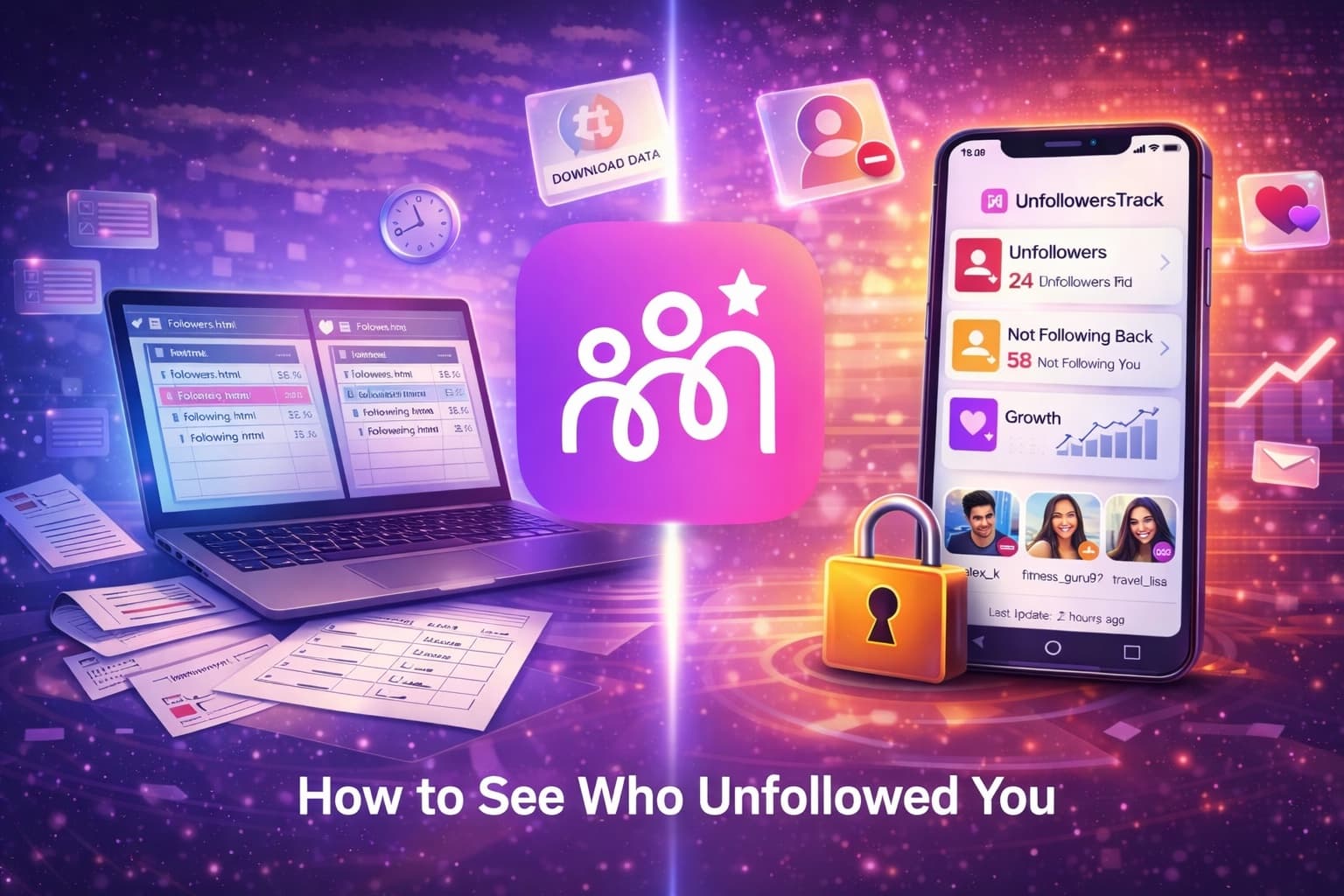
Visual guide showing how to track Instagram unfollowers without third-party apps
GuidesFeb 17, 2026UnfollowersTrack Team4 min read

How to See Who Unfollowed You on Instagram Without Apps

Learn how to see who unfollowed you on Instagram using official methods. Track unfollowers on Instagram, follows, and unfollows, no apps required.

Introduction

Instagram is great for staying connected, but one thing it still doesn't offer is a clear list showing who unfollowed you. While plenty of third-party apps promise this feature, they often come with privacy risks, security concerns, or account restrictions.

Instagram unfollowers tracking

The good news? You don't need any external apps to find out who unfollowed you on Instagram. By using Instagram's own features and tools, you can safely track unfollowers without sharing your password or violating platform rules.

Instagram only shows:

  • Who you follow
  • Who follows you

It does not notify users when someone unfollows them. This is intentional, as Instagram prioritizes privacy and avoids encouraging negative engagement. However, with a little effort, you can still identify unfollowers on your own.

How to See Who Unfollowed You on Instagram Without Apps

Below are the most reliable and secure methods to see who unfollowed you on Instagram, using only official options.

🎯

5 Methods Compared

1
📥

Download Data

Most accurate, fully safe

48hr wait
2
🔍

Manual Search

Quick for 1-2 people

Instant
3
👥

Check Following

Verify specific user

Instant
4
📊

Insights

Business accounts only

Real-time
5
💻

Desktop Compare

Faster with Ctrl+F

Instant

Method 1: Download Your Instagram Data (Most Accurate Method)

If you want the most complete and secure way to track unfollowers, downloading your Instagram data is the best option. This method allows you to compare your followers and following lists without using any third-party tools.

How to Download Your Instagram Data

  • Open your Instagram profile and tap the menu (≡).
  • Go to your information and permissions.
  • Select download your information.
  • Choose some of your information instead of everything.
  • Select Followers and following.
  • Set the date range to All time and choose HTML or JSON format.
  • Submit the request and wait for Instagram's email (usually within 48 hours).

How to Find Unfollowers

  • Download and unzip the file.
  • Open followers.html and following.html in a browser.
  • Copy both lists and compare them using a free list-comparison website.
  • Any usernames that appear in "Following" but not in "Followers" are people who no longer follow you back.

Why this method is best:

  • No password sharing
  • Fully Instagram-approved
  • Works even for large accounts

Method 3: Check Their "Following" List

Another simple way to confirm an unfollow is by visiting the other person's profile.

Steps:

  • Open the suspected user's profile.
  • Tap on Following.
  • Search for your username.

If your account doesn't appear, they are not following you anymore.

Note: This method only works if their account is public or if you already follow them.

Method 4: Use Instagram Insights (Business & Creator Accounts)

If you have a Creator or Business account, Instagram Insights can help you monitor follower changes over time.

How to Use Insights:

  • Go to your profile.
  • Tap Insights.
  • Select Total Followers.

You'll see graphs showing:

  • New followers
  • Lost followers
  • Growth trends

While this method does not show names, it's useful for spotting when follower drops happen.

Best for: Content creators, brands, and influencers are tracking overall growth.

Method 5: Compare Followers on Desktop (Faster on Computer)

Using Instagram on a desktop browser makes searching easier, especially if you follow many people.

Steps:

  • Log in to Instagram.com on your computer.
  • Open your followers list.
  • Press Ctrl + F (Windows) or Cmd + F (Mac).
  • Search for specific usernames.

If the name doesn't appear, that account has unfollowed you.

Manual Method Using an Instagram Profile

Managing an Instagram account manually may take more effort, but it gives you full control over your brand voice, audience relationships, and overall growth. Instead of relying on automation tools or shortcuts, a hands-on approach focuses on profile optimization, consistent content creation, and genuine engagement, all of which lead to more meaningful followers.

Unlike automated tactics, manual engagement allows you to grow steadily while staying compliant with Instagram's rules.

Step 1: Optimize Your Instagram Profile (First Impression)

Your profile should instantly show who you are and what value you offer.

Username & Profile Photo

  • Choose a simple, recognizable username.
  • Use a clear, high-quality photo or logo.

Bio & CTA

  • Clearly state what you do in under 150 characters.
  • Add a direct call-to-action.
  • Use your bio link to drive traffic to your key page.

Switch to Business or Creator

  • Unlock insights and analytics.
  • Add contact options.
  • Improve professional visibility.

Step 2: Create Content Manually (Growth Driver)

Quality and consistency matter more than frequent posting.

Post With Intention

  • Keep your feed visually consistent.
  • Use posts, Reels, and Stories.
  • Focus on strong visuals and useful captions.

Hashtags & Keywords

  • Use relevant, niche-based hashtags.
  • Add keywords to captions and bio.
  • Avoid using too many hashtags.

Step 3: Engage Daily Using the 5-3-1 Rule

Engagement helps grow visibility and trust.

5-3-1 Method

  • Like 5 niche-related posts.
  • Comment on 3 posts thoughtfully.
  • Connect with 1 new user each day.

Step 4: Use Direct Messages Wisely

DMs should build relationships, not push sales.

  • Welcome, new followers.
  • Start genuine conversations.
  • Reach out for collaborations.
  • Keep messages personal and relevant.

Step 5: Keep Your Profile Updated

Regular updates keep your profile fresh and engaging.

Story Highlights

  • Feature key content.
  • Showcase products or services.
  • Share testimonials or FAQs.
  • Add tutorials or tips.

Limitations of Tracking Without Tools

Tracking unfollowers without external apps is safe but very limited. Instagram does not provide alerts or history, so everything must be done manually.

This approach may work for small accounts, but it quickly becomes difficult as follower numbers grow. Instagram only shows your current followers. It does not tell you who unfollowed you or when it happened.

Without automation, you must rely on repeated checks and personal records.

Key limitations at a glance

⏱️

Time-Consuming

Manual checks impractical for large accounts

🔕

No Real-Time Updates

Notice losses long after they occur

📝

High Maintenance

Requires screenshots and written records

🧠

Memory-Based

Unreliable and prone to mistakes

📊

No History

Only shows current followers

⚠️

Username Changes

Can cause incorrect conclusions

Key Limitations of Manual Unfollower Tracking

  • Time-Consuming: Manually checking follower lists takes a lot of time. This becomes impractical for accounts with hundreds or thousands of followers.
  • No Real-Time Updates: Instagram does not send notifications for unfollows. You may notice follower losses long after they occur.
  • High Maintenance: Accurate tracking requires screenshots or written records. Keeping these updated is tedious and easy to forget.
  • Memory-Based Tracking: You must remember past followers to spot changes. This is unreliable and prone to mistakes.
  • No Follower History: Manual checks only show who follows you now. There is no record of past followers or changes over time.
  • Username Changes Cause Errors: If someone changes their username, it may look like they unfollowed you. This leads to incorrect conclusions.

Safe Manual Ways to Check Unfollowers

  • Checking the Following List: You can search for a specific user in your following list or check for the "Follows You" label. Limit: This method is slow and only works for one user at a time.
  • Downloading Instagram Data: Instagram allows you to download your follower list safely. Limit: The data only shows current followers, not past changes.

Who Does Manual Tracking Work For?

Manual tracking is best for small accounts or checking one specific user. It is not suitable for creators or businesses managing large audiences.
Why an Instagram Unfollow Tracker Is More Accurate

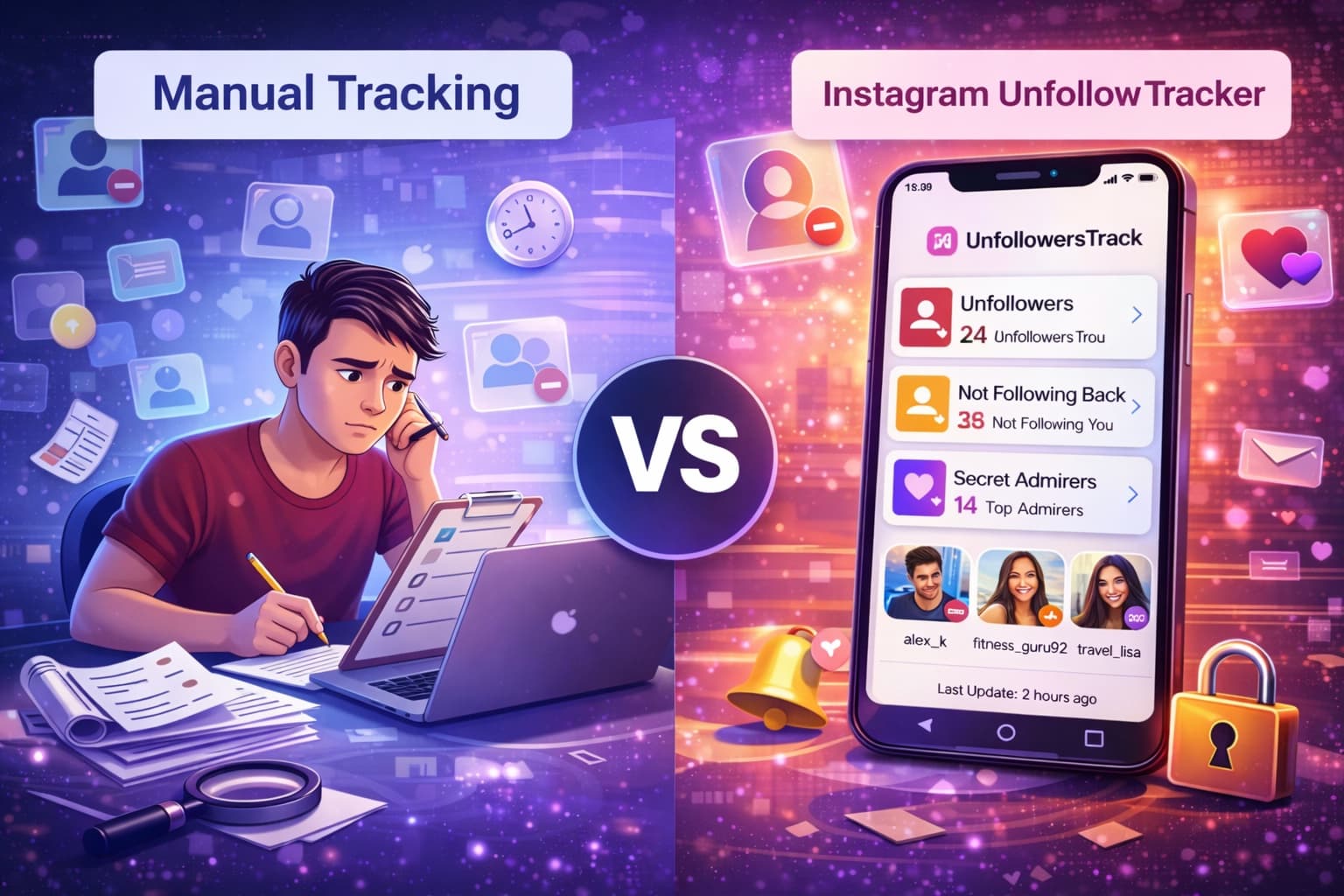
Understanding what's really happening to your Instagram audience can be challenging when you rely only on manual checks. Instagram doesn't notify you about unfollows, engagement patterns, or loyal followers. This is where an Instagram Unfollow Tracker becomes far more accurate and useful.

⚖️

Manual Tracking vs Automated Tracker

📝

Manual Method

Traditional approach

Time-Intensive

Hours of manual work

No History

Lost data over time

Error-Prone

Easy to miss changes

100% Safe

No third-party access

🤖

Automated Tracker

Modern solution

Real-Time Updates

Instant notifications

Full History

Complete timeline

100% Accurate

Automated tracking

Engagement Insights

Know your top fans

Bottom line: Manual tracking works for small accounts. Automated trackers scale effortlessly for creators and businesses.

Real-Time Follower Tracking Removes Guesswork

An Instagram Unfollow Tracker monitors your account continuously. Instead of checking lists manually, you can instantly see changes as they happen.

This means you don't miss unfollows that occur between logins or over long periods. Real-time tracking ensures accuracy without relying on memory or screenshots.

Instantly See Who Unfollowed You

One of the biggest advantages of an unfollow tracker is clarity.

You can view:

  • Exact usernames of those who unfollowed you
  • The time and date the unfollow occurred

This allows you to react quickly, review recent content, and understand what may have triggered the change, something manual methods simply cannot offer.

Identify Your Most Engaged Supporters

Beyond unfollows, advanced trackers help you recognize users who consistently interact with your content.

You can identify:

  • Accounts that like your posts frequently
  • Users who engage with Stories and Reels
  • Followers who show long-term loyalty

Knowing who your strongest supporters are allows you to build stronger relationships and focus on content they enjoy.

Clear Growth Analytics Over Time

Manual tracking only shows your current follower count. An unfollow tracker goes much further. It provides:

  • Follower growth and decline trends
  • Engagement changes over days, weeks, or months
  • Patterns linked to specific posts or campaigns

This historical data helps you understand what's working and what's not.

Detailed Engagement Reports That Improve Content Strategy

With engagement reports, you gain insights into how each post performs.

These reports highlight:

  • Reach and impressions
  • Likes, comments, and interactions
  • Content types driving the most engagement

By reviewing these metrics, you can refine your strategy and create posts that consistently perform better.

🎯

Why Trackers Are More Powerful

Real-Time Tracking

See changes instantly as they happen

1
👤

Know Who Unfollowed

Exact usernames with timestamps

2
❤️

Find Top Engagers

Identify your most loyal followers

3
📈

Growth Analytics

Track trends over weeks and months

4
📊

Engagement Reports

Understand what content performs

5

Best Method for Long-Term Tracking

1. Export and Compare Instagram Data (Safest Option)

Instagram allows you to download your follower data directly from settings. Save the followers file and compare it regularly using Excel or Google Sheets.

By using simple formulas like VLOOKUP, you can spot users who no longer appear in your updated list. This method is slow but highly secure.

2. Manual Spreadsheet Tracking

Another option is maintaining your own record. Copy or screenshot your follower or following list once a month and store it in a spreadsheet.

By comparing older and newer entries, you can identify missing usernames over time. This approach works best for small accounts.

3. Privacy-First Tools (Lower Risk Alternative)

Some tools analyze exported data instead of accessing your live account. Many do not require login credentials because they work with downloaded files, and they offer better privacy than traditional unfollow apps.

🔮

Long-Term Tracking: 3 Approaches

1
📥

Export Instagram Data

Safest

Download follower data from settings and compare using spreadsheets

Pros

  • No third-party tools
  • Instagram-approved
  • Complete control

Cons

  • Time-consuming
  • Requires technical knowledge
2
📝

Manual Spreadsheet

DIY

Screenshot lists monthly and track changes over time

Pros

  • Zero cost
  • Simple approach
  • Full privacy

Cons

  • High maintenance
  • Only for small accounts
3
🔒

Privacy-First Tools

Balanced

Tools that analyze exported data without live account access

Pros

  • Better privacy
  • No passwords
  • Easier than manual

Cons

  • Still requires exports
  • Limited features

Conclusion

While Instagram doesn't offer a direct "who unfollowed me" feature, you can still track unfollowers safely by:

  • Downloading your account data
  • Manually searching follower lists
  • Using Insights for trend tracking
  • Checking profiles individually

Unlike manual methods, an Instagram Unfollow Tracker provides real-time data, detailed reports, and historical insights that help you respond quickly and grow smarter.

Take control of your Instagram growth — Get Started Free and see your first unfollower report today.

Ready to grow

Try UnfollowersTrack free

See who unfollowed you, discover your most engaged followers, and turn insights into growth.

Related posts

How to See Who Unfollowed You on Instagram Safely (No Apps Needed)