Guides
5 Instagram Unfollow Tracker Apps and Browser Tools Compared (2026)
Compare five Instagram unfollow trackers by platform, login requirement, public-profile support, tracking method, and cost to start.
Jun 8, 2026
© 2026 UnfollowersTrack
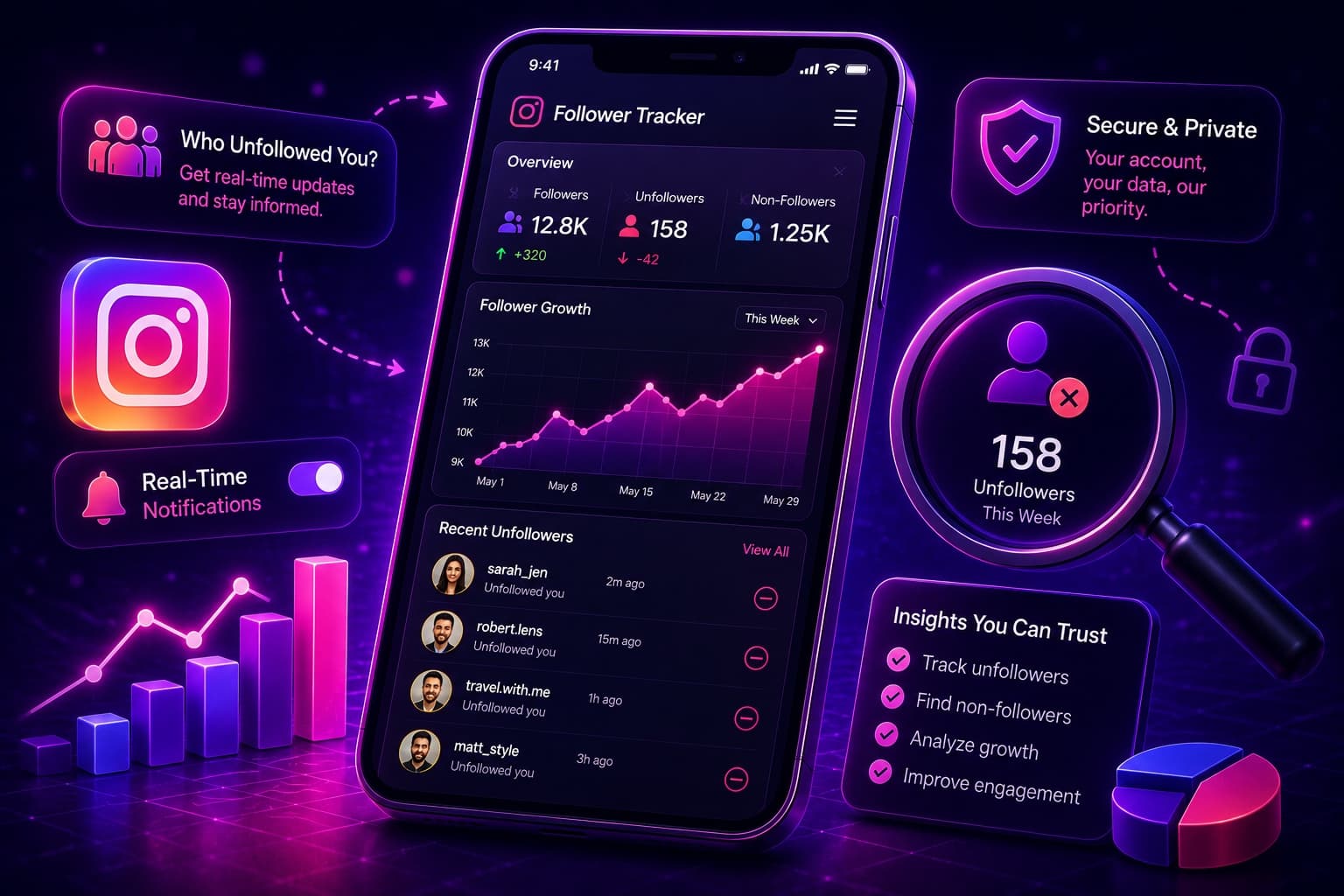
Use an Instagram follower tracker to see who unfollowed me on Instagram. Hassle-free: find out who stopped following you in 2026.
Key Takeaways
TLDR
Social media behavior has evolved dramatically, and in 2026, the conversation around Instagram followers is no longer focused solely on gaining new audiences, it is increasingly centered on understanding audience movement. As users notice fluctuations in their follower counts, many find themselves searching for answers to questions such as who unfollowed me on Instagram and how to see who unfollowed you on Instagram. This growing curiosity has fueled the popularity of every major Instagram follower tracker, turning follower analytics into a key part of the modern Instagram experience.
In this guide, we will explore the factors driving the unfollow phenomenon in 2026, explain why follower counts are changing more frequently than ever, and discuss the safest ways to understand your audience without putting your account at risk.
Many Instagram users wonder, "Who unfollowed me on Instagram?" after noticing a drop in their follower count. While Instagram offers insights into account performance, it does not provide a built-in feature that notifies you when someone unfollows your profile.
Fortunately, there are several ways to track follower changes. The simplest method is to manually search for a specific user within your followers list. If their account no longer appears, they are no longer following you. While this approach is safe and requires no additional tools, it can be time-consuming for larger accounts.
Another option is to use an Instagram follower tracker that analyzes follower activity and highlights lost followers. Many modern tracking platforms use exported Instagram data rather than requiring your login credentials, offering a more secure way to monitor audience changes.
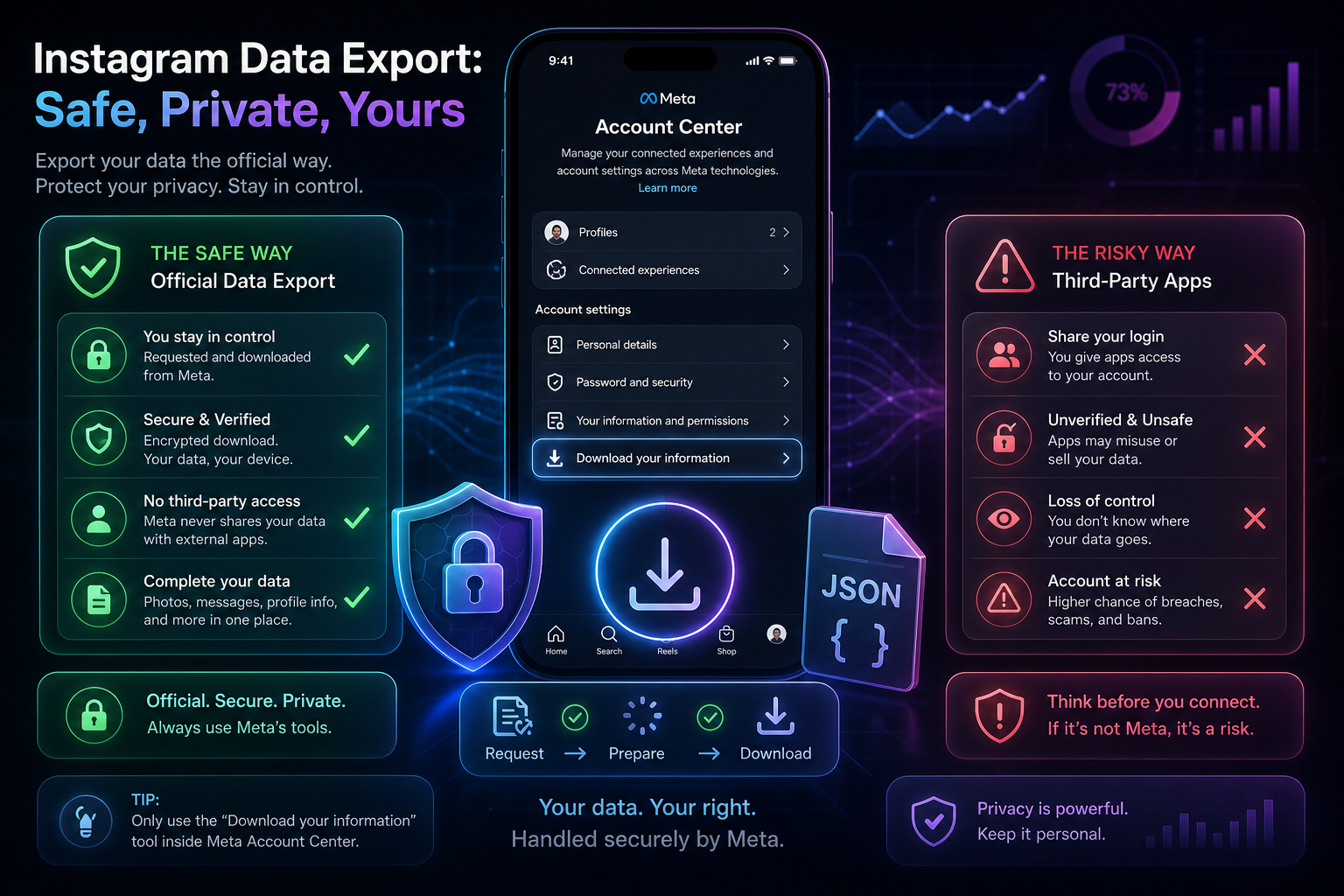
For users who prefer complete control over their data, Instagram also allows you to download your follower and following information through the Meta Account Center. By comparing these lists over time, you can identify accounts that have unfollowed you.
Many users frequently search for who unfollowed me on Instagram or how to see who unfollowed you on Instagram. However, Instagram intentionally does not provide an official unfollowers list for several important reasons:
Key Reasons Instagram Hides Unfollowers
If you've ever wondered who unfollowed me on Instagram or searched for how to see who unfollowed you on Instagram, you're not alone. Since Instagram does not provide a built-in unfollowers feature, users must rely on alternative methods to monitor follower changes. The good news is that there are several safe and effective ways to identify lost followers without putting your account at risk.
Using Instagram's official data export feature is the safest method available.
Steps:
Benefits:
After downloading your data, compare your follower and following lists to identify accounts you follow that don't follow you back.
Steps:
Benefits:
If you're only interested in a few accounts, Instagram's search function offers a quick solution.
Steps:
Benefits:
A reliable Instagram follower tracker can automate the process and provide deeper audience insights.
Benefits:
Whether you prefer manual checks or a dedicated Instagram follower tracker, these methods can help answer common questions such as who unfollowed me on Instagram and how to see who unfollowed you on Instagram while keeping your account safe and secure.
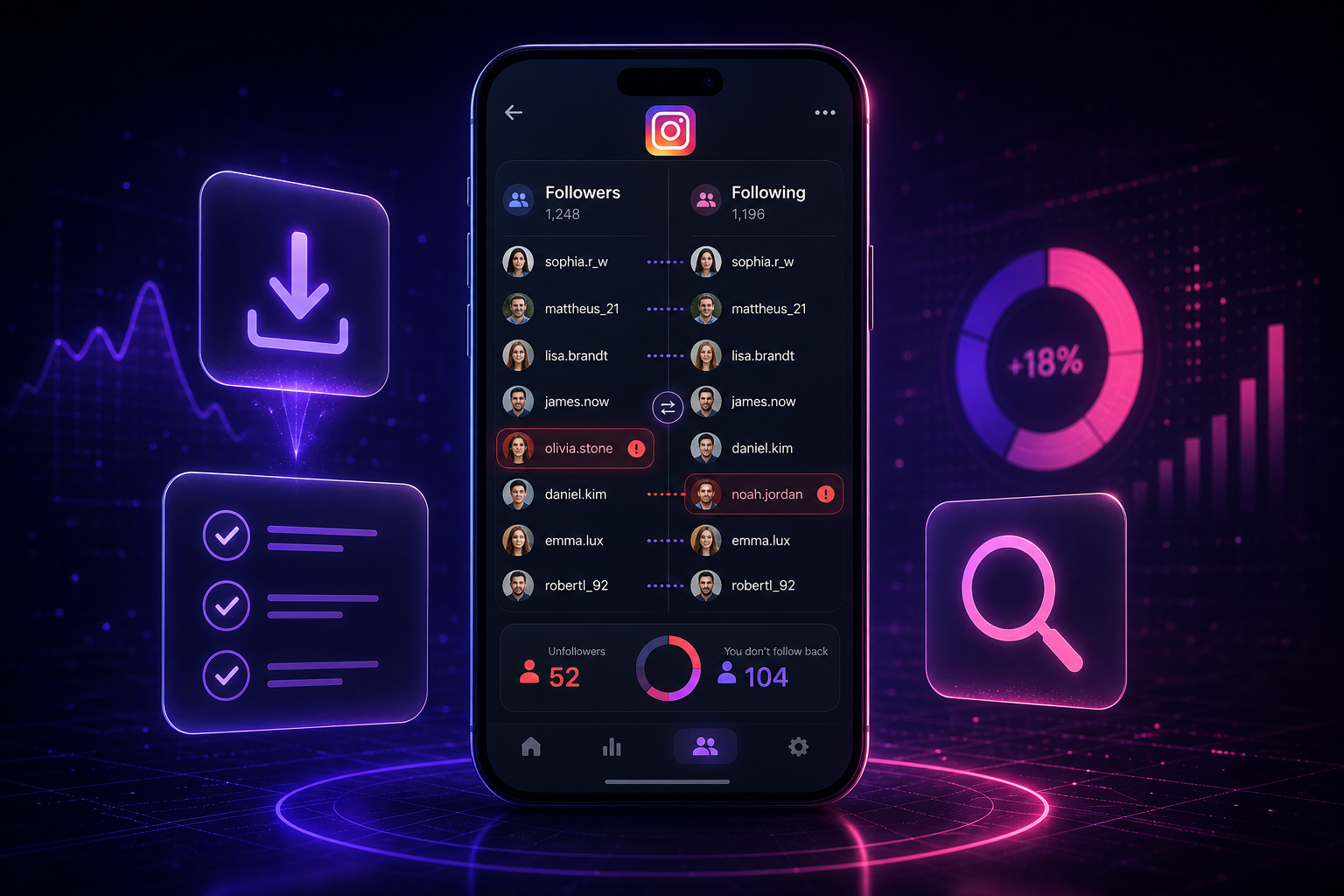
The best tools in 2026 prioritize account security, audience insights, and follower analytics without compromising user privacy. Here are some of the most popular options available:
A powerful Instagram follower tracker designed to help users monitor follower activity, audience engagement, and account growth from a single dashboard.
Key Benefits:
A privacy-focused tracking solution designed for users who want follower insights without exposing their account credentials.
Key Benefits:
A secure alternative that relies on Instagram's official data export process rather than direct account access.
Key Benefits:
One of the most recognized follower management tools for Instagram users.
Key Benefits:
Ideal for audience research and public account activity analysis.
Key Benefits:
A popular follower management application designed to simplify account organization.
Key Benefits:
Follow these steps to request your account information:
Once your data is ready:
Not all of these tools are safe or accurate. Some require access to your Instagram account, which can create security and privacy risks.
Instead of granting account access to third-party apps:
This approach helps you safely see who doesn't follow you back, and by comparing follower lists from two exports over time it can reveal who unfollowed me on Instagram and show how to see who unfollowed you on Instagram — without putting your account at risk.
Whether you're trying to understand who unfollowed me on Instagram or looking for a reliable Instagram follower tracker, several tools can help you monitor follower changes over time.
Real-time follower tracking websites allow users to monitor public Instagram accounts and view audience growth trends instantly.
Benefits:
Instagram's built-in analytics dashboard provides valuable audience and performance data for Professional accounts.
Benefits:
Unlike basic tools that only show lost followers, Unfollowers Track offers a complete Instagram follower tracker experience with deeper audience insights.
Key Features:
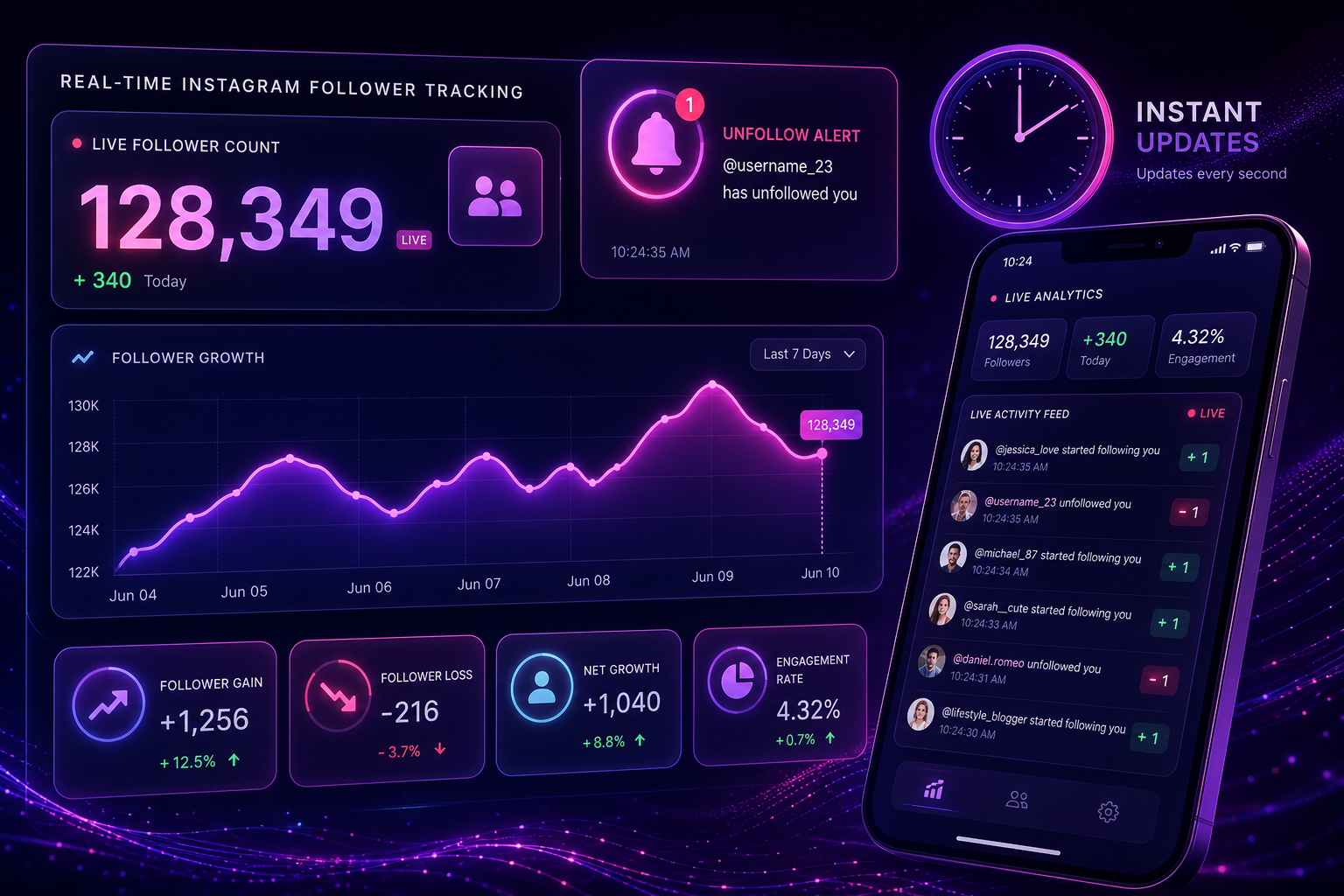
If you prefer a faster solution, a trusted Instagram follower tracker can automate this process, helping you monitor unfollowers, audience changes, and follower growth while keeping your account management simple and efficient. Whether you choose manual checks, downloaded data, or a trusted Instagram follower tracker, these methods can help answer common questions, such as who unfollowed me on Instagram and how to see who unfollowed you on Instagram while keeping your account secure.
No. Instagram does not provide a built-in feature that notifies you when someone unfollows your profile, so you have to track follower changes yourself.
Download your Followers data from Instagram's Account Center, save it, and compare it with a later export — anyone missing from the newer list unfollowed you in between. This uses official Instagram data, requires no third-party login, and avoids security and privacy risks.
Open your Instagram profile, tap Followers, and search for that username. If the account does not appear, they are no longer following you.
Not all of them are. Some require your Instagram username and password, which can lead to account compromise, restrictions, or exposed data, and their follower updates can be delayed or wrong. Safer options use your exported Instagram data and don't need your login.
About the author
We are the team that builds and runs Unfollowers Track, a scan-based Instagram tracker. Everything we publish is checked against how the product actually works: scans analyze public profile data only, changes show up by comparing one scan against the next, and we never ask for your Instagram password. Read how we test and verify claims, or contact us with questions or corrections.
Guides
Compare five Instagram unfollow trackers by platform, login requirement, public-profile support, tracking method, and cost to start.
Jun 8, 2026
Guides
Use Unfollowers Track Instagram Downloader to download Instagram reels, videos, and photos instantly. Secure Instagram video downloader online.
Jun 4, 2026
3. Social Media Management Tools
Advanced management platforms combine follower tracking with content analytics, making it easier to measure overall account performance.
Benefits: