Privacy & blocking
What Happens When You Restrict Someone on Instagram
What happens when you restrict someone on Instagram: comments need your approval and DMs go to requests. How it compares to blocking, and how to undo it.
Oct 10, 2026
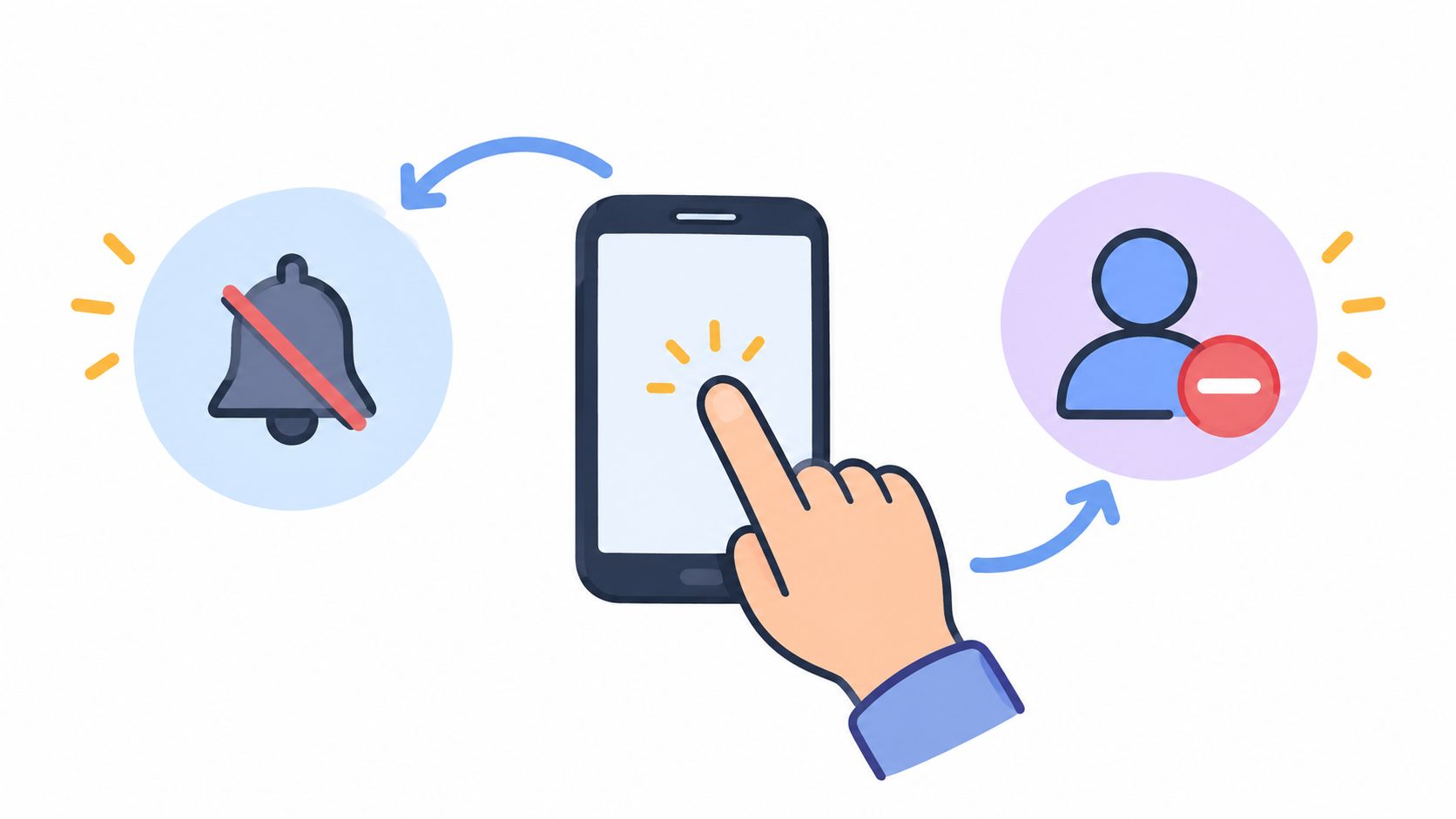
Muting someone on Instagram keeps the follow but hides their posts or Stories from your feed, and they aren't notified. How to mute, unmute or unfollow.
When you mute someone on Instagram, you keep following them, but their posts, Stories or both stop appearing in your feed. Unfollowing ends your follow relationship with that account. Instagram doesn't notify the other person about either action, but an unfollow removes you from their follower list, while muting does not change the follower relationship. Neither action is a substitute for blocking someone’s access to your account.
If your question is about a changed follow relationship, the public follower-change checker compares follower lists between scans. Muting itself is an Instagram setting, separate from those public lists.
For a hypothetical example, a creator wants to keep following a colleague but see fewer of their Stories. Muting Stories addresses that specific preference without ending the follow. If the creator no longer wants to follow that account at all, unfollowing is the relevant control.
Practical rule: Choose mute to adjust the content you see; choose unfollow to end your follow relationship.
Mute is a viewing preference. Instagram’s current mute help page documents separate controls for posts, Stories and incoming messages. Muting posts or Stories does not mute every interaction with that account.
The practical effect is simple. The person stays followed, while selected content from that account stops appearing in the relevant feed surface. Instagram's documented mute choices include posts, Stories, or both, so someone can reduce Story clutter without hiding posts, or reduce both types of updates.
Muting doesn't change the follow: you still follow the account, and you can still find it in search or open its profile. It isn't a block or a privacy setting either. Muting changes only what you see, not what the other person can see or do.
Unfollowing ends your follow relationship. The account leaves your following list, and its posts and Stories stop arriving in your feed because you follow it. Its public content can still reach you elsewhere, for example as a recommendation.
Instagram says people aren't notified when you unfollow them; their profile simply shows Follow instead of Following for you. They can still notice the change by checking their follower list or comparing it over time. Instagram's unfollow instructions cover the steps.
Unfollowing isn't blocking. Past DMs don't disappear, the person stays your follower if they followed you, and what they can see of your account doesn't change. Tags, messages and other interactions are controlled by separate settings.
| Criterion | Mute | Unfollow |
|---|---|---|
| Feed visibility | Selected content is hidden from your feed | The account's content no longer appears by default because the follow ends |
| Story visibility | Stories can be muted separately or together with posts | Their Stories no longer appear in your Stories bar by default |
| Follow connection | Preserved | Removed |
| Follower lists | No relationship change | The relationship is removed from the relevant lists |
| Notification | None: Instagram doesn't tell them you muted them | None: Instagram doesn't notify them, but you disappear from their follower list |
| Outside observation | Mute status isn't exposed through public follower data | The changed follower relationship can be compared over time |
| Reversibility | Turn off the relevant mute toggle | Follow again; a private account may require approval |
The outside-observation row matters most. A mute leaves no trace in follower or following lists, so follower trackers can't detect it. An unfollow changes the lists, so the other person, or a tool that compares follower lists between scans, can see that you're gone, when a difference is present in the retrieved lists.
The two actions may produce similar immediate results in the feed, but they carry different consequences. Mute reduces unwanted exposure while retaining the connection. Unfollow removes the relationship signal itself.
These steps follow Instagram's current iPhone Help Center instructions; labels can differ between app versions.
Shortcut from your feed: tap Options (the three dots) next to one of their posts, tap Hide, then tap the Mute option with their username and choose Mute Posts or Mute Posts and Story.
Muting posts or Stories does not automatically silence direct-message or call notifications. Instagram documents those separately: open the chat, select the person’s name, choose Mute, and select the message or call notification control you need. Notes also have a separate mute control. Muting the sound on a video is different again; it does not mute that account’s posts.
Not from a mute. Instagram doesn't expose anyone's mute settings, so no outside tool, Unfollowers Track included, can show who muted whom. A missing post or quiet Stories bar isn't proof of muting either: the person may have deleted or archived content, changed who can see it, or not posted recently.
An unfollow sends no notification either, but because it changes follower lists, it can be spotted by checking or comparing those lists. The guide to checking who unfollowed an Instagram account covers how.
Neither choice is permanent. If you need a stronger boundary than either one, see the comparison of removing a follower and blocking on Instagram.
Want to check who has unfollowed you? Unfollowers Track compares your public follower list between scans, with no Instagram password required. It shows differences between retrieved lists, which may be incomplete or stale, not the exact time or reason for a change, and full results or ongoing monitoring may require an account or paid plan.
Yes. In Following > Mute, turn on Stories and leave Posts off.
No. Instagram treats Notes separately; use its Notes mute control for that.
Return to the person's profile, select Following > Mute, and turn Posts off. Use the separate Stories toggle to restore Stories.
These partner links are separate from the Instagram Help Center sources cited above.
About the author
We are the team that builds and runs Unfollowers Track, a scan-based Instagram tracker. Everything we publish is checked against how the product actually works: scans analyze public profile data only, changes show up by comparing one scan against the next, and we never ask for your Instagram password. Read how we test and verify claims, or contact us with questions or corrections.
Unfollowers Track
Start with a free preview of who doesn't follow you back. Ongoing tracking then compares each completed scan with the last one, so you can see who unfollowed you in between.
Privacy & blocking
What happens when you restrict someone on Instagram: comments need your approval and DMs go to requests. How it compares to blocking, and how to undo it.
Oct 10, 2026
Privacy & blocking
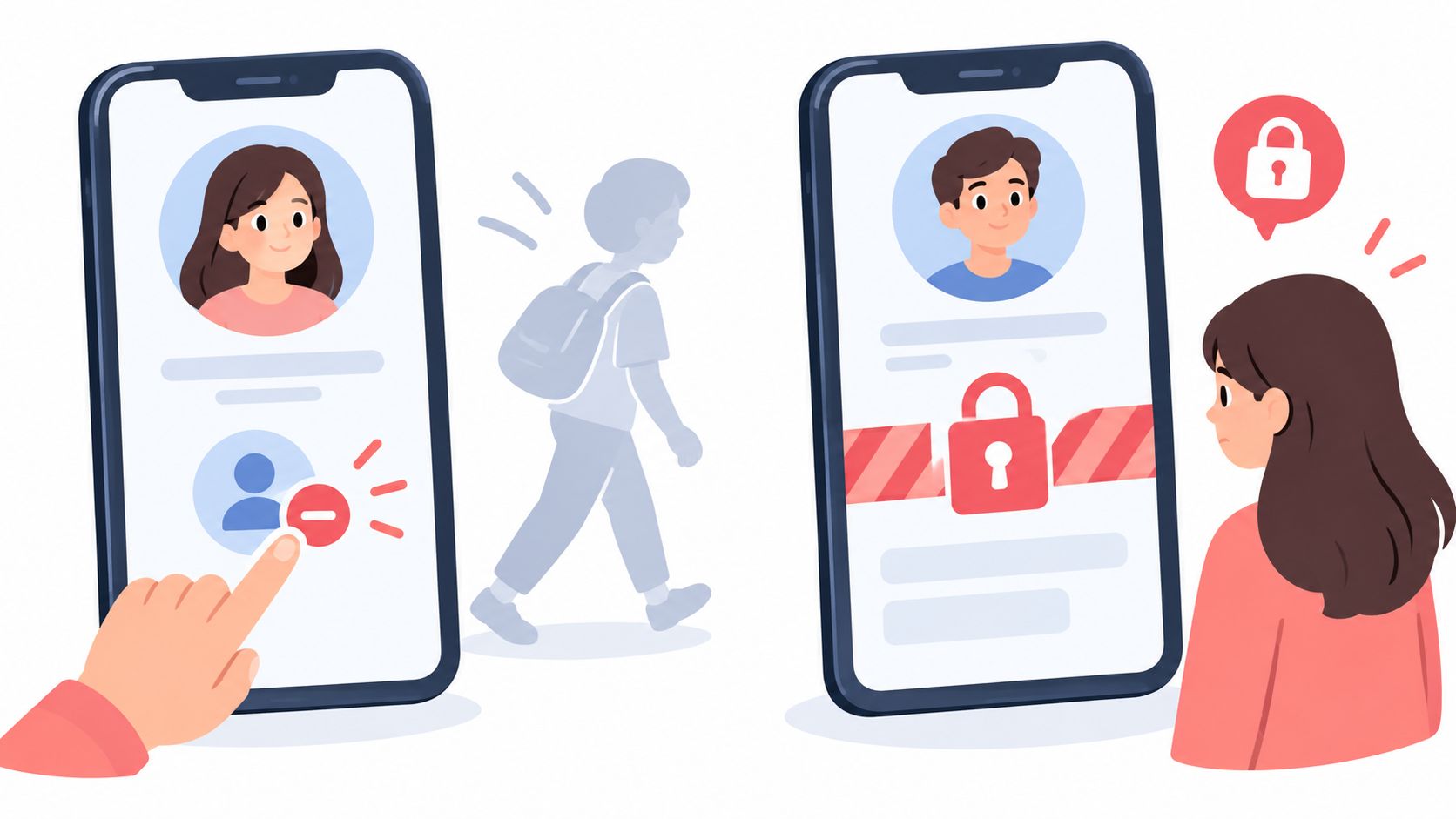
How to remove a follower on Instagram, whether they're notified, and when blocking is the better choice, with steps to undo either action.
Oct 5, 2026
Unfollowers
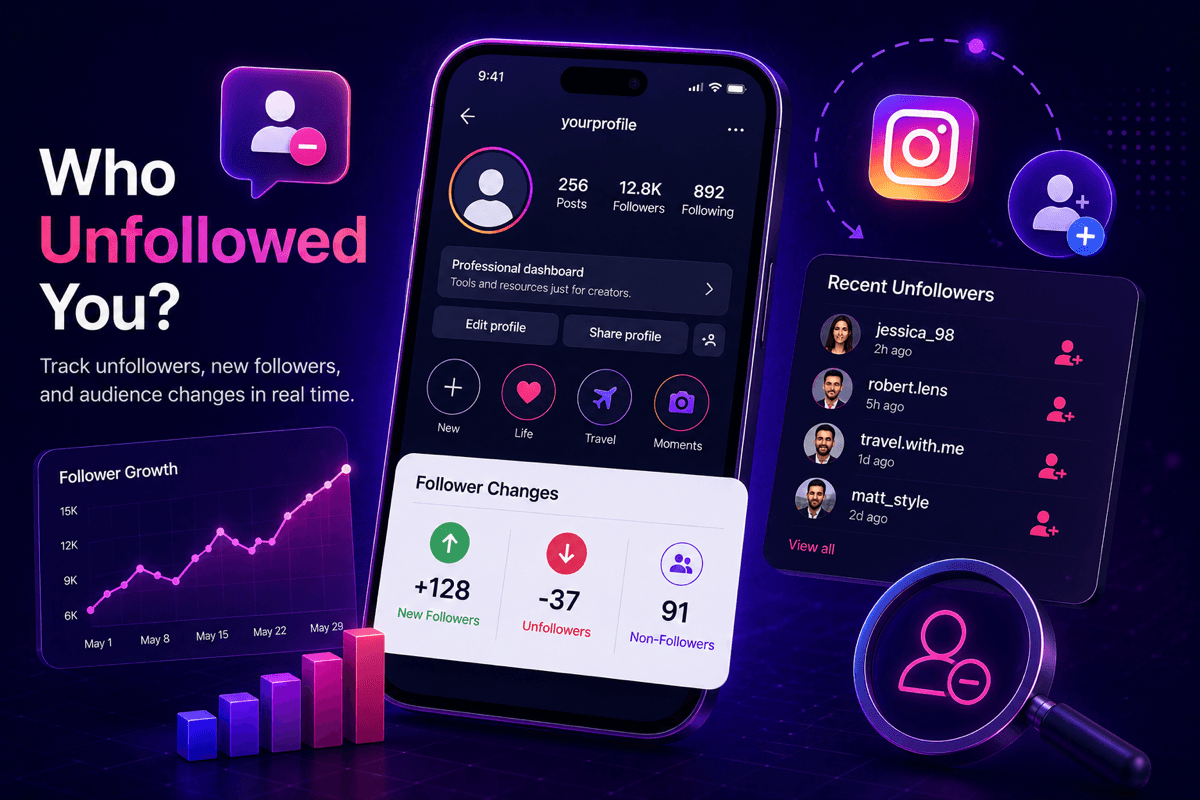
Can you see who unfollowed you on Instagram? Not natively, but a free public-data tracker can from your first scan onward. Here's the honest 2026 answer.
Jul 3, 2026