
Following activity
Instagram Following List Order: What It Can and Can't Show
Instagram following list order explained: why list position is not a follow date, what your own sort options show, and how to compare public list snapshots.
Oct 28, 2026

How to see when you followed someone on Instagram: check your own export records and understand what timestamps and list comparisons can tell you.
To check when you followed someone on Instagram, start with your own downloaded following records and inspect any timestamp attached to that account. Public scans cannot recover another person's exact follow date.
You can open your own files with the Instagram export analyzer. Keep the original records: a timestamp needs an identified meaning, while a comparison only shows differences between the supplied lists.
Where can you find a date that helps establish when you followed an account? Instagram's Following list shows who you follow now; your data download is the place to inspect your own exported relationship records. Account history is not a verified follow-event log. Each source answers a different question, like a current photo versus an old entry in a log.
| Source | What it shows | Date detail | Covers |
|---|---|---|---|
| Following list | Accounts currently followed | No follow date shown | The account's current state |
| Account history | Account-setting changes | Not documented as follow dates | The logged-in account only |
| Data download | Exported followers and following information | A timestamp only if the record includes one | The account owner's exported information |
| Export analyzer | Comparisons of followers/following lists or separate exports, with CSV downloads | A window between the supplied exports | The owner's export files |
| Public scan or recent-follow lookup | Available public relationships and changes between saved scans | A window between scans | Public accounts only |
A record with a timestamp can help identify a date, if it captures the relevant follow action. A list comparison works differently: it shows that an account appeared or disappeared between two saved snapshots, but a difference alone does not prove when a follow happened; first check that both exports cover the same information and contain all relevant files.
Your export analyzer can read followers and following files in your browser, compare lists or separate exports, and provide CSV downloads. Choose the source that fits what you are trying to establish: a recorded action, the current list, or a change between snapshots. The distinction helps prevent an interval from being mistaken for an exact follow date.
Start with the Following list to identify the account being investigated. Treat it as a membership check, rather than evidence of when the relationship began.
A Following-list sorting shortcut shouldn't be treated as a verified method for finding an Instagram follow date. Without an officially documented option establishing the relevant date, a position in the list isn't enough.
Instagram's Account history documentation describes changes to account settings. It does not establish that follow events appear there, so use the export method below rather than treating Account history as a follow-date lookup.
Instagram's official information-export workflow lets account owners choose what information to export, a date range, and a file format. The export gives you your own records to inspect. It may preserve a timestamp, or it may provide only a list that can be compared with a later snapshot.
The Instagram data download guide explains the export process and file preparation.
Open the following information and locate the relevant account entry:
Choose JSON when preparing files for the analyzer. Store each export in a separately dated folder so you can distinguish earlier records from later ones. The gap between snapshots can narrow the follow period, but it does not establish the exact day.
When an export has no dated follow entry, comparing two saved exports can show when an account first appears in your records. The Instagram export analyzer compares the account owner's files and lets you download the results as a CSV. Treat the result as a window between snapshots, not a precise follow date.
Supported files include followers_1.json, additional numbered follower parts, and following.json, subject to the tool's combined file-size limit. The files are read in your browser.
Suppose you saved one export at the beginning of a month and another halfway through. An account is absent from the earlier following file and present in the later one. Its appearance in your records falls between those two snapshots. The files cannot identify the exact day the follow began.
The same comparison can help answer how to see when someone followed you on Instagram. Use the followers files instead of the following files, then check which accounts appear in the later export.
| Question | Files to compare |
|---|---|
| When did the account owner begin following an account? | Earlier and later following files |
| When did another account appear among the owner's followers? | Earlier and later followers files |
Keep each export's files together, and label which one is earlier. Reversing the order can make an addition look like a removal. Preserve the original exports with the CSV so you can check which records were compared.
An Instagram follow date can mean different things depending on the underlying record. Separate the evidence into these categories before drawing a conclusion:
This distinction also helps with a broader Instagram follower audit: account membership, changes over time, and event dates are separate questions.
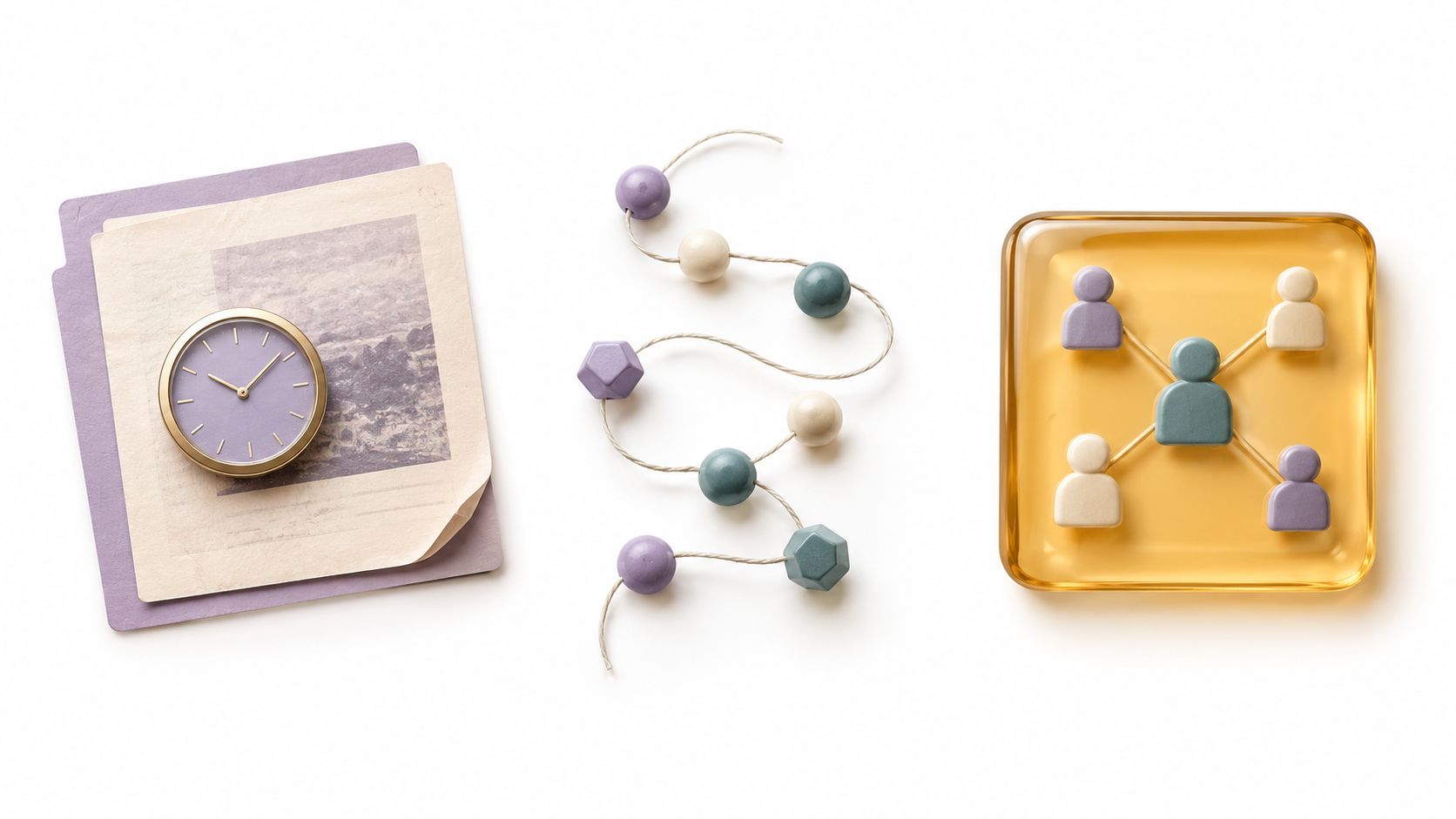
A list or scan reflects what was retrieved at that moment, so pagination, username changes, privacy settings, and temporary unavailability can affect the result, and none explains why a follow happened.
No. Public lookups don't require an Instagram password, though full results or ongoing monitoring may require a product account or paid plan.
Save an export each month in a folder labeled with its download date. Comparing consecutive monthly files can show that a follow appeared within that month, but it won't establish the exact day. A longer gap between exports creates a wider window.
Instagram doesn't give people access to another account's private follow-history records. Public following observations are different from checking the account owner's own records, and they can't establish another person's exact follow date.
No. A pending request is not the same record as an accepted follow. For help checking pending requests, see the guide to checking sent Instagram follow requests.
If you've downloaded your own files, use the Instagram export analyzer to inspect or compare them.
Unfollowers Track offers public follower-list comparisons and tools for analyzing account owners' Instagram exports. Keep the export dates with your saved files, then compare a later export with an earlier one to identify changes within the period between them.
About the author
We are the team that builds and runs Unfollowers Track, a scan-based Instagram tracker. Everything we publish is checked against how the product actually works: scans analyze public profile data only, changes show up by comparing one scan against the next, and we never ask for your Instagram password. Unfollowers Track is owned and operated by NaviStack LLC. Learn more about Unfollowers Track, read how we test and verify claims, or contact us with questions or corrections.
Unfollowers Track
Start with a free preview of who doesn't follow you back. Ongoing tracking then compares each completed scan with the last one, so you can see who unfollowed you in between.
Following activity
Instagram following list order explained: why list position is not a follow date, what your own sort options show, and how to compare public list snapshots.
Oct 28, 2026
Following activity
Learn how to see sent follow requests on Instagram using the in-app path, how to cancel pending requests, and the data export backup for a full audit.
Oct 21, 2026

Following activity
Compare recent follow tracking methods by data source, privacy, free access, and scan history.
Jun 26, 2026
Mutuals & comparisons
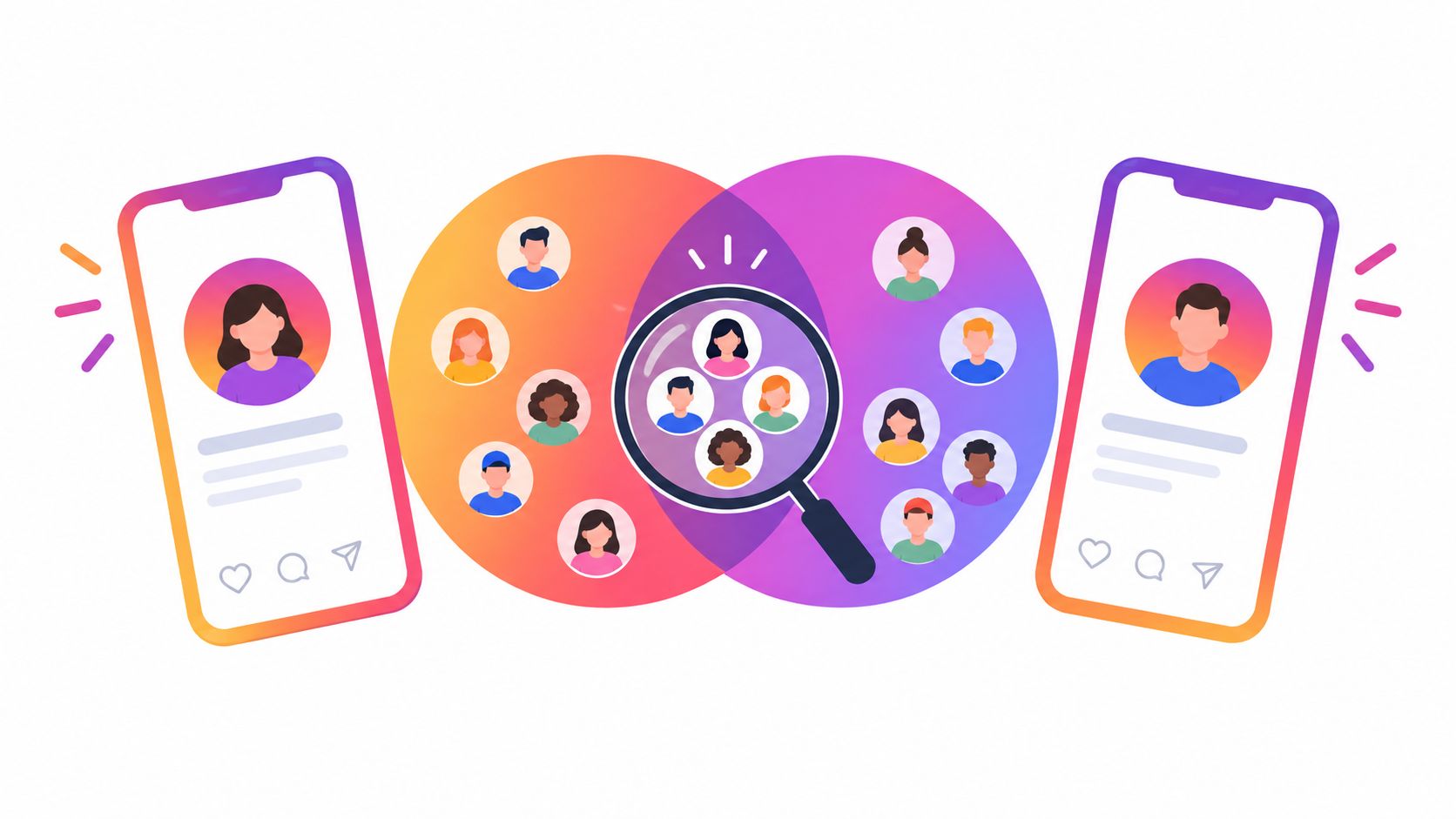
Mutuals meaning on Instagram: learn how reciprocal follows differ from shared followers, what Followed by means, and how to check visible connections.
Oct 16, 2026