Following activity
How Many People Can You Follow on Instagram (2026 Guide)
How many people can you follow on Instagram? Learn the official 7,500 total cap and why it does not establish a daily follow allowance.
Oct 20, 2026

Learn how to see sent follow requests on Instagram using the in-app path, how to cancel pending requests, and the data export backup for a full audit.
Instagram doesn't document a single screen that lists every follow request you've sent. To check one you remember, revisit the private profile and look for Requested; to audit your own pending requests, use an Instagram data export.
The practical choices are a profile-by-profile check or an export of your own account data. If you download that export, the Instagram export analyzer can also compare its followers and following files in your browser.
A sent follow request matters when the target account is private and requires approval. Instagram's safety guidance distinguishes public accounts, whose posts are visible more broadly, from private accounts, where the owner approves followers before they can access restricted content (Instagram's privacy and safety guidance).
For a profile you can visit, Requested is the useful sign that your request is still pending. Following usually means the follow has been accepted, not that a request is waiting. If the profile is public, following it generally doesn't create a pending request.
The distinction matters because an absent request doesn't tell you what happened. The owner may have approved or declined it, you may have canceled it, or the account's status may have changed. A current button state shows what Instagram displays now, not a complete event history.
For a request you remember, check that profile directly. For a larger audit, request your own account data and inspect the connection files.
Open Instagram, search for the account you requested to follow, and visit its profile. If the button reads Requested, the request is still pending. If it reads Following or Follow, the request isn't currently pending.
To withdraw a request, tap Requested and confirm if Instagram asks. The profile button should return to Follow. This is the straightforward way to cancel an individual request, but it means remembering or finding the profile first.
For a handful of accounts, searching for each profile and checking its current button is the clearest route.
On Instagram's website, search for the profile and open it. Look in the profile header for the follow control. If it says Requested, the request appears pending; if it offers Follow or says Following, it isn't showing as a pending request.
To cancel, select Requested and choose the cancellation option if Instagram presents it. Confirm the button returns to Follow before moving on. If the web interface doesn't show the same control or option, use the mobile app instead rather than assuming the request has changed.
The web check follows the same basic logic as mobile: find the profile, read the button, and cancel only if the request is still pending.
Pick the method based on whose account you're checking and what you need to know.
| Method | Best for | What it shows | What it cannot show |
|---|---|---|---|
| Profile-by-profile check | Finding or canceling a request to an account you remember | The current button state on that profile | A complete list of requests you don't remember |
| Your Instagram data export | Auditing pending requests on your own account | Connection data included in the archive | Another person's private request queue or a permanent history |
| Public relationship lookup | Reviewing visible follower or following changes on a public account | Relationships visible in the retrieved data | Private pending requests or the reason a relationship changed |
A profile check is quickest for one known account. An export is the better choice when you want to review your own connections more broadly. Public lookups answer a separate question about publicly visible relationships, not which private accounts another person has requested to follow. For background on what analytics can and can't establish, see this guide to Instagram analytics tools.
If you want a broader check than memory allows, export your own Instagram information. In Instagram's settings, open Accounts Center (some accounts now see Meta Account instead), then go to Your information and permissions > Export your information > Create export.
pending_follow_requests.json. If it isn't at that path, search the archive for “pending.”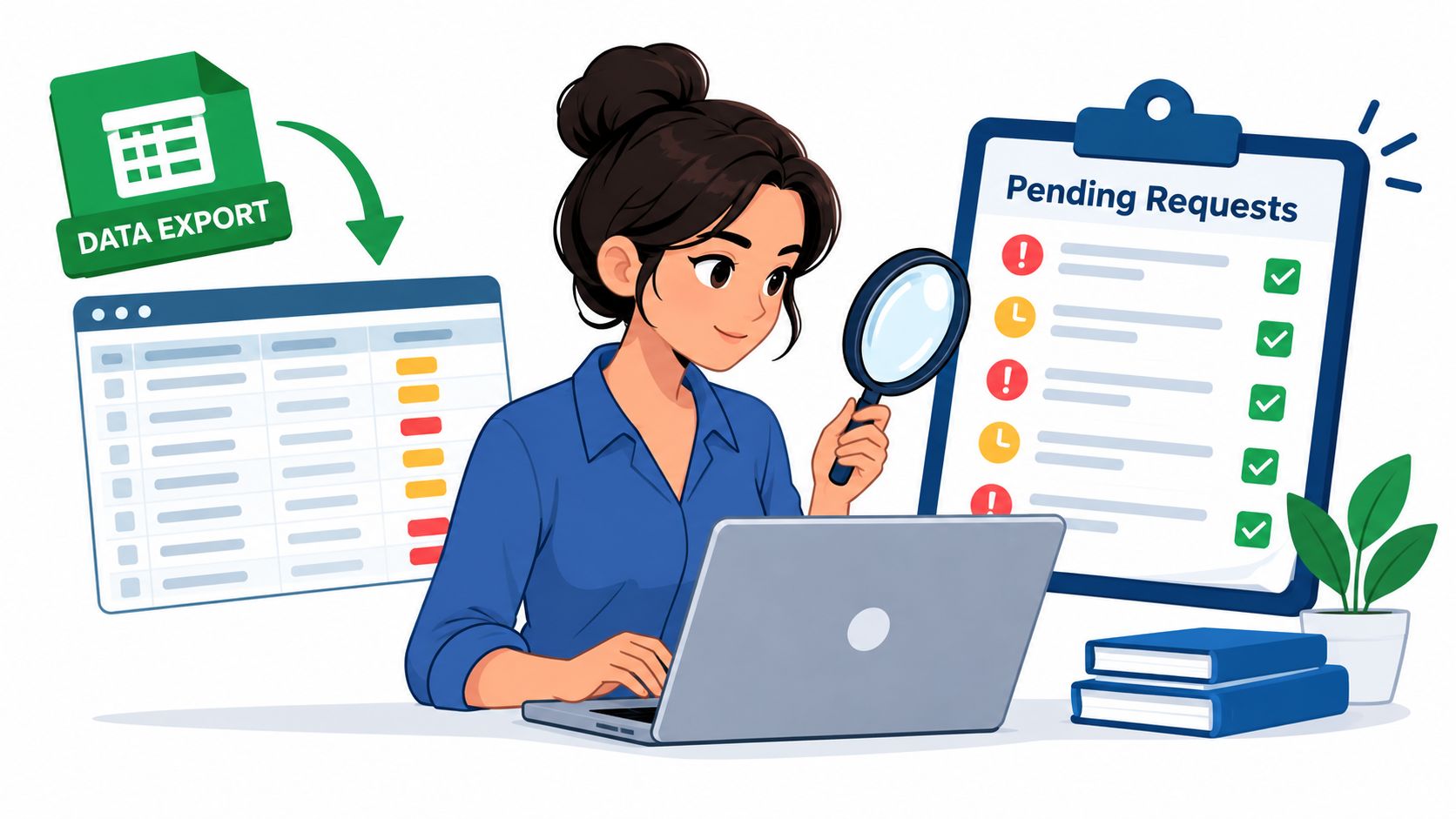
Treat the entries as a snapshot of your account when the export was created. File names and folder locations can vary between export versions. Check the profile before canceling, since its status may have changed since the archive was generated.
There's no dependable public lookup for another person's complete sent-request queue. Public information may show visible follower or following relationships, but it doesn't expose someone else's private pending requests.
Don't give your Instagram password to an app claiming it can reveal that list. A public lookup can only work with information that's publicly available; it can't turn that information into private account data. For more context, read this explanation of Instagram unfollower tracker safety.
The line is simple: your own export can help you audit your own data, and public tools can compare publicly visible relationships. Public relationship checks are snapshots, so they show changes between scans, not exactly when a change happened or why.
Search your messages or notes for usernames if you can't remember which profiles you requested. If you're clearing several requests, work through the profiles one at a time. For a wider review of your own connections, use the Instagram follower audit guide.
No. You can review your own requests through your export, but a public lookup can't reveal another person's private sent-request list.
Open the target profile, tap or select Requested, and confirm if Instagram asks. The request can only be canceled this way if it's still pending.
No. Following indicates an accepted follow. Requested is the button state to look for when a private account hasn't approved the request.
Check the profile's current state. If it shows Follow or Following, there's no visible pending request to cancel.
Unfollowers Track compares publicly visible follower relationships between saved scans, with no Instagram password needed. If you've downloaded your own export, the Instagram export analyzer compares its followers and following files and can produce a CSV. Full public-scan results may require an account or plan. To review public relationship changes over time, start at Unfollowers Track.
About the author
We are the team that builds and runs Unfollowers Track, a scan-based Instagram tracker. Everything we publish is checked against how the product actually works: scans analyze public profile data only, changes show up by comparing one scan against the next, and we never ask for your Instagram password. Unfollowers Track is owned and operated by NaviStack LLC. Learn more about Unfollowers Track, read how we test and verify claims, or contact us with questions or corrections.
Unfollowers Track
Start with a free preview of who doesn't follow you back. Ongoing tracking then compares each completed scan with the last one, so you can see who unfollowed you in between.
Following activity
How many people can you follow on Instagram? Learn the official 7,500 total cap and why it does not establish a daily follow allowance.
Oct 20, 2026

Following activity
Compare recent follow tracking methods by data source, privacy, free access, and scan history.
Jun 26, 2026
Unfollowers
Track unfollowers on Instagram without sharing passwords. UnfollowersTrack is an Instagram unfollow tracker that shows unfollowers and non-followers.
Feb 6, 2026
Mutuals & comparisons
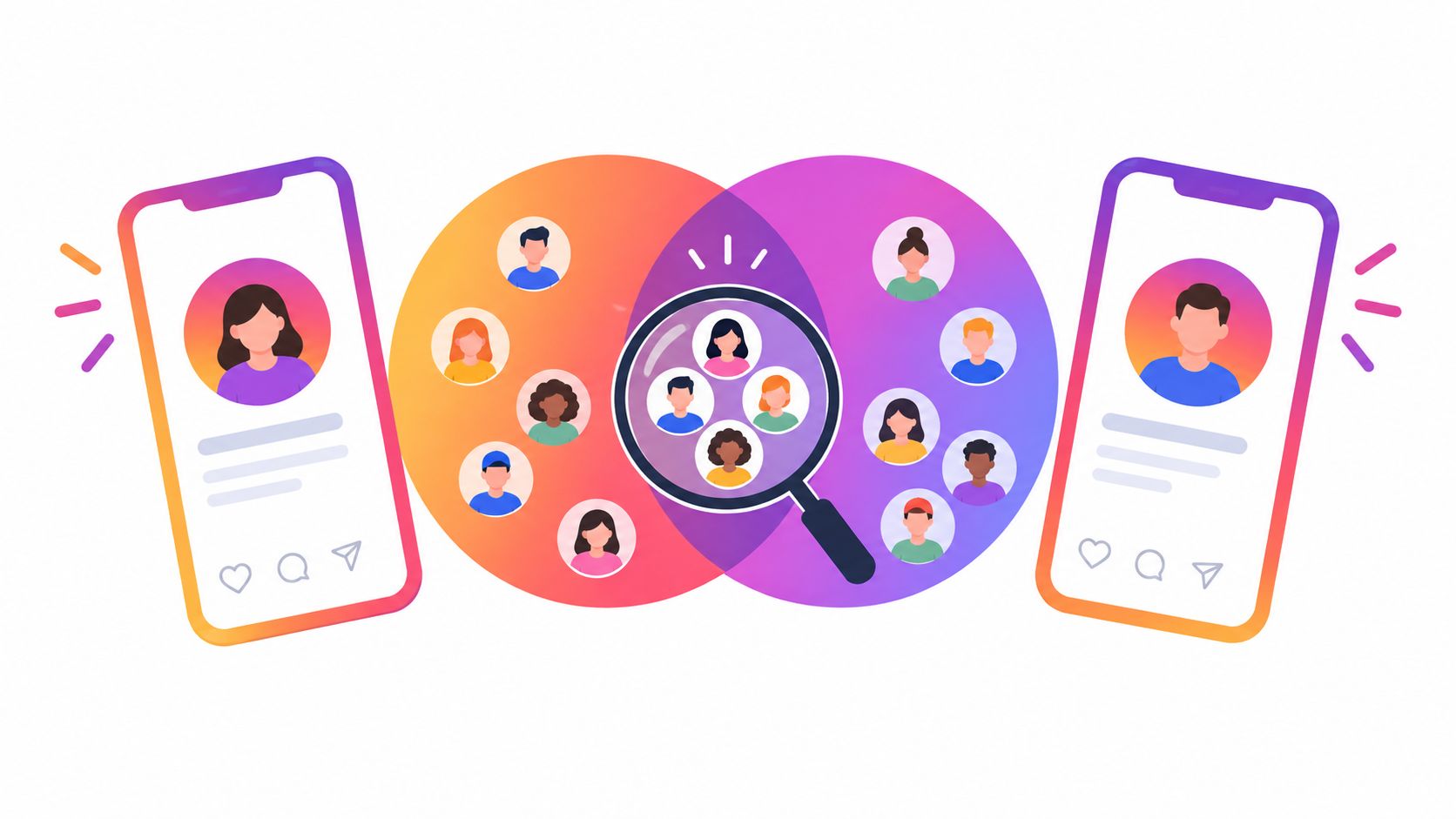
Mutuals meaning on Instagram: learn how reciprocal follows differ from shared followers, what Followed by means, and how to check visible connections.
Oct 16, 2026