Privacy & blocking
Can You Change Your Instagram Username
Can you change your Instagram username? Yes. Learn the settings steps, previous-name conditions, and why followers may be notified.
Oct 17, 2026
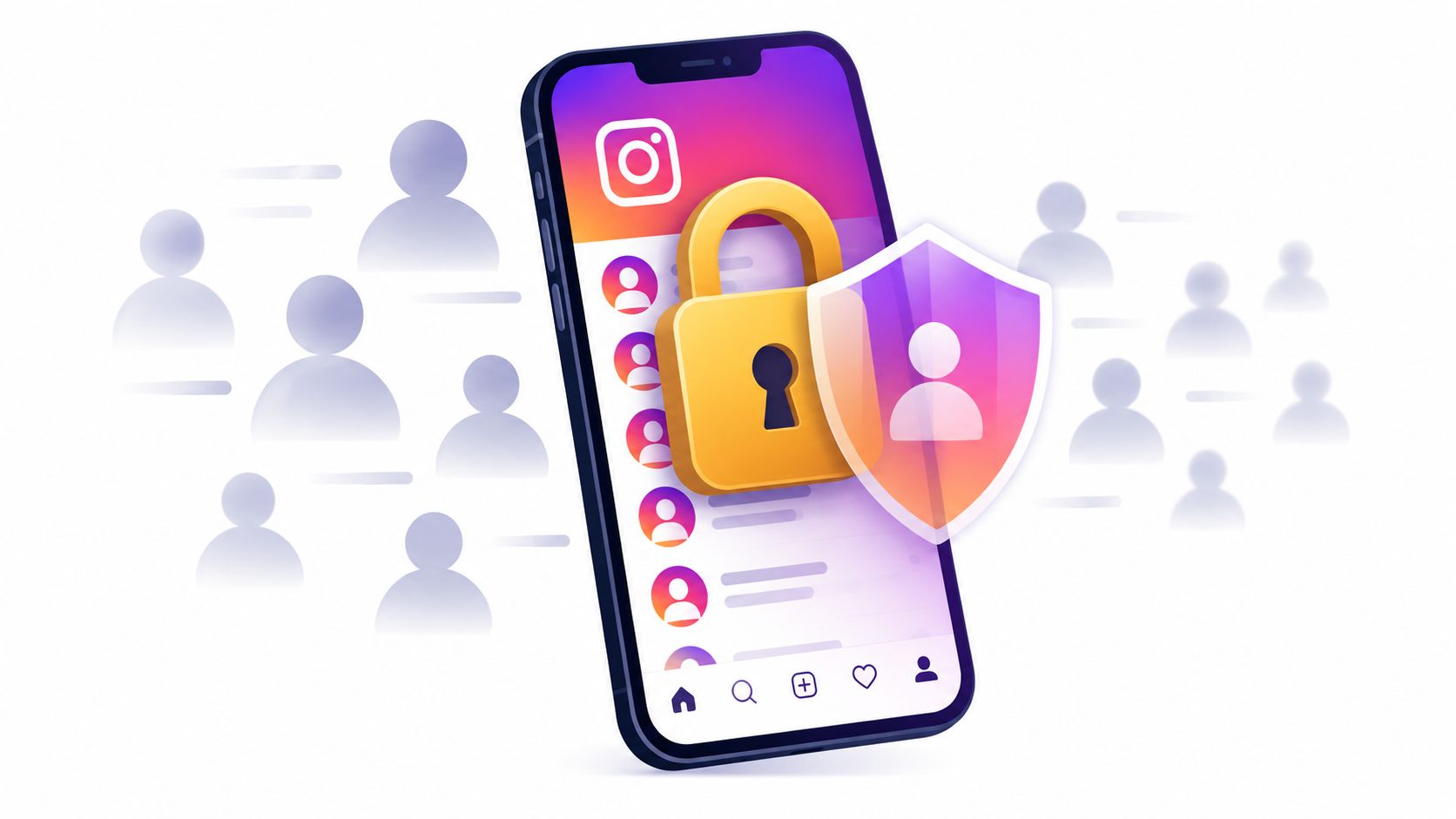
How to hide followers on Instagram: there's no hide-list switch, but going private, removing or blocking followers limits who sees them.
Instagram doesn't provide a native setting to hide your followers or following list from people who can already view your profile. The only effective method is to make the account private, then remove or block approved followers who shouldn't retain access.
That answer challenges the most popular advice about how to hide followers on Instagram. There isn't a secret list-level toggle that keeps an account public while hiding follower names from selected viewers. The available controls work at the account, follower, or content level, so the right choice depends on whether the goal is to limit strangers, remove one person, or reduce exposure from a public profile.
Public relationships can also be easier to map than many users expect. A comparison service such as Unfollowers Track's public Instagram account comparison tool can work with publicly visible follower and following information. For broader context on interpreting public follower data, see this Instagram analytics tool guide.
Instagram treats follower and following visibility as part of broader account access, not as two independent privacy settings. On a public account, people can generally browse the visible follower and following relationships. Instagram doesn't offer a universal switch that hides those lists while leaving the rest of the profile open.
A private account changes that access boundary. People who haven't been approved as followers can't browse the detailed follower or following lists, while approved followers can still see them. Private doesn't mean invisible, either. Basic profile elements, including the username, profile identity, and follower or following counts, may remain visible, so hiding names isn't the same as hiding every account-level metric. Instagram privacy guidance supports using account privacy and targeted follower controls together rather than treating one setting as complete anonymity.
The same limitation applies to the question, “How can someone hide their following list on Instagram?” There's no separate native option to hide following while showing followers, or to hide followers while showing following. Both lists follow the account's general visibility status.
Practical rule: Decide whether the unwanted viewer is a stranger, an approved follower, or a specific account. Each situation needs a different control.
Going private is the broadest restriction, but it also affects discovery and public access. Removing a follower is narrower. Blocking is stronger still. Close Friends can limit who sees selected Stories, but it doesn't change who can open a profile's follower or following lists.
Switching to private is the main way to hide follower and following names from unapproved visitors. It doesn't remove current followers, so it should be treated as the first step in a privacy audit, not the complete solution.
In the Instagram mobile app:
The available menu labels can vary with the app version. The cited Instagram safety guidance describes this account-level workflow and the related controls for reviewing followers.
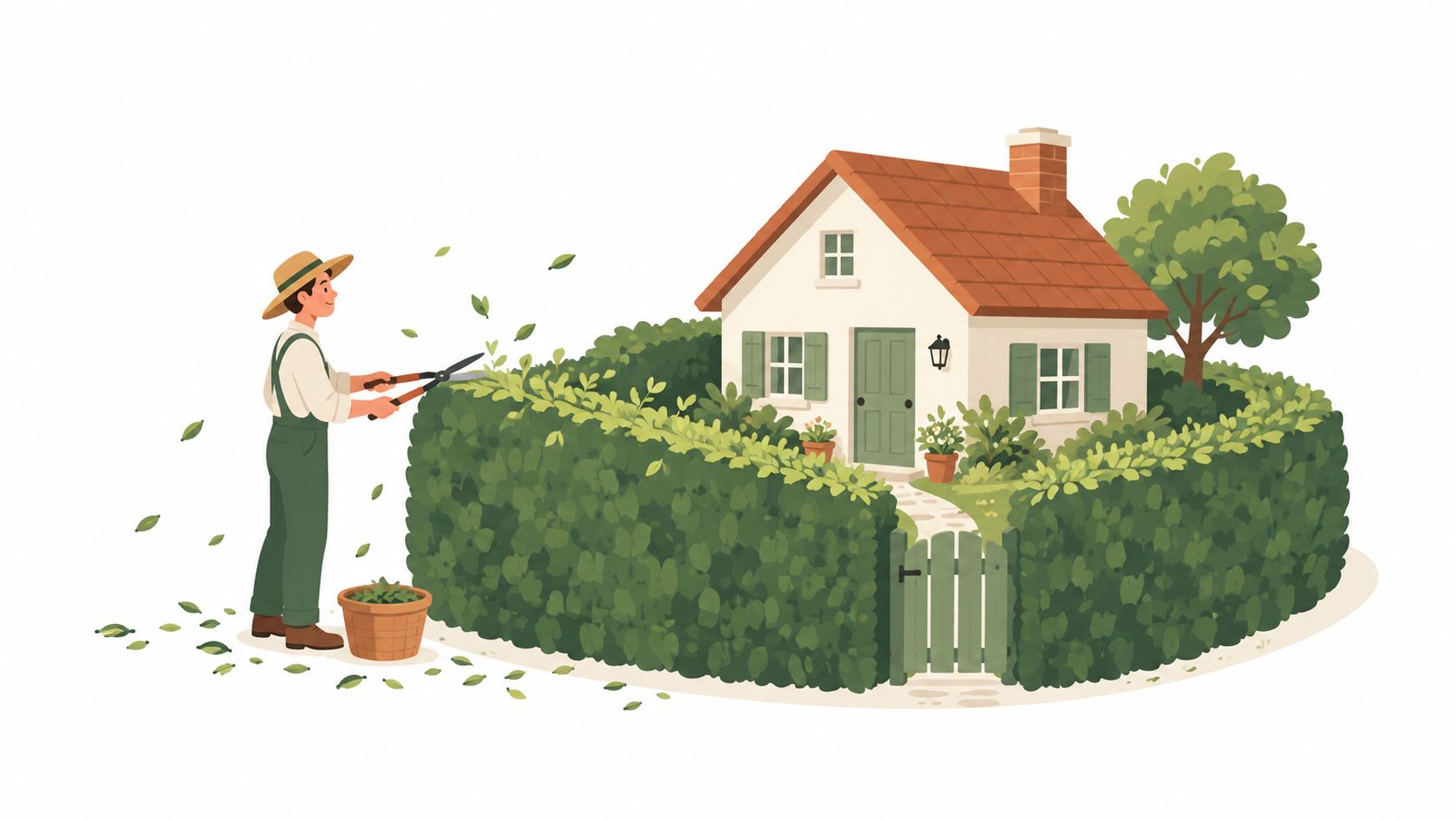
After the change, new people must send follow requests, and only approved followers can access protected posts and detailed follower or following lists. Existing approved followers keep access until they're removed or blocked. A private switch also doesn't erase screenshots, cached observations, or information another follower has already seen.
The account type matters. The cited safety guidance notes that only personal accounts can be made private. A business account may need to change account type before the private-account option becomes available, which can affect public discovery and professional workflows. Anyone managing a brand profile should weigh that trade-off before changing the account structure.
A private account also doesn't hide the follower or following counts in every viewing context. Profile identity and basic metrics may remain visible even when list-level access is restricted. That's why a private profile limits exposure rather than creating total anonymity.
A private setting protects the account from unapproved visitors, but it doesn't automatically deal with people who were already approved. The next step is to review the follower list and choose between removal and blocking.
| Action | What it changes | What it doesn't do | Best use |
|---|---|---|---|
| Remove | Revokes a person's approved-follower access | Doesn't necessarily stop another follow request or profile discovery | Quietly removing someone from a private audience |
| Block | Stops the blocked account from accessing the profile normally | Doesn't control what other accounts can display publicly | Repeated requests, harassment, or unwanted contact |
| Restrict | Changes comment, message, and activity interactions | Doesn't hide follower or following lists | Reducing interaction without changing list access |
| Close Friends | Limits selected Stories to a chosen audience | Doesn't hide profile lists | Sharing temporary Stories with a smaller group |
To remove someone, open the profile, go to Followers, locate the account, and select Remove. Instagram's documented behavior allows removal without sending a direct notification. Removal is less disruptive, but the person may still discover the profile or send another request, particularly if the account remains public.
Blocking creates a firmer boundary. It's appropriate when the concern includes repeated follow requests, profile discovery, or direct contact. The practical difference between these choices is explained further in this guide to removing versus blocking an Instagram follower.
Choose removal for access cleanup. Choose blocking when preventing renewed contact matters more than keeping the action subtle.
For a private account, the useful sequence is simple: switch to private, review Followers, remove unwanted approved accounts, and block anyone who shouldn't be able to return. The related guide to checking Instagram unfollows covers a different task, but it can help clarify why follower-list changes are observations rather than explanations of someone's intent.
Public follower lists are visible because a public profile grants broad access to its social relationships. That visibility can be read manually by visitors or retrieved by services that examine publicly available profile information. The service doesn't need access to private messages or a user's password to observe a relationship that Instagram has made public.
A public lookup can show what was visible at the time of retrieval. A comparison workflow may then compare one public snapshot with another and identify an account that no longer appears in the visible relationship. This can reveal a change, but it can't establish the exact time it happened, the reason for it, or whether the relationship changed between retrievals.
Switching to private changes what unapproved visitors can see from then on. It doesn't erase screenshots or information someone already copied or viewed.
More detail on how public relationship comparisons work appears in this overview of Instagram follower tracking tools. The important privacy lesson is straightforward: if a relationship is publicly visible, a visitor may be able to record it before the account owner changes access.
Privacy works better as a recurring process than as a one-time switch. A private account can still contain approved followers who no longer belong in the audience, and public profile elements can continue to reveal connections indirectly through mentions, tags, comments, shared followers, or another person's public account.
Research published in 2025 found that 80% of participants had never seen at least one privacy setting, while 58% had never seen multiple settings. The same research found that Instagram's settings were perceived as difficult to locate. These findings from the 2025 privacy-controls study make a strong case for scheduled reviews instead of assuming the current setup still matches the intended privacy level.
A practical audit can include:
No Instagram control can govern what another account publicly displays. An approved follower may also retain information they already viewed or captured. The achievable objective is to reduce future access and discoverability, not to guarantee that previously visible information has disappeared.
The related guide to Instagram unfollower tracker safety provides additional context for evaluating public-data services without handing over account credentials.
Not separately while keeping the account public. A private account limits detailed follower and following-list access for people who haven't been approved, while approved followers can generally still view both lists.
Not while allowing that person to remain an approved follower with normal access. The practical method is to keep the account private, remove the person from Followers, and block them if preventing another request or profile discovery is important.
A private account can restrict list-level access, but follower and following counts may remain visible along with basic profile information. Instagram doesn't provide a universal setting that hides every account-level metric from everyone.
No. Close Friends controls who can view selected Stories. It doesn't hide the profile's follower list, following list, or counts.
No. A third-party service can't add a native list-privacy control that Instagram doesn't provide. It may read available public information, but it can't grant private-account access or guarantee anonymity. Credentials shouldn't be shared with services that claim they can secretly hide lists.
Unfollowers Track helps users review publicly available follower and following relationships, compare public account snapshots, and identify visible changes without sharing an Instagram password. Visit Unfollowers Track to evaluate public relationship data while keeping the limits of snapshots, access permissions, and account privacy clear.
About the author
We are the team that builds and runs Unfollowers Track, a scan-based Instagram tracker. Everything we publish is checked against how the product actually works: scans analyze public profile data only, changes show up by comparing one scan against the next, and we never ask for your Instagram password. Unfollowers Track is owned and operated by NaviStack LLC. Learn more about Unfollowers Track, read how we test and verify claims, or contact us with questions or corrections.
Unfollowers Track
Start with a free preview of who doesn't follow you back. Ongoing tracking then compares each completed scan with the last one, so you can see who unfollowed you in between.
Privacy & blocking
Can you change your Instagram username? Yes. Learn the settings steps, previous-name conditions, and why followers may be notified.
Oct 17, 2026
Privacy & blocking
How to know if someone blocked you on Instagram: a signs checklist, false positives to rule out, and how to verify with a logged-out profile lookup.
Oct 12, 2026
Privacy & blocking
What happens when you restrict someone on Instagram: comments need your approval and DMs go to requests. How it compares to blocking, and how to undo it.
Oct 10, 2026
Privacy & blocking
How to remove a follower on Instagram, whether they're notified, and when blocking is the better choice, with steps to undo either action.
Oct 5, 2026